1
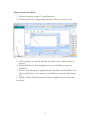
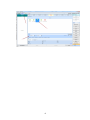
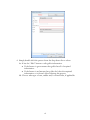
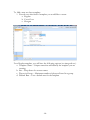
Steps to create tee sheets.
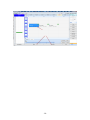
1. Select a course by going to Course Selection.
2. Checking the box corresponding with the course you wish to view.
3. If the course(s) are already selected, just click on the course’s name at
the top.
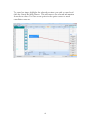
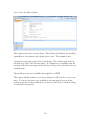
4. Single click the tee sheet template icon you would like to create tee
sheets for.
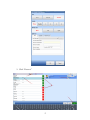
5. Choose your timespan by populating the Start Date and End Date. And
choose which days of the week you would like to create the time sheets
for.
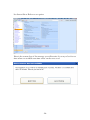
6. Finally, double click the selected tee sheet template icon to create the
tee sheets.
-3-