1
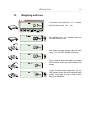
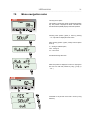
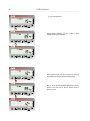
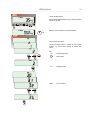
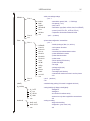
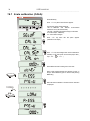
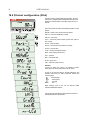
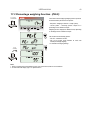
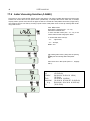
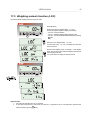
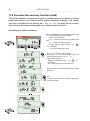
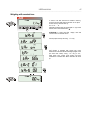
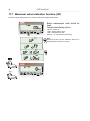
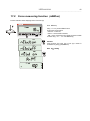
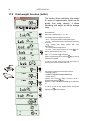
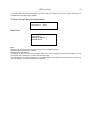
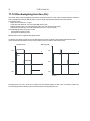
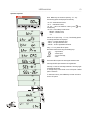
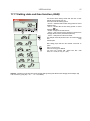
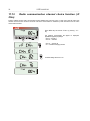
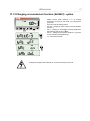
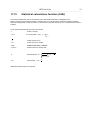
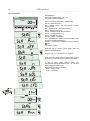
USER MANUAL 28 _____________________________________________________________________________________________________________________ 16.1 Scale calibration (CALIb) Press MENU key. 0 kg Press T key when CALIb function appears. The following options will be displayed: -CAL on – calibration with external recommended standard of mass (see technical data). -CAL StP – calibration with external weight, confirmation of succesive steps - MENU key, out – leave without changes Press T key when CAL StP option appears (calibration in two steps). Press T key when weight value used for calibration is indicating or use othEr option and inscribe proper value ( keys 0 , g , T ) Press MENU and wait for writing zero to the scale. When LOAD message appears put standard of mass on the pan. Press MENU key (CAL on doesn’t need pressing MENU key). Wait until internal calibration is finished and zero indication is displayed. 1000g 0 g