1
Appendix
Connectivity Using The Chain Activity
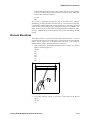
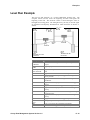
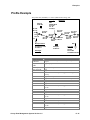
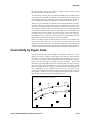
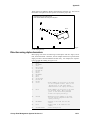
Point number indicates the survey shot sequence
PN: 8
PN: 15
PN:14
PN:7
PN:13
PN:6
PN: 21
PN: 22
PN:24
PN:23
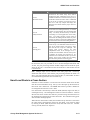
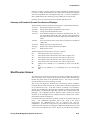
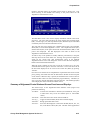
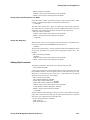
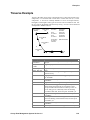
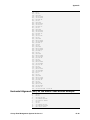
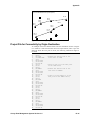
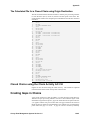
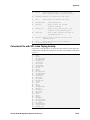
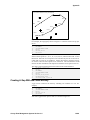
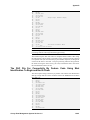
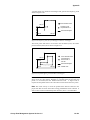
Figure 6.6 The Chain Activity
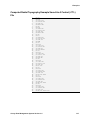
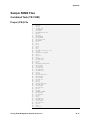
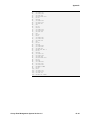
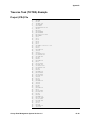
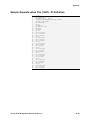
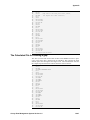
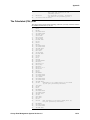
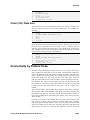
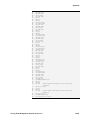
For example, the topography shown in Figure 6.6 could be listed in the project
file as:
1.
2.
3.
4.
5.
6.
AC:CH
FE:FENCE
CD:OUR FENCE LINE
FG:10
PL:6-8,15-13
PL:21-24
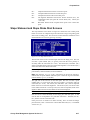
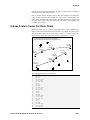
The chain activity (AC:CH) defines a chain whose feature code is FENCE, and
which connects points 6, 7, 8, 15, 14, 13, 21, 22, 23, and 24 in that order. Notice
that the PL: data item is an exception to the rule that only the last occurrence of
a data item in an activity is significant. All PL: data items in the chain activity
are used to create the list of points to be connected. The calculated file would
first list the shot information and computed coordinates for the points in the list.
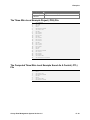
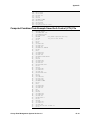
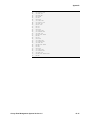
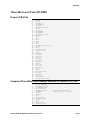
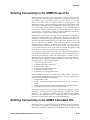
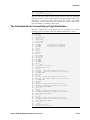
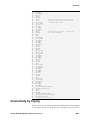
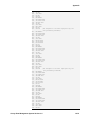
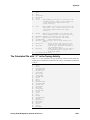
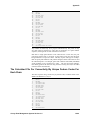
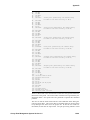
The chain created would be listed at the bottom of the calculated file as:
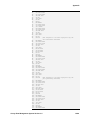
1.
2.
3.
4.
5.
6.
7.
8.
BG:Begin Chain List
AC:CH
FE:FENCE
CD:OUR FENCE LINE
FG:10
PL:6-8,15-13,21-24
EG:End Chain List
CP:09/27/1999 13:15:18
Creating A Gap With the Chain Activity
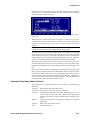
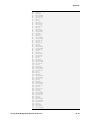
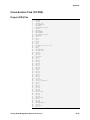
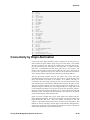
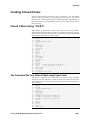
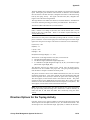
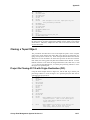
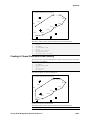
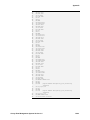
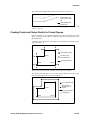
A gap can be created in the chain by including two commas in a row. For
example,
1.
2.
3.
4.
5.
6.
AC:CH
FE:FENCE
CD:OUR FENCE LINE
FG:10
PL:6-8,,15-13
PL:21-24
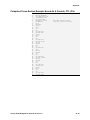
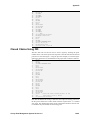
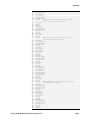
will create a gap between points 8 and 15, as shown in Figure 6.7.
Survey Data Management System Version 3.5
12-88