1
UNDERSTANDING YOUR INSTRUMENT PANEL 329
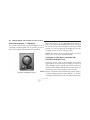
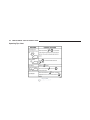
Hill Start Assist (HSA)
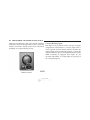
Illuminated Approach
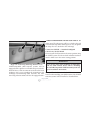
When on is selected, the HSA system is active. Refer to
“Electronic Brake Control System” in “Starting And
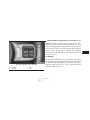
Operating” for system function and operating information. To make your selection, press and release the
SELECT button until a check-mark appears next to the
feature showing the system has been activated or the
check-mark is removed showing the system has been
deactivated.
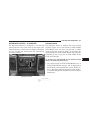
When this feature is selected, the headlights will activate
and remain on for 0, 30, 60, or 90 seconds when the doors
are unlocked with the RKE transmitter. To make your
selection, scroll up or down until the preferred setting is
highlighted, then press and release the SELECT button
until a check-mark appears next to the setting, showing
that the setting has been selected.
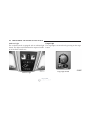
Headlamp Off Delay
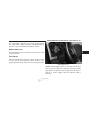
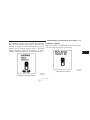
When this feature is selected and the HEADLIGHT
switch is in the AUTO position, the headlights will turn
on approximately 10 seconds after the wipers are turned
on. The headlights will also turn off when the wipers are
turned off if they were turned on by this feature. To make
your selection, press and release the SELECT button until
a check-mark appears next to the feature showing the
system has been activated or the check-mark is removed
showing the system has been deactivated.
When this feature is selected, the driver can choose to
have the headlights remain on for 0, 30, 60, or 90 seconds
when exiting the vehicle. To make your selection, scroll
up or down until the preferred setting is highlighted,
then press and release the SELECT button until a checkmark appears next to the setting, showing that the setting
has been selected.
Headlamps With Wipers
I
nf
or
mat
i
onPr
ov
i
dedby
:
4