1
Digital Video Recorder
3.10
Record Control
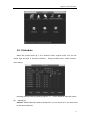
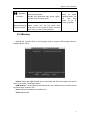
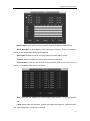
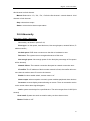
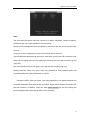
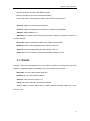
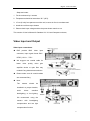
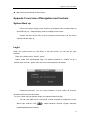
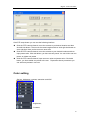
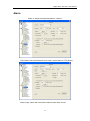
There are two ways for you to go to manual record menu.
Right click mouse or in the main menu, Advanced->Manual Record.
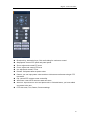
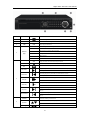
In live viewing mode, click record button in the front panel or record button in the remote
control
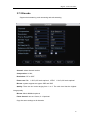
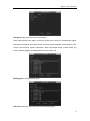
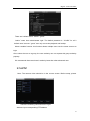
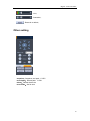
There are three statuses: schedule/manual/stop. Highlight icon―○‖ to select corresponding
channel.
1.
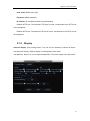
Manual: the highest priority. After manual setup, all selected channels will begin
ordinary recording.
2.
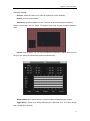
Schedule:
channel
records
as
you
have
set
in
recording
setup
(Main
Menu->Setting->Schedule)
3.
Stop: all channels stop recording.
63