1
310
LAW PreDiscovery
Extracting Missing Text After Import
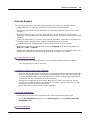
Reviewing Errors
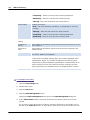
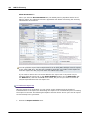
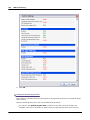
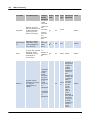
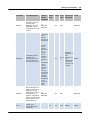
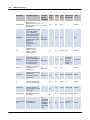
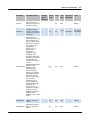
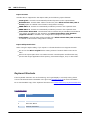
ED Loader Session Report
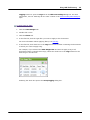
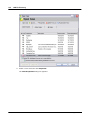
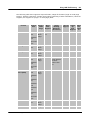
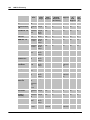
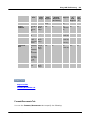
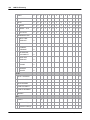
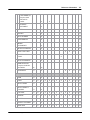
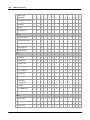
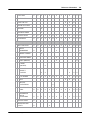
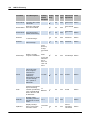
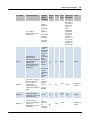
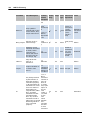
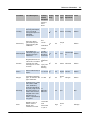
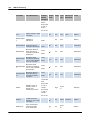
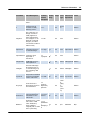
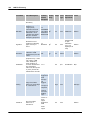
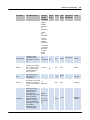
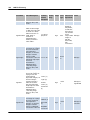
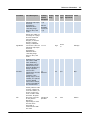
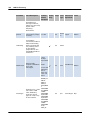
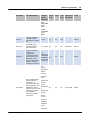
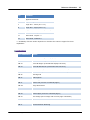
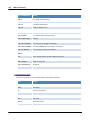
Files By Type Report
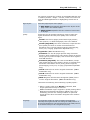
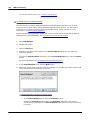
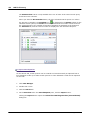
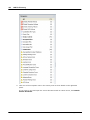
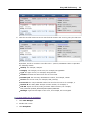
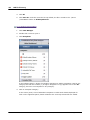
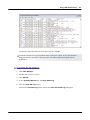
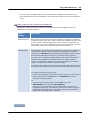
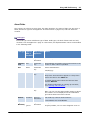
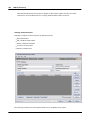
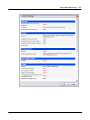
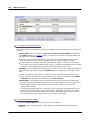
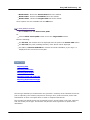
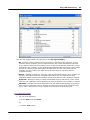
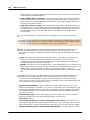
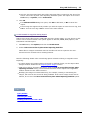
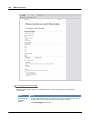
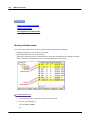
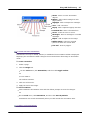
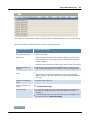
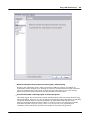
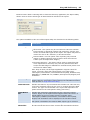
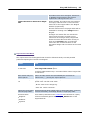
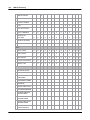
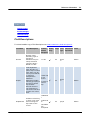
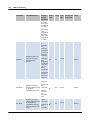
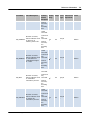
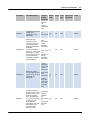
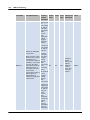
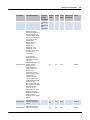
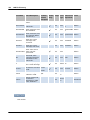
After documents are loaded via ED Loader, you can use the ED Reports feature to generate
reports of the types of files imported, and whether or not each file type is supported.
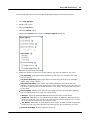
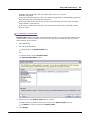
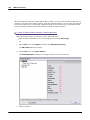
To create summary reports
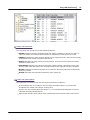
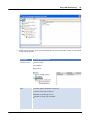
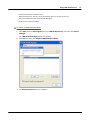
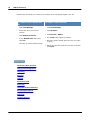
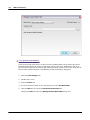
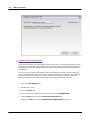
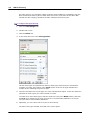
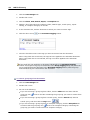
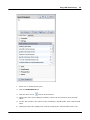
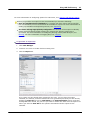
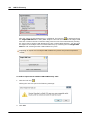
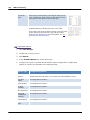
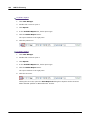
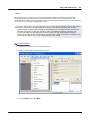
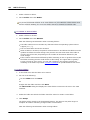
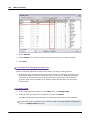
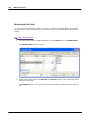
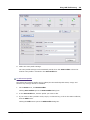
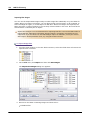
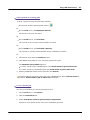
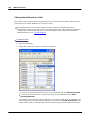
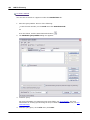
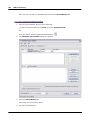
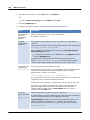
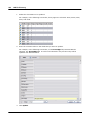
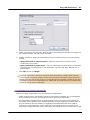
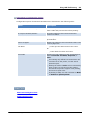
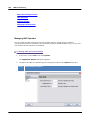
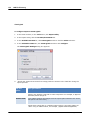
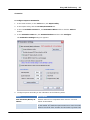
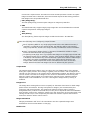
1. Open a grid by doing one of the following:
On the Tools menu, click Display All Records.
Or
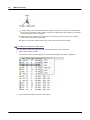
Click the globe icon on the main toolbar.
Or
Run a query.
Or
Select a folder and then click Grid View or Grid View (Recurse).
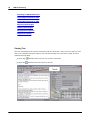
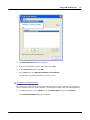
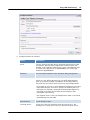
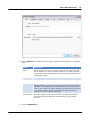
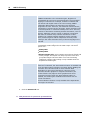
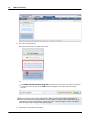
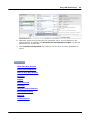
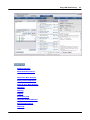
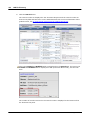
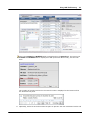
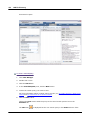
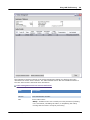
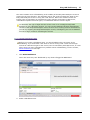
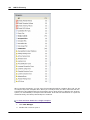
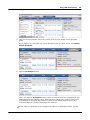
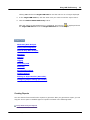
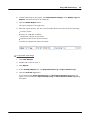
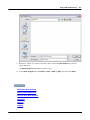
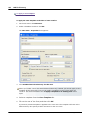
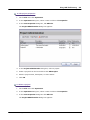
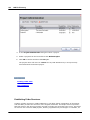
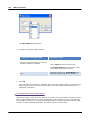
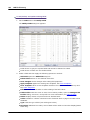
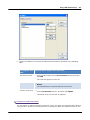
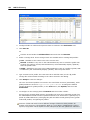
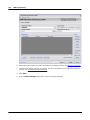
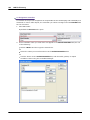
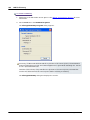
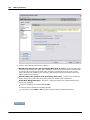
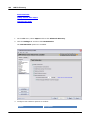
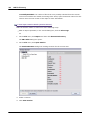
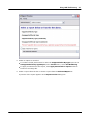
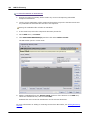
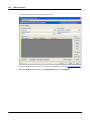
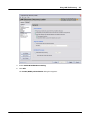
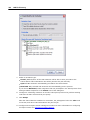
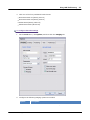
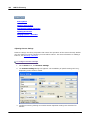
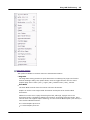
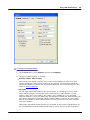
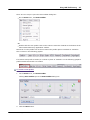
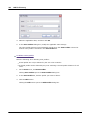
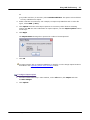
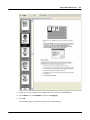
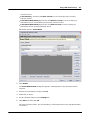
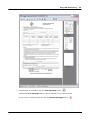
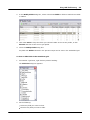
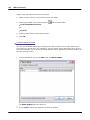
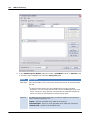
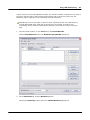
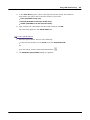
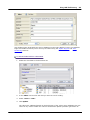
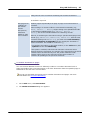
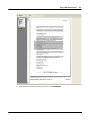
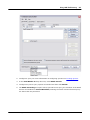
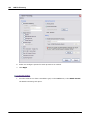
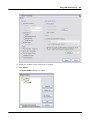
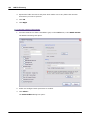
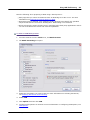
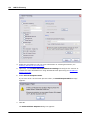
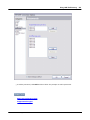
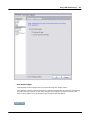
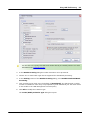
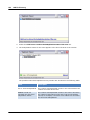
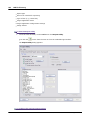
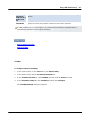
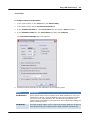
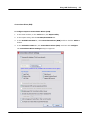
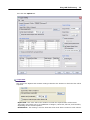
2. With a standalone grid open, on the Tools menu, click ED Reports.
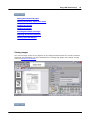
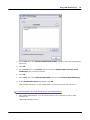
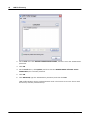
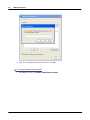
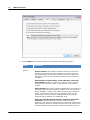
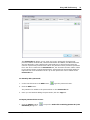
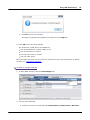
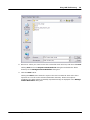
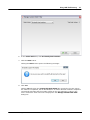
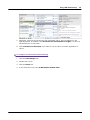
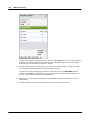
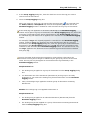
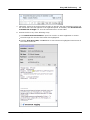
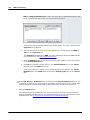
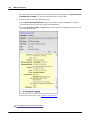
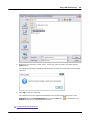
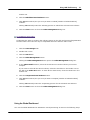
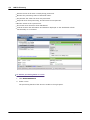
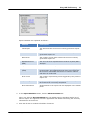
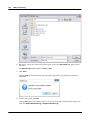
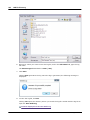
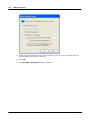
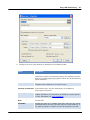
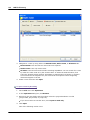
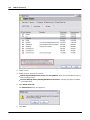
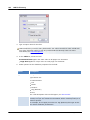
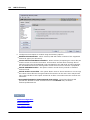
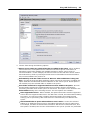
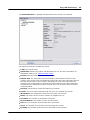
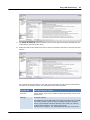
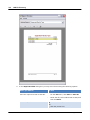
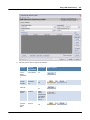
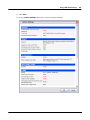
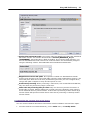
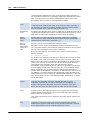
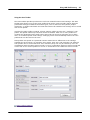
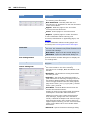
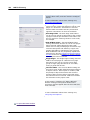
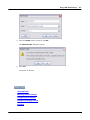
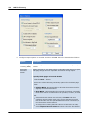
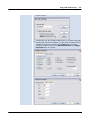
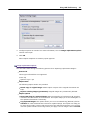
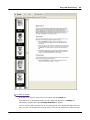
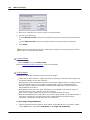
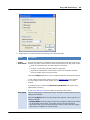
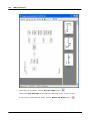
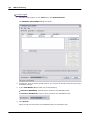
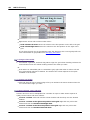
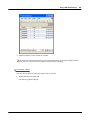
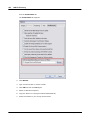
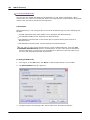
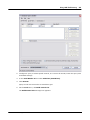
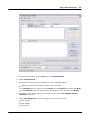
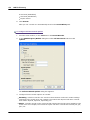
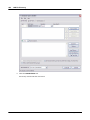
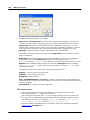
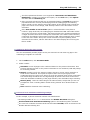
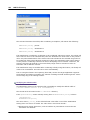
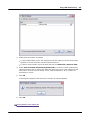
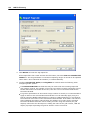
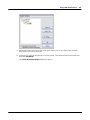
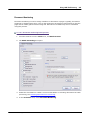
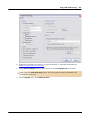
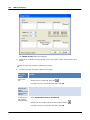
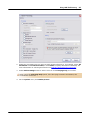
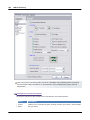
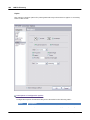
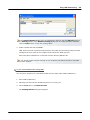
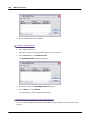
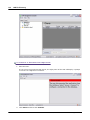
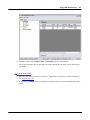
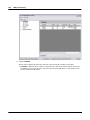
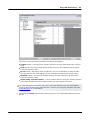
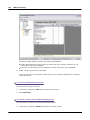
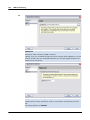
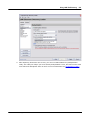
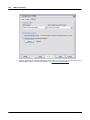
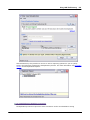
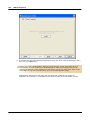
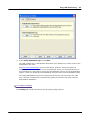
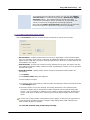
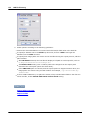
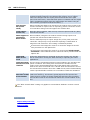
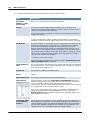
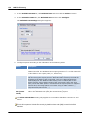
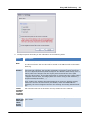
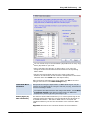
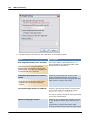
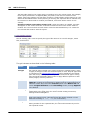
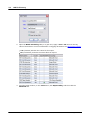
The Report Preview dialog box appears.
© 2015 LexisNexis, a division of Reed Elsevier Inc. All rights reserved.