1
Using LAW PreDiscovery
455
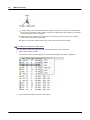
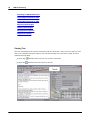
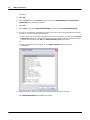
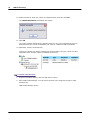
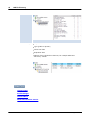
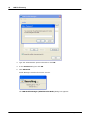
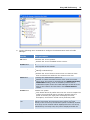
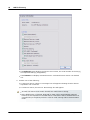
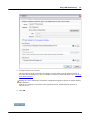
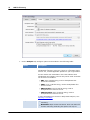
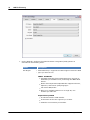
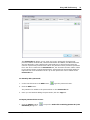
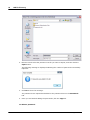
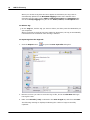
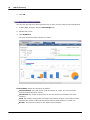
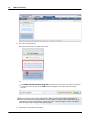
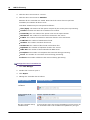
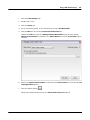
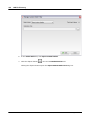
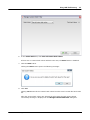
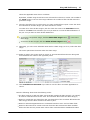
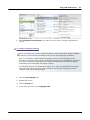
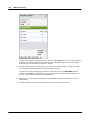
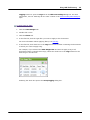
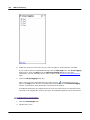
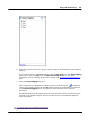
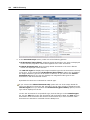
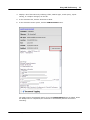
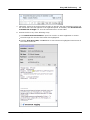
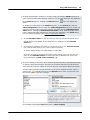
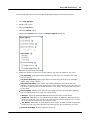
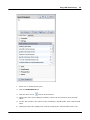
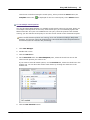
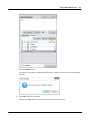
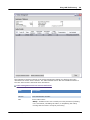
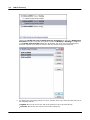
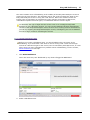
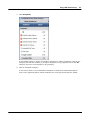
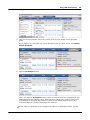
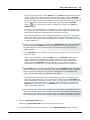
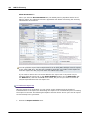
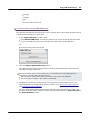
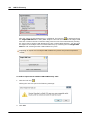
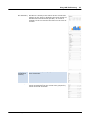
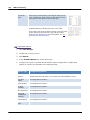
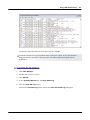
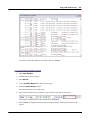
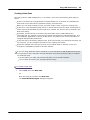
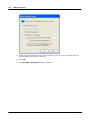
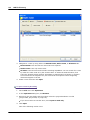
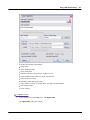
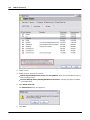
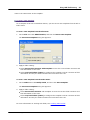
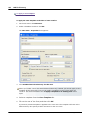
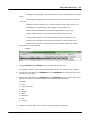
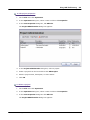
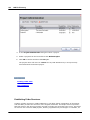
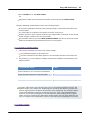
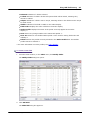
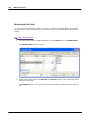
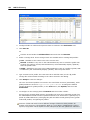
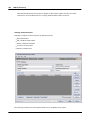
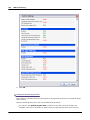
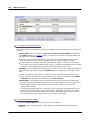
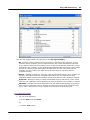
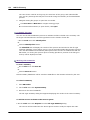
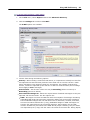
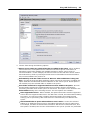
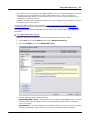
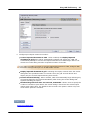
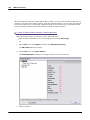
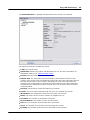
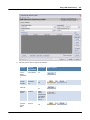
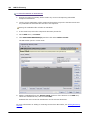
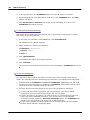
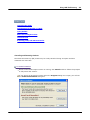
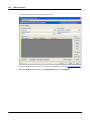
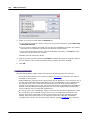
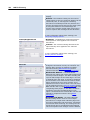
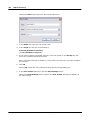
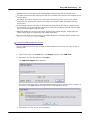
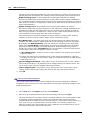
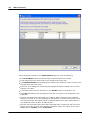
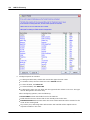
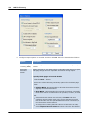
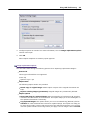
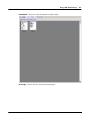
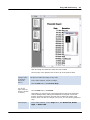
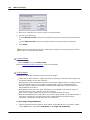
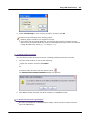
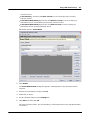
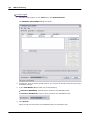
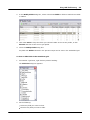
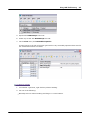
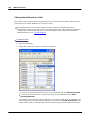
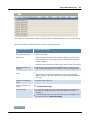
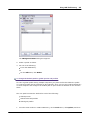
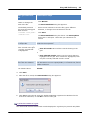
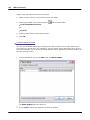
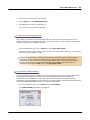
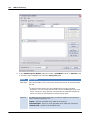
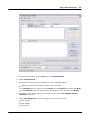
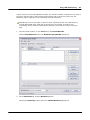
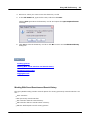
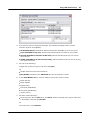
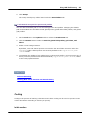
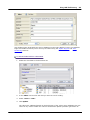
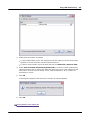
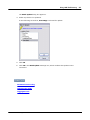
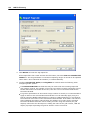
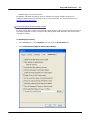
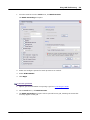
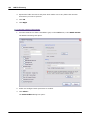
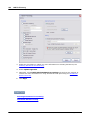
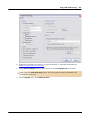
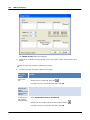
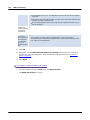
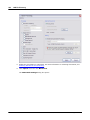
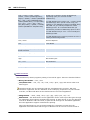
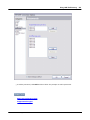
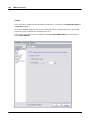
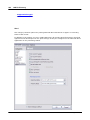
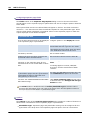
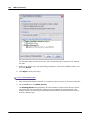
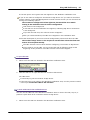
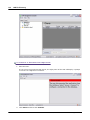
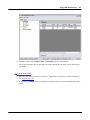
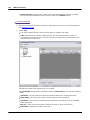
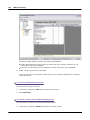
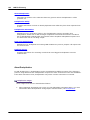
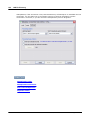
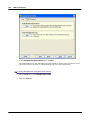
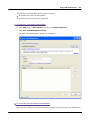
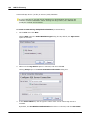
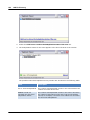
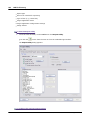
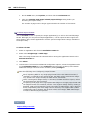
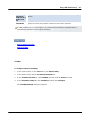
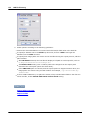
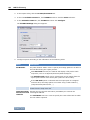
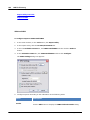
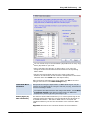
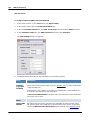
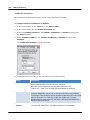
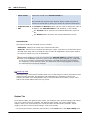
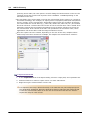
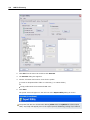
The Manage Grid Views dialog box appears.
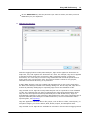
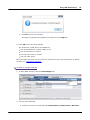
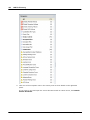
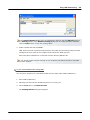
2. Select a profile to delete.
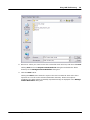
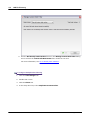
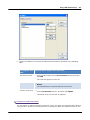
3. Do one of the following:
Press the DELETE key.
Or
On the Edit menu, click Delete.
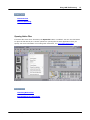
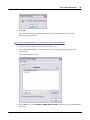
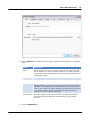
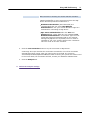
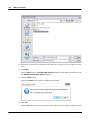
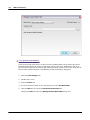
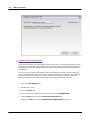
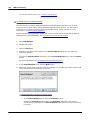
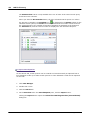
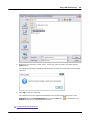
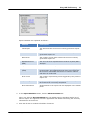
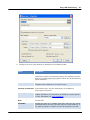
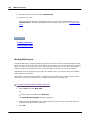
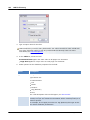
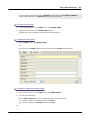
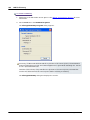
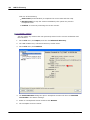
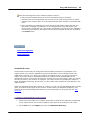
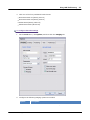
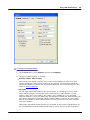
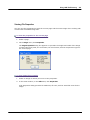
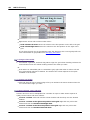
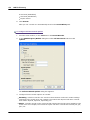
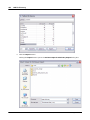
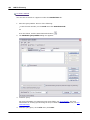
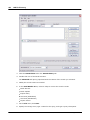
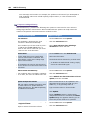
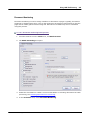
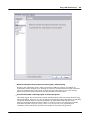
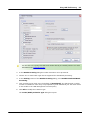
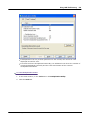
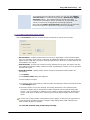
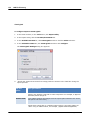
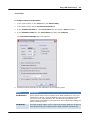
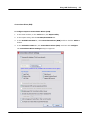
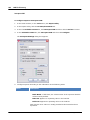
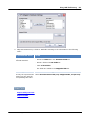
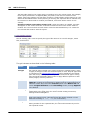
To change the default path for global queries and profiles
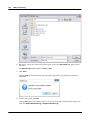
To share a global profile among multiple computers,you place the file that holds the profile
on a network share that is accessible to all computers. Then you can open LAW PreDiscovery
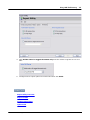
on each computer and configure the default path to point to the file located on the network
share.
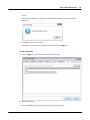
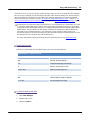
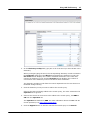
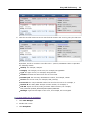
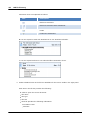
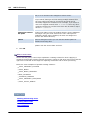
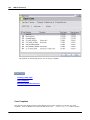
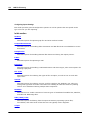
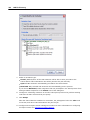
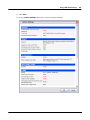
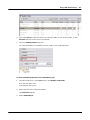
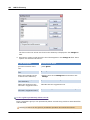
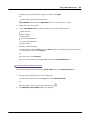
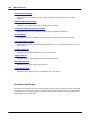
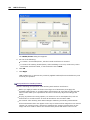
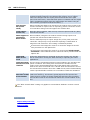
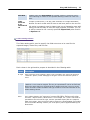
The new path becomes the default for each of the following:
Global queries
Global index field profiles
Global grid profiles
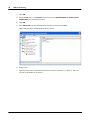
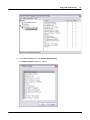
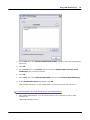
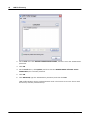
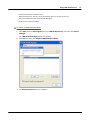
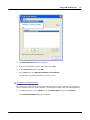
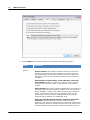
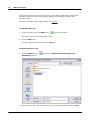
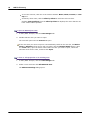
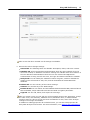
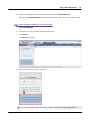
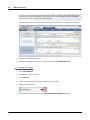
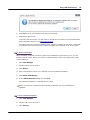
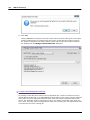
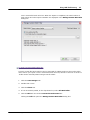
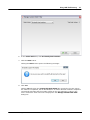
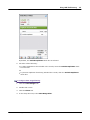
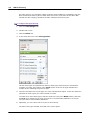
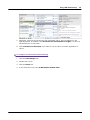
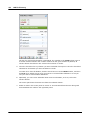
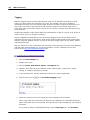
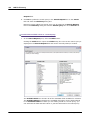
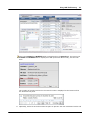
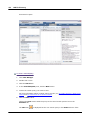
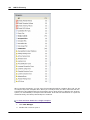
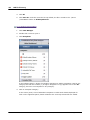
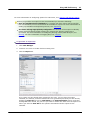
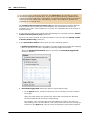
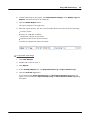
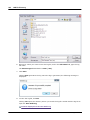
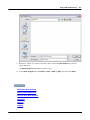
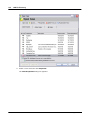
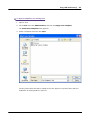
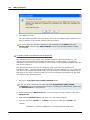
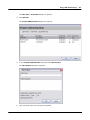
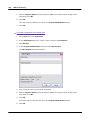
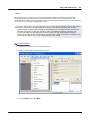
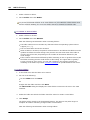
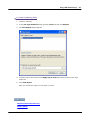
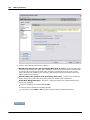
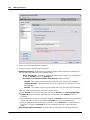
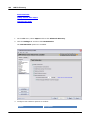
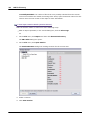
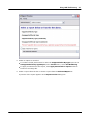
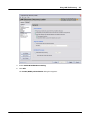
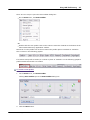
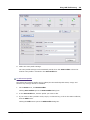
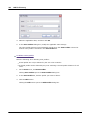
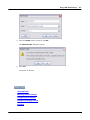
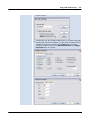
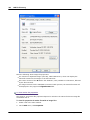
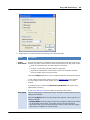
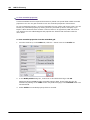
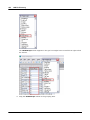
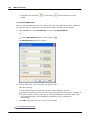
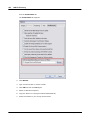
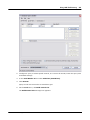
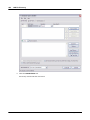
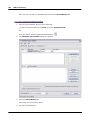
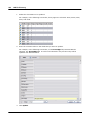
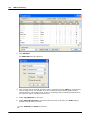
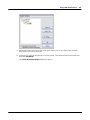
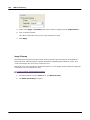
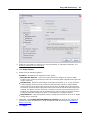
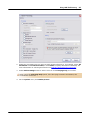
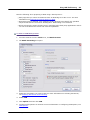
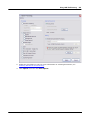
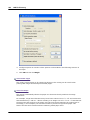
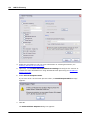
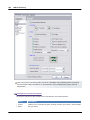
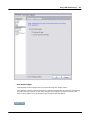
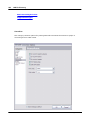
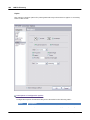
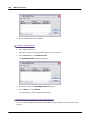
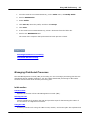
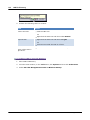
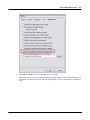
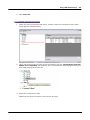
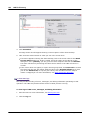
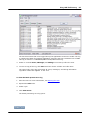
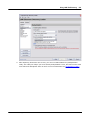
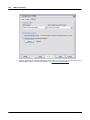
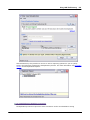
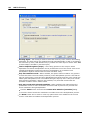
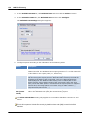
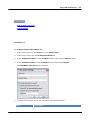
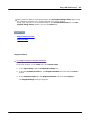
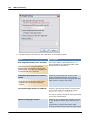
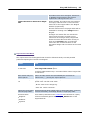
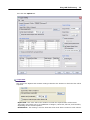
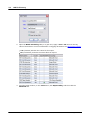
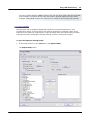
1. From the main window in LAW PreDiscovery, on the Tools menu, click Options, and then
© 2015 LexisNexis. All rights reserved.