1
Rampage Remote Client
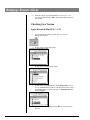
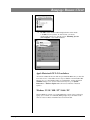
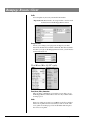
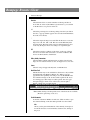
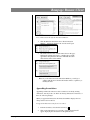
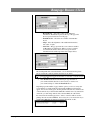
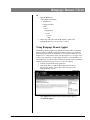
6. The MRJ version number will be displayed. The version needs
to be MRJ 2.2.5. If you have an older version, you need to
download the version 2.2.5. See the section “Obtaining Java for
your Computer” later in this document.
Apple Macintosh OS X 10.2 and above
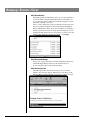
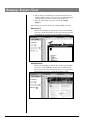
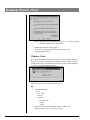
All versions of Mac OS X come with Java pre-installed. Make sure you have the
Java version 1.4.1 or later. There are two ways to find the version installed. The
first way is to go to the Utilities folder on your hard drive, use the application
Terminal and type “java -version”. The second way is to go to System
Preferences –> Software Update and look for Java in the list of Installed
Updates.
Windows 95 / 98 / ME / NT / 2000 / XP
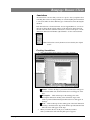
On most Windows systems, you can determine the version of Java you have by
typing “java -version” at a command (DOS) prompt. If you are unsure of the
version, it does not hurt to install the latest version from Sun.
Rampage Remote Client
November 15, 2006
4-3