1
Staff Users
Package Tracking
ActiveBuilding’s most popular feature!
Account and
Application Settings
RealPage Payments,
Service Requests and
Online Renewals
Dustin Thompson
Operational Features
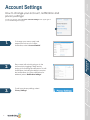
4.
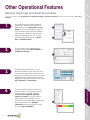
All archived packages will appear under
the archive tab. Here you can view
package details and search packages
(even export details).
Community Features
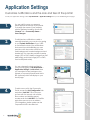
3.
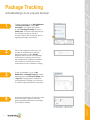
To sign a package out, go to My
Dashboard > Package Tracking > select
package from the Active Packages tab
> Sign Out. If a signature is required in
your Application Settings, you will need
to collect a signature before submitting.
Messaging
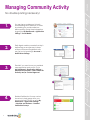
2.
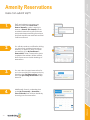
Select the package carrier type, unit
number or residents name and the
tracking number > select Submit.
Residents will receive a new package
notification in real-time (even if they
are unregistered). Registered residents
can choose to receive text or voice
notifications in their notification settings.
Resident
Management
Concierge
19
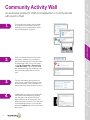
1.
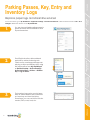
To add a package go to My Dashboard
> Package Tracking > select Add
Packages in the upper right corner
or select Package Tracking from your
Quick Links. To add a package through
the desktop portal you will use a
scanner. There is also a staff iOS app for
logging packages, ActiveDesk.