1
Visualizing the Test Results
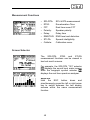
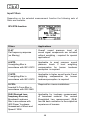
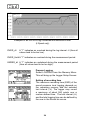
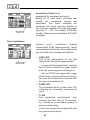
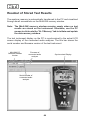
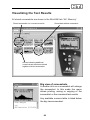
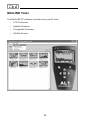
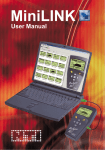
All stored screenshots are shown in the MiniLINK tab “AL1 Memory“.
Stored screenshot incl. numerical results
Stored data without screenshot
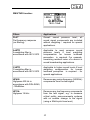
Arrows indicating additional
numerical test results are stored
together with this screenshot
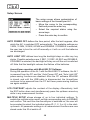
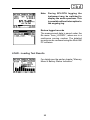
Big view of screenshots
A double click on a screenshot will enlarge
the screenshot. In this mode the menu
allows printing, saving or copying of the
screenshot or the numerical test results.
Any available numeric table is listed below
the big view screenshot.
69