1
182
STORQ Technical Operation
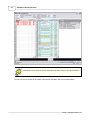
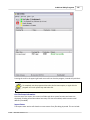
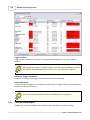
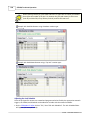
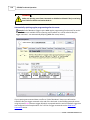
For systems with a large number of autorecords and commands, showing labels is only
useful when zoomed in, as a full week view would cause the labels to appear too
cluttered.
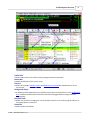
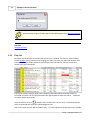
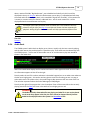
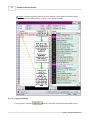
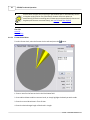
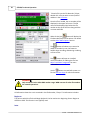
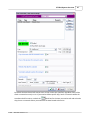
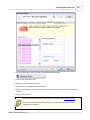
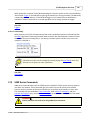
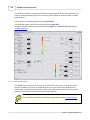
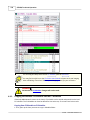
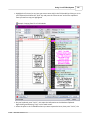
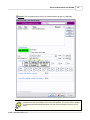
Clicking on an autorecord in Chart View will cause the selected autorecord to be
automatically located in Grid View.
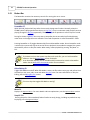
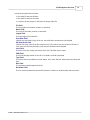
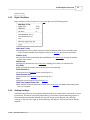
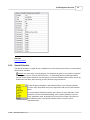
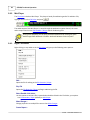
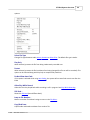
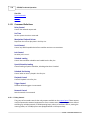
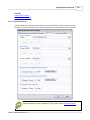
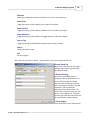
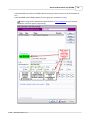
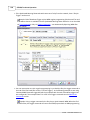
Show Cmnd
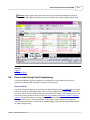
When selected Time Commands that are not autorecords will show in the Chart View. Commands
will be colored Olive.
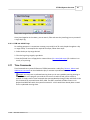
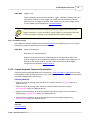
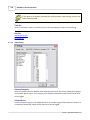
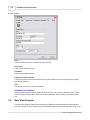
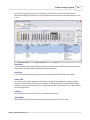
Directional Buttons
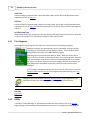
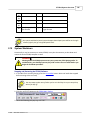
Use the directional buttons to directionally navigate inside the Chart View. These buttons are
especially helpful when Chart View is zoomed in.
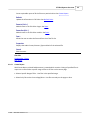
Zoom Buttons
Use to zoom in and zoom out of Chart View.
Refresh
Will redraw the Chart View to default values.
Status Information
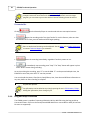
Shows the total number of time commands and total number of conflicts.
3.5.3
Network Report
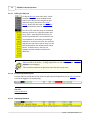
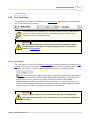
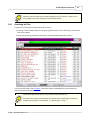
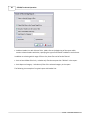
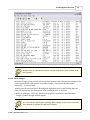
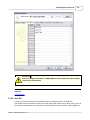
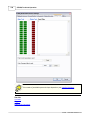
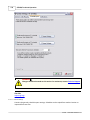
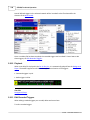
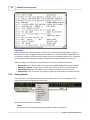
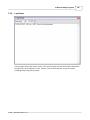
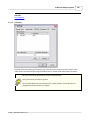
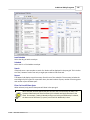
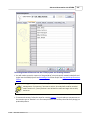
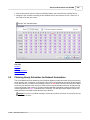
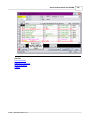
STORQUtils' Network Report displays details about each network defined on a particular system.
3.5.4
Schedule Report
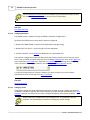
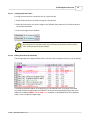
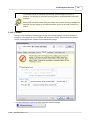
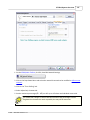
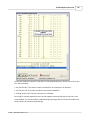
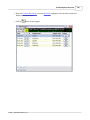
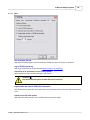
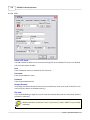
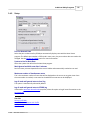
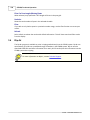
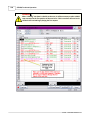
STORQUtils' Schedule Report details important information about the schedules on a system. Some
features include the ability to scan a schedule for any past kill date or missing spots, search a
particular schedule for a particular spot, filter out file number ranges and a simple report about the
total number of spots and total length in a particular hour.
© 2008 ... Waitt Radio Networks LLC