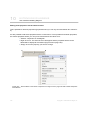
1
8
MODEL ANALYSIS
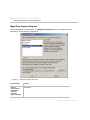
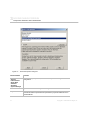
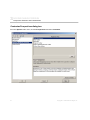
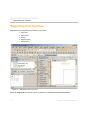
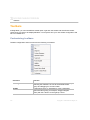
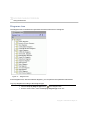
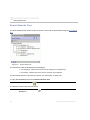
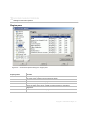
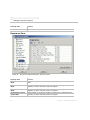
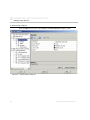
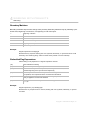
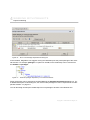
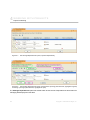
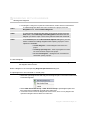
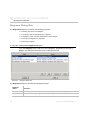
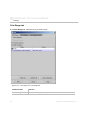
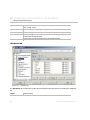
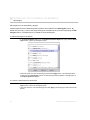
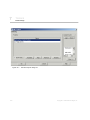
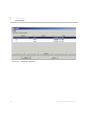
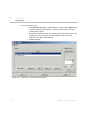
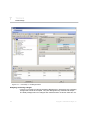
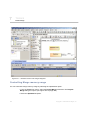
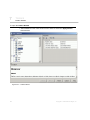
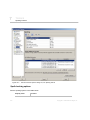
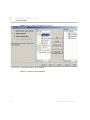
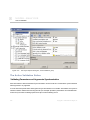
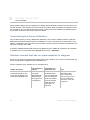
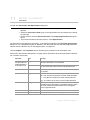
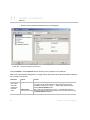
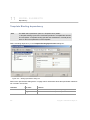
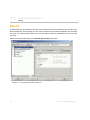
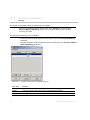
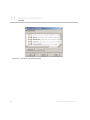
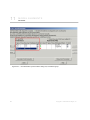
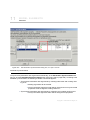
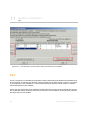
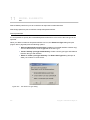
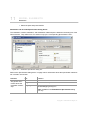
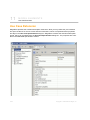
Dependency Matrix
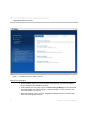
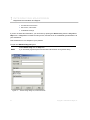
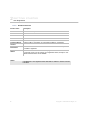
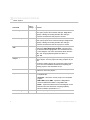
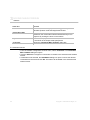
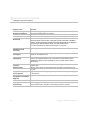
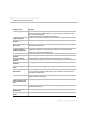
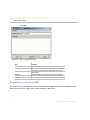
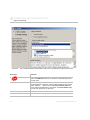
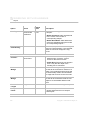
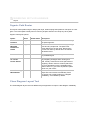
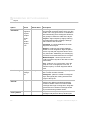
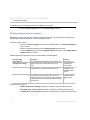
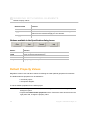
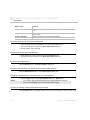
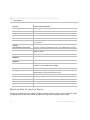
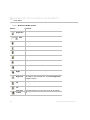
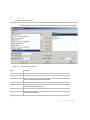
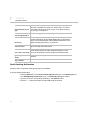
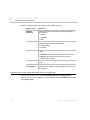
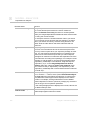
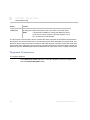
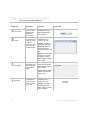
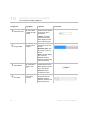
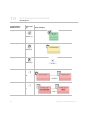
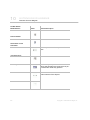
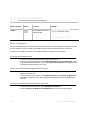
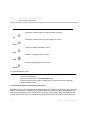
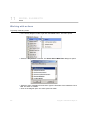
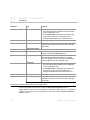
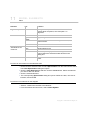
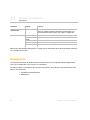
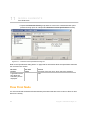
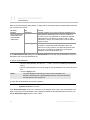
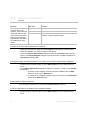
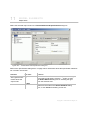
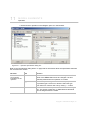
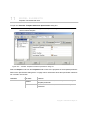
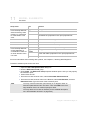
Box name
Function
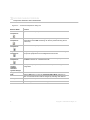
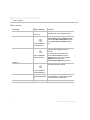
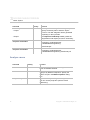
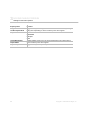
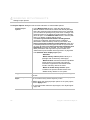
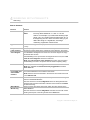
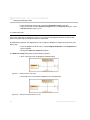
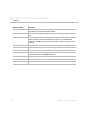
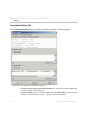
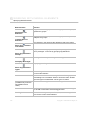
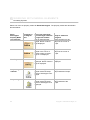
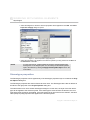
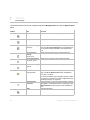
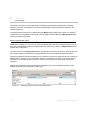
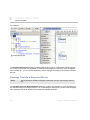
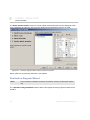
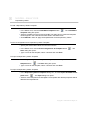
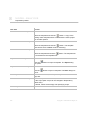
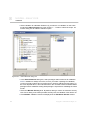
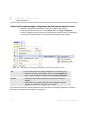
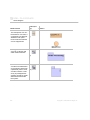
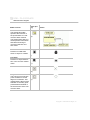
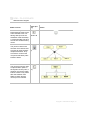
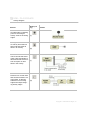
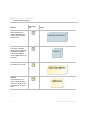
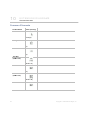
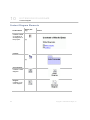
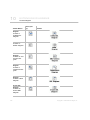
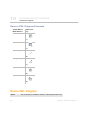
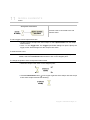
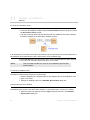
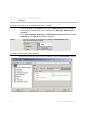
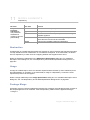
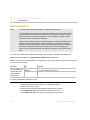
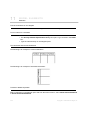
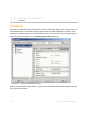
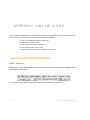
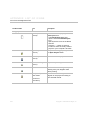
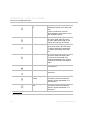
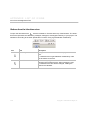
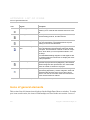
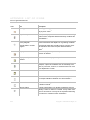
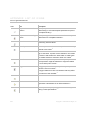
Clone Selected Matrix template
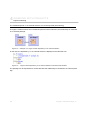
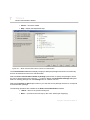
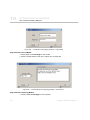
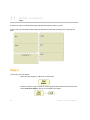
Select the template and click the
button. A copy of the
existing matrix template will be created with the same properties and filter options.
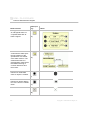
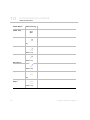
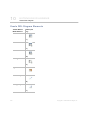
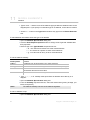
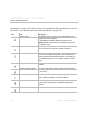
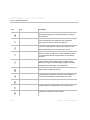
Rename Selected Matrix template
Select the template and click the
button. The template
name will be set to editable mode for renaming.
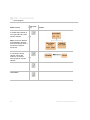
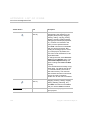
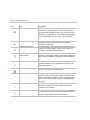
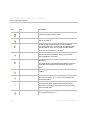
Remove Selected Matrix template
Select the template and click the
button. The template will
be removed from the templates list.
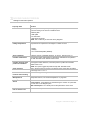
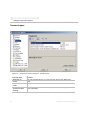
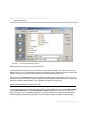
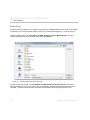
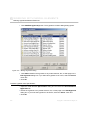
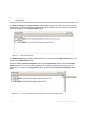
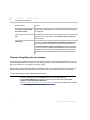
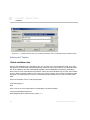
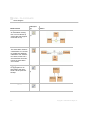
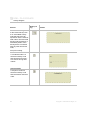
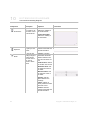
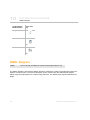
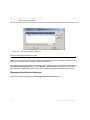
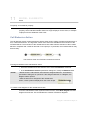
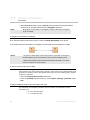
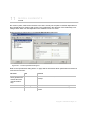
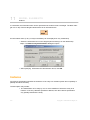
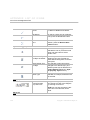
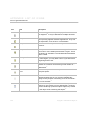
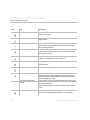
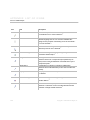
Import New Matrix template
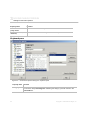
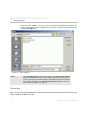
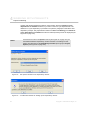
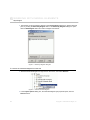
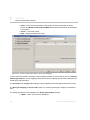
Click the
box opens.
button to import a template. The Open dialog
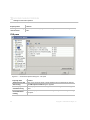
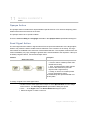
Click the
opens.
button to export a template. The Save dialog box
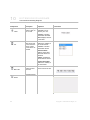
Export Selected Matrix template
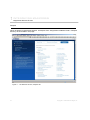
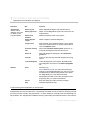
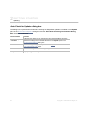
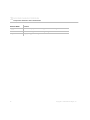
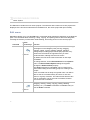
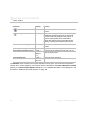
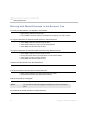
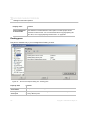
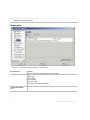
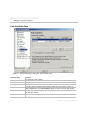
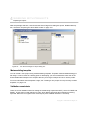
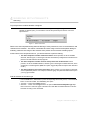
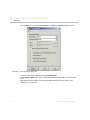
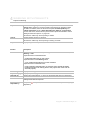
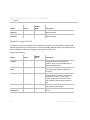
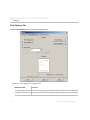
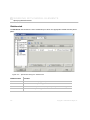
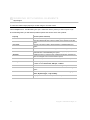
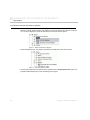
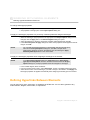
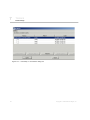
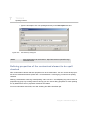
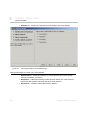
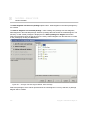
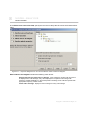
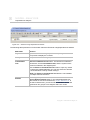
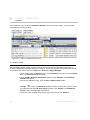
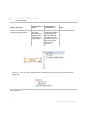
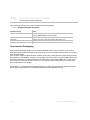
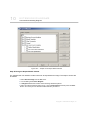
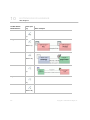
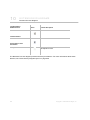
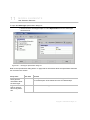
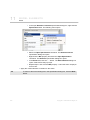
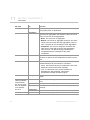
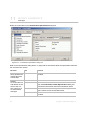
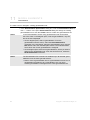
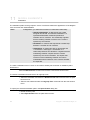
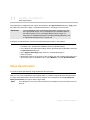
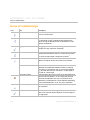
Filters Options
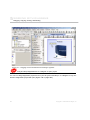
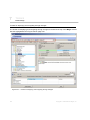
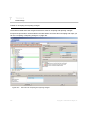
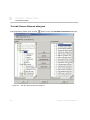
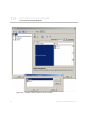
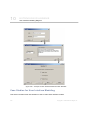
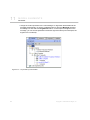
For more information, see “Dependency Matrix View” on
page 587.
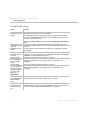
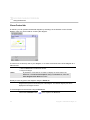
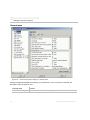
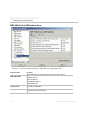
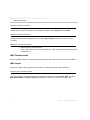
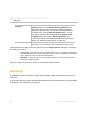
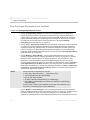
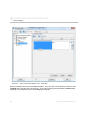
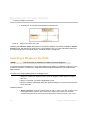
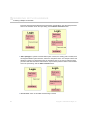
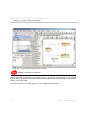
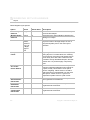
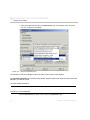
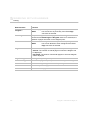
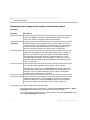
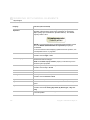
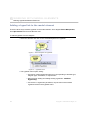
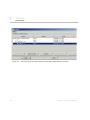
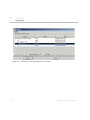
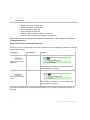
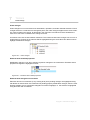
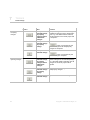
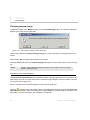
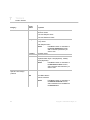
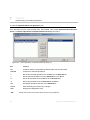
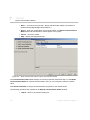
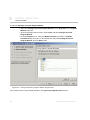
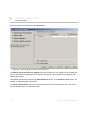
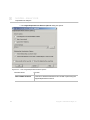
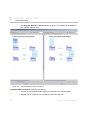
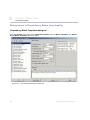
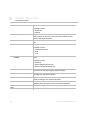
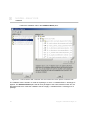
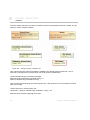
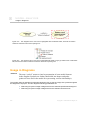
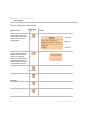
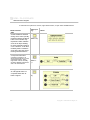
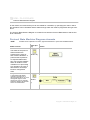
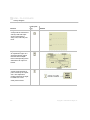
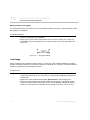
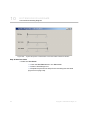
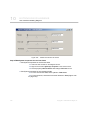
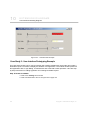
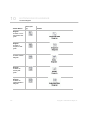
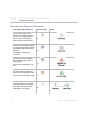
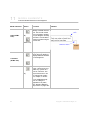
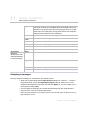
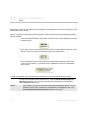
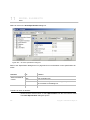
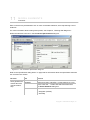
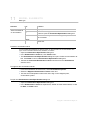
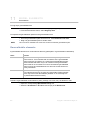
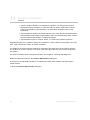
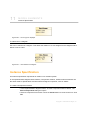
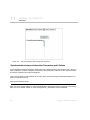
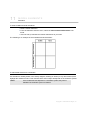
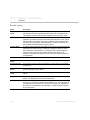
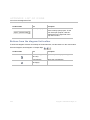
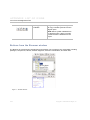
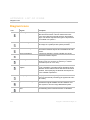
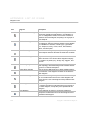
Take all model as default scope
If selected, upon matrix creation, the whole model will be taken
as the scope (later scope can be changed in Dependency
Matrix View).
If cleared, matrix will be empty until specifying scope.
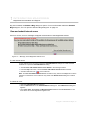
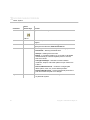
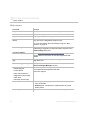
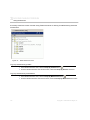
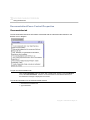
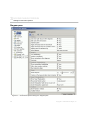
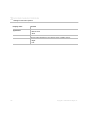
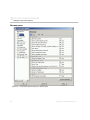
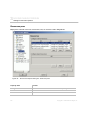
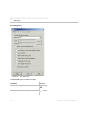
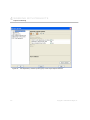
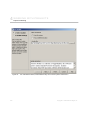
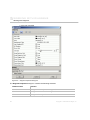
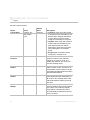
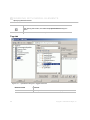
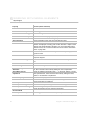
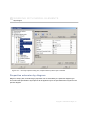
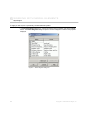
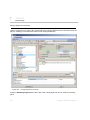
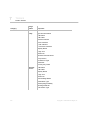
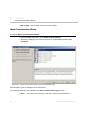
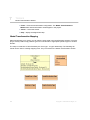
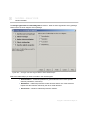
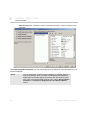
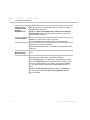
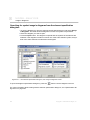
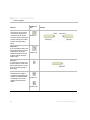
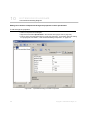
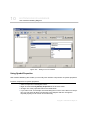
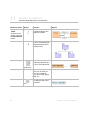
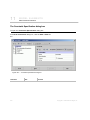
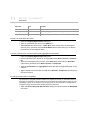
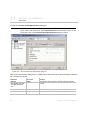
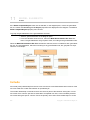
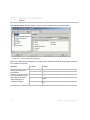
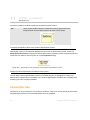
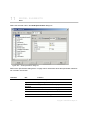
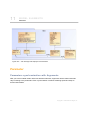
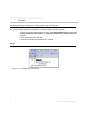
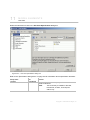
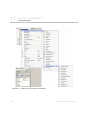
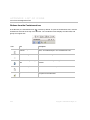
Matrix Properties
596
Copyright © 1998-2009 No Magic, Inc.