1
11
M ODEL ELEM ENTS
Parameter
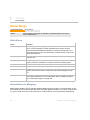
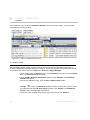
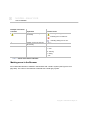
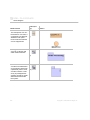
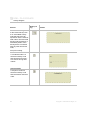
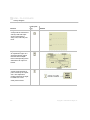
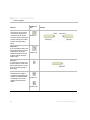
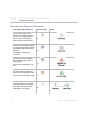
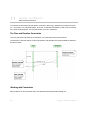
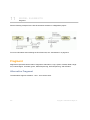
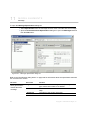
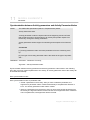
Displaying parameters as lifelines in already existing sequence diagram
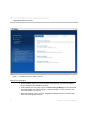
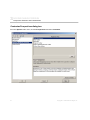
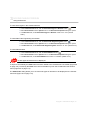
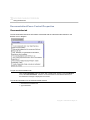
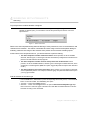
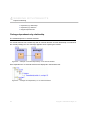
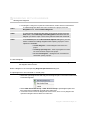
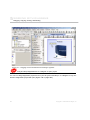
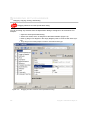
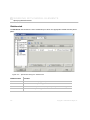
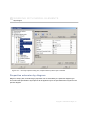
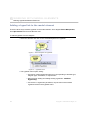
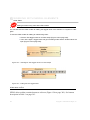
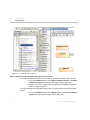
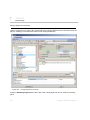
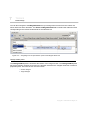
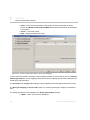
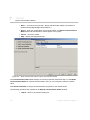
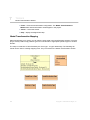
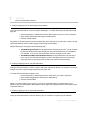
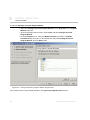
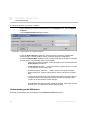
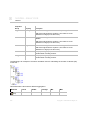
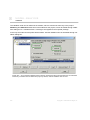
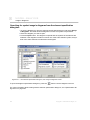
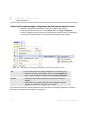
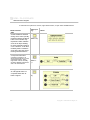
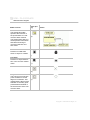
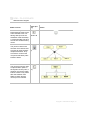
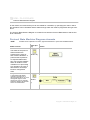
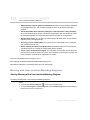
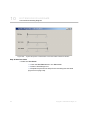
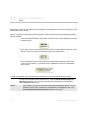
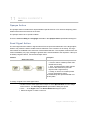
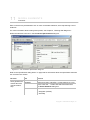
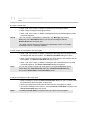
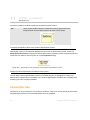
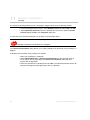
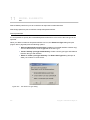
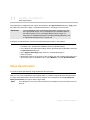
You can also display parameters as lifelines in already existing sequence diagram:
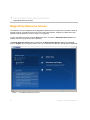
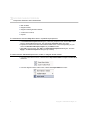
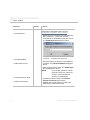
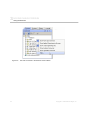
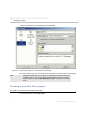
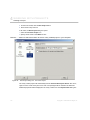
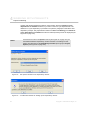
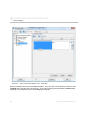
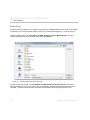
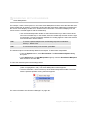
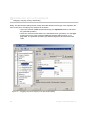
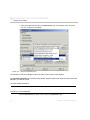
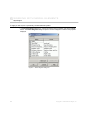
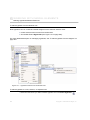
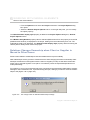
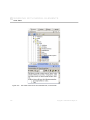
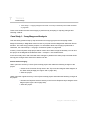
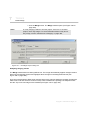
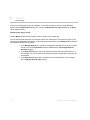
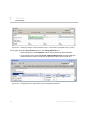
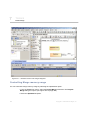
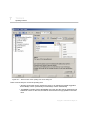
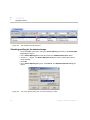
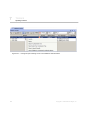
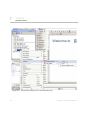
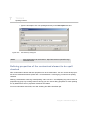
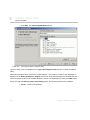
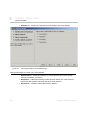
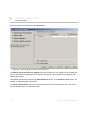
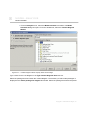
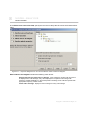
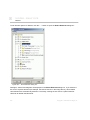
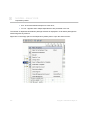
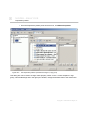
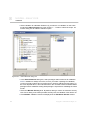
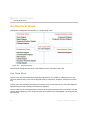
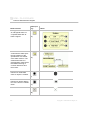
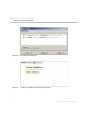
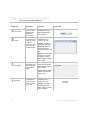
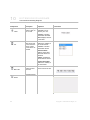
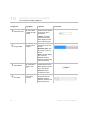
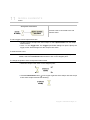
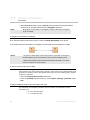
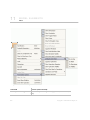
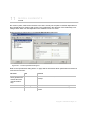
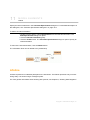
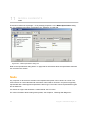
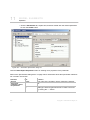
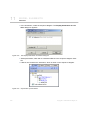
1. From the sequence diagram shortcut menu, select Related Elements and thenselect
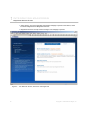
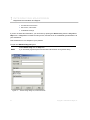
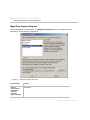
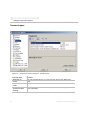
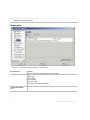
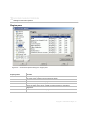
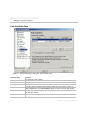
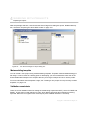
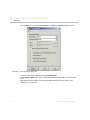
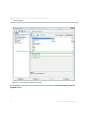
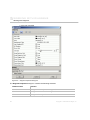
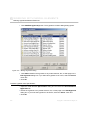
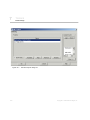
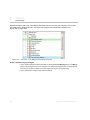
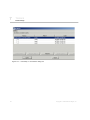
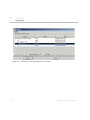
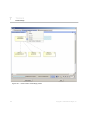
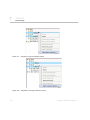
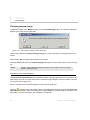
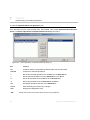
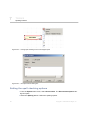
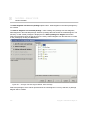
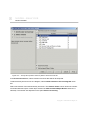
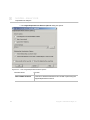
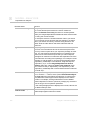
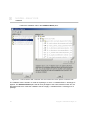
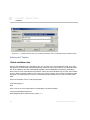
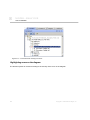
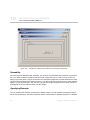
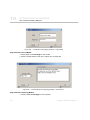
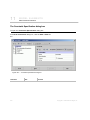
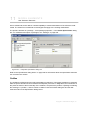
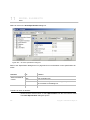
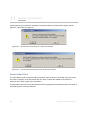
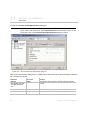
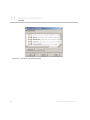
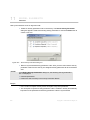
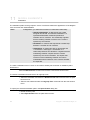
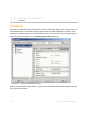
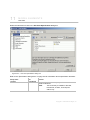
Display Parameters as Lifelines. The Display Parameters as Lifelines dialog box
appears.
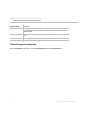
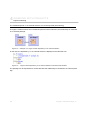
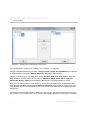
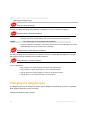
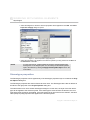
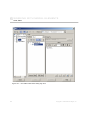
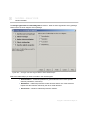
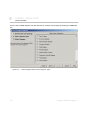
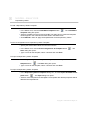
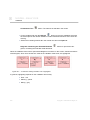
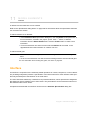
2. Select parameters and click OK.
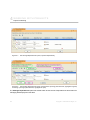
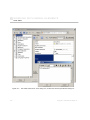
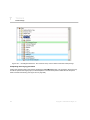
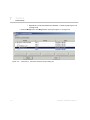
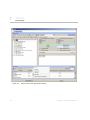
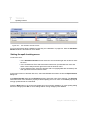
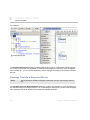
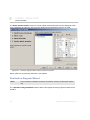
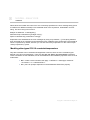
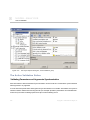
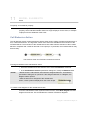
3. Lifelines for the selected parameters are created.
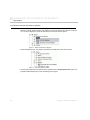
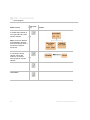
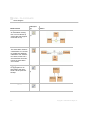
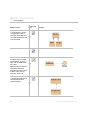
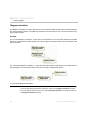
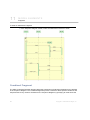
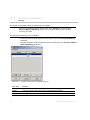
Sample
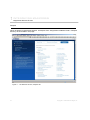
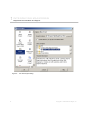
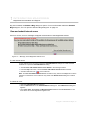
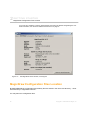
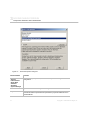
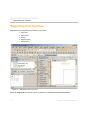
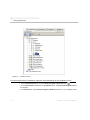
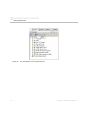
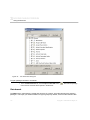
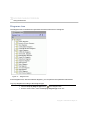
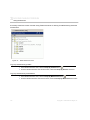
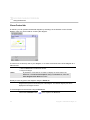
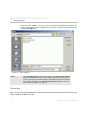
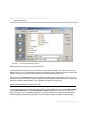
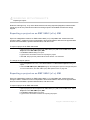
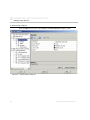
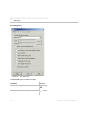
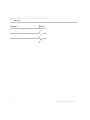
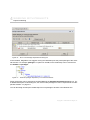
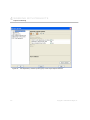
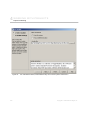
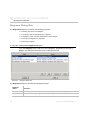
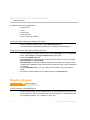
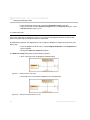
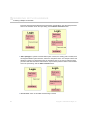
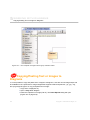
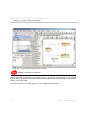
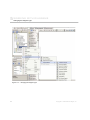
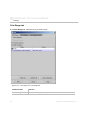
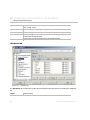
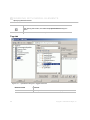
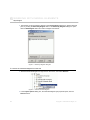
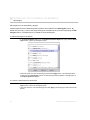
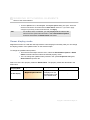
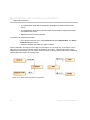
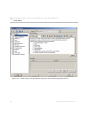
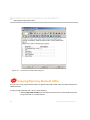
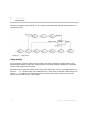
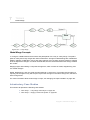
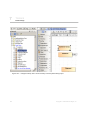
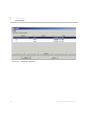
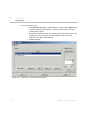
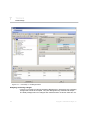
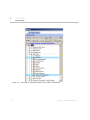
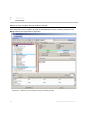
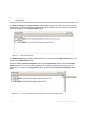
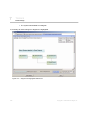
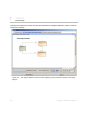
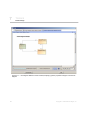
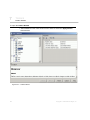
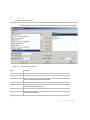
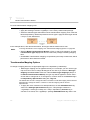
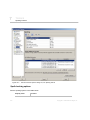
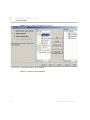
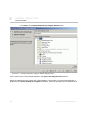
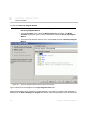
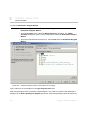
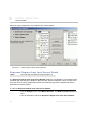
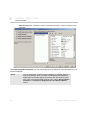
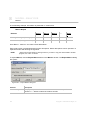
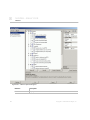
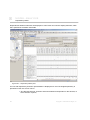
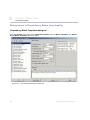
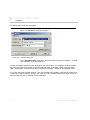
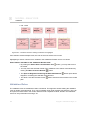
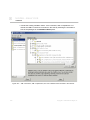
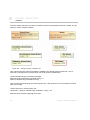
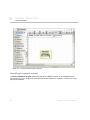
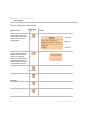
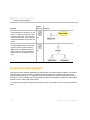
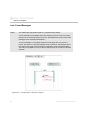
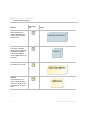
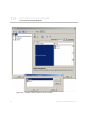
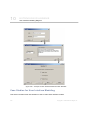
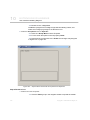
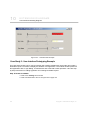
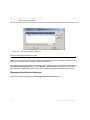
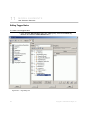
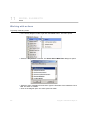
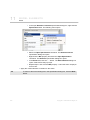
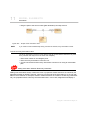
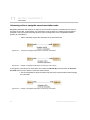
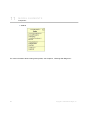
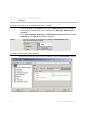
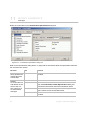
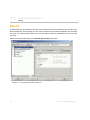
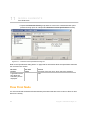
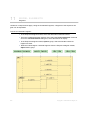
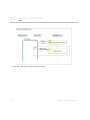
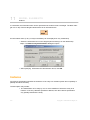
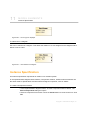
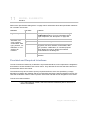
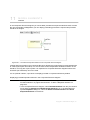
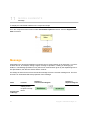
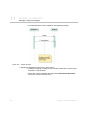
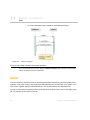
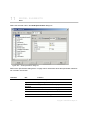
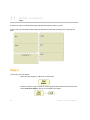
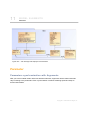
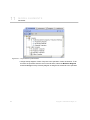
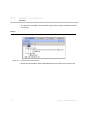
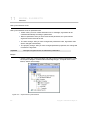
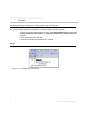
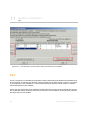
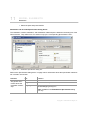
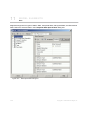
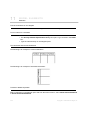
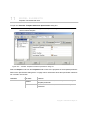
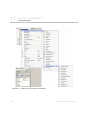
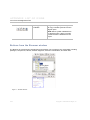
1. Create an interaction with a parameter.
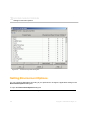
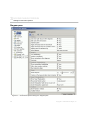
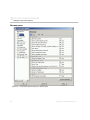
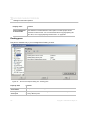
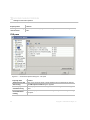
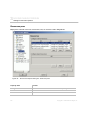
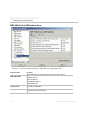
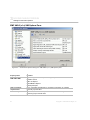
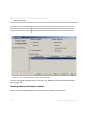
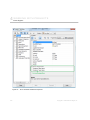
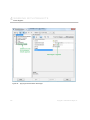
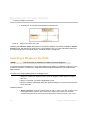
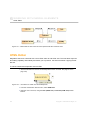
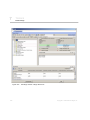
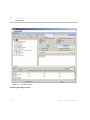
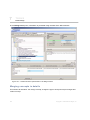
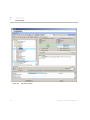
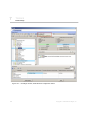
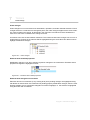
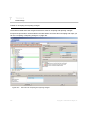
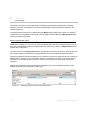
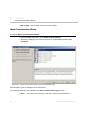
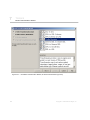
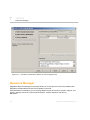
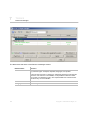
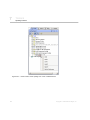
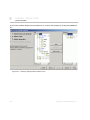
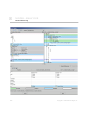
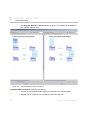
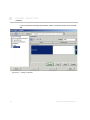
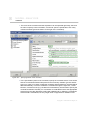
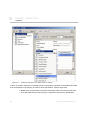
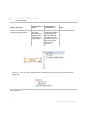
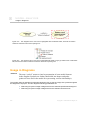
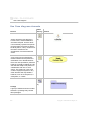
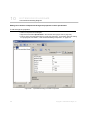
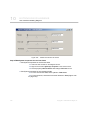
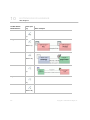
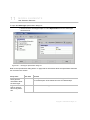
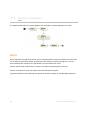
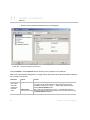
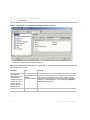
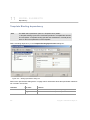
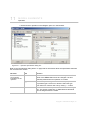
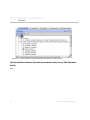
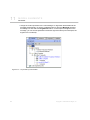
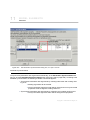
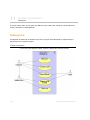
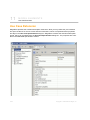
Figure 417 -- Project before synchronization
977
Copyright © 1998-2009 No Magic, Inc.