1
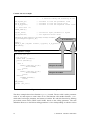
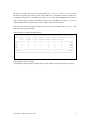
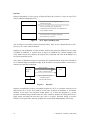
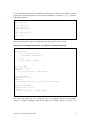
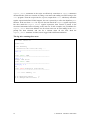
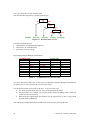
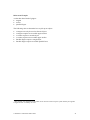
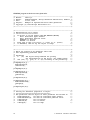
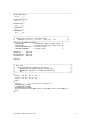
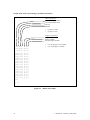
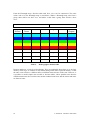
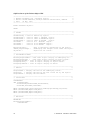
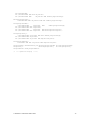
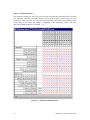
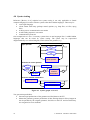
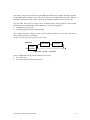
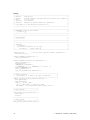
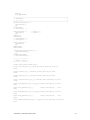
Use x for "don't care" in the condition stub. The decision table represents a (usually pruned) tree: C1 yes no C2 no yes C3 no (A1,A2) (yes,no) (no,yes) yes (no,no) (yes,yes) Figure 10. Decision table as a tree Check the decision table for completeness (no undetermined outputs) consistency (no contradictions) good sense (review activity) In principle generate all input combinations Condition stub C1 C2 true true true true true false true false false x→true false x→true false x→false false x→false Table 3. C3 true false x→true x→false x→true x→false x→true x→false Action stub A1 true false false false true true true true A2 true false true true false false false false Combinations in a decision table An x does not mean “don't care” to the tester!! In principle generate all input combinations, (so whever an x occurs, generate the true and false value). Use the decision table as an oracle to the tests. To generate the tests: For small decision tables, the test cases can be generated by hand. Decision tables are a simple case of CEG (Cause Effect Graphing), and a CEG tool can be used (see section 4.3). Rules from the requirements specification can be expressed in a rule or logic based program such as PROLOG. The following example illustrates how PROLOG can be used to generate the tests. 20 © Graham G. Thomason 2003-2004