1
DETACHURL
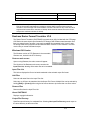
Removes hyperlinks in a drawing
Command line: detachurl
Select objects: Use an object selection method, and press ENTER to end selection
Hyperlinks are removed from the selected objects. If an area is selected, the polyline is
deleted. You can use PURGE to remove the URLLAYER layer.
DIM
Accesses Dimensioning mode
Command line: dim or dim1
Dim: Enter a Dimensioning mode command
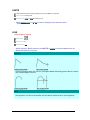
The Dim prompt indicates that you’re in Dimensioning mode, in which you can use a special
set of dimensioning commands. (DIM and DIM1 are provided only for compatibility with previous
releases.)
Use DIM to remain in Dimensioning mode after you have used a dimensioning command. Use
DIM1 to execute a dimensioning command and immediately return to the Command prompt.
To exit Dimensioning mode, enter e or exit, or press ESC.
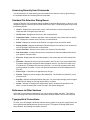
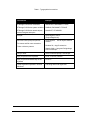
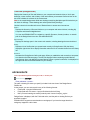
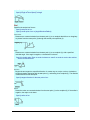
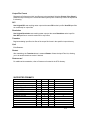
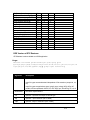
Dimensioning Mode Commands
77