1
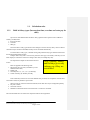
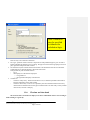
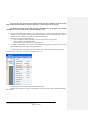
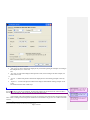
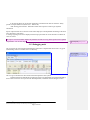
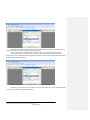
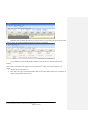
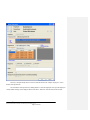
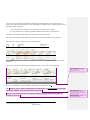
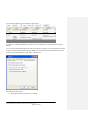
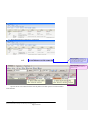
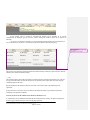
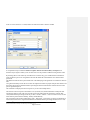
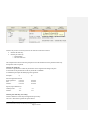
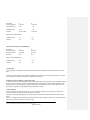
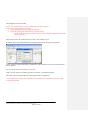
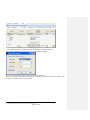
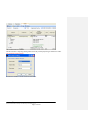
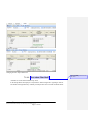
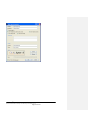
1.1. Calculation rules 1.1.1. Built in Salary types (Inconvenient time, overtime and extra pay for shift) QL Time has three different kind of built in salary types that follow specific rules in addition to ordinary (worked) hours: 1. Inconvenient time 2. Overtime 3. Shift pay This is the built in salary types that can not be changed. Of course as many salary codes or absence codes that may be needed can be added, but they are not calculated automatically. To use the built in salary types, a formula starting with preferred salary type should be entered and then the day defined within brackets. Example: Rule: OT(d) with a value of 30% yields 30% extra pay on all ordinary work days (in case when employee is entitled to overtime according to other rules, for example day rule). The input forms examples are described in the next section. Rules are applied in the following order: 1. Specific day rule, (S) (after you add the S you are enabled to add a date) 2. Holiday (H) 3. Week day rule (1, 2, 3, 4, 5, 6, 7) (1=Monday) 4. Normal work day (D) Monday to Friday Note! Saturday, Sunday and Holidays gives only ordinary pay if they are not defined Each of them may result in use of several different salary accounts, for example that overtime 40% and overtime 100% are paid due to special rules. When it comes to overtime and inconvenient time, three other rules may be configured separately: Day rule overtime Week rule overtime Minimum worked time before inconvenient time or overtime is calculated. The rules described above are used in the conjunction with the work agreement. QL Time 7th. Draft User Manual Printed: 23.01.2012 Document:D:\Perkelti\Documents\QL Time Manual\QL Time manual p2-v1.doc Page 3 of 107