1
Chapter 18 BACKUP+ Commands
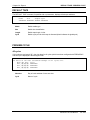
RESTORE
Option: BACKUP
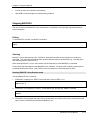
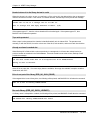
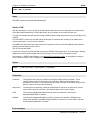
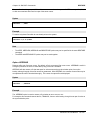
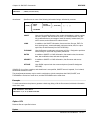
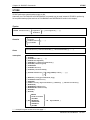
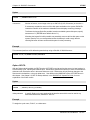
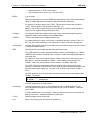
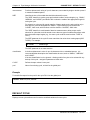
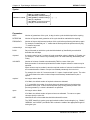
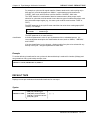
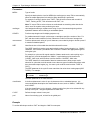
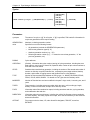
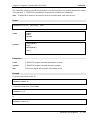
Specifies the particular backup in an appended backupset from which to restore.
Syntax
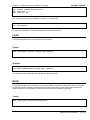
>RESTORE ...;BACKUP=backupspec
backupspec
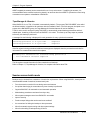
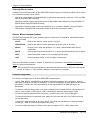
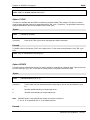
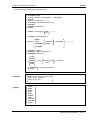
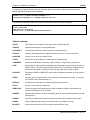
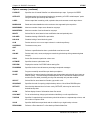
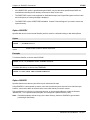
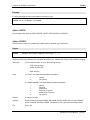
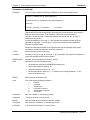
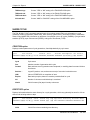
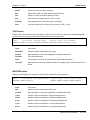
References the desired appended backup in one of the following formats:
•
A user-assigned backupname by which the backup is referenced. Up to 8 characters,
alphanumeric, first character must be alpha.
•
A number indicating the sequence of the desired backup within the backupset, where 1
is the first backup in the backupset. (The sequence number does not reset on volume
change.)
•
"FIRST", meaning the first backup in the backupset.
•
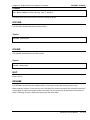
"LAST", meaning the last backup in the backupset. (This is the default.)
•
A number preceded by a minus sign ("-"), indicating a backup relative to the last
backup. May be used in combination with "LAST" (e.g., "LAST-1").
•
A number preceded by a plus sign ("+"), indicating a backup relative to the first backup.
May be used in combination with "FIRST" (e.g., "FIRST+1").
Examples
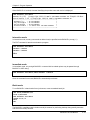
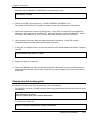
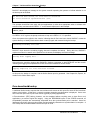
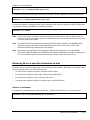
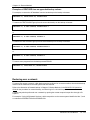
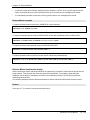
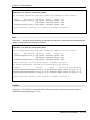
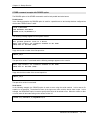
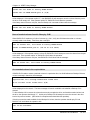
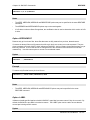
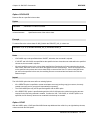
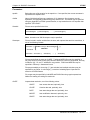
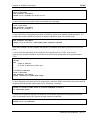
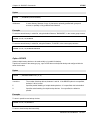
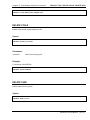
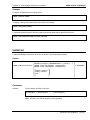
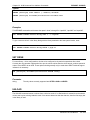
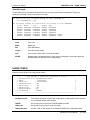
To restore the AP database from the last backup on the backup volumeset:
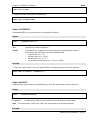
>RESTORE *T;APDB@.DATA.AP;BACKUP=LAST
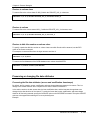
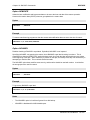
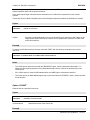
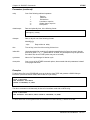
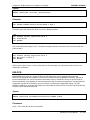
To restore the TEST.SOURCE group from the next-to-last backup on the backup volumeset:
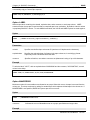
>RESTORE *T;@.TEST.SOURCE;BACKUP=LAST-1
or
>RESTORE *T;@.TEST.SOURCE;BACKUP=-1
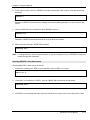
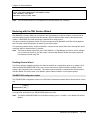
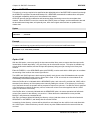
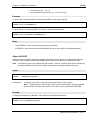
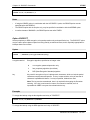
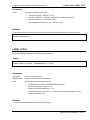
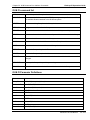
To restore the TEST.SOURCE group from the second backup on the backup volumeset:
BACKUP+/iX User Manual 1 8 - 3 3 2