1
12.0 PROGRAMING DINB100-SA WITH KEYPAD
1
2
3
4
5
6
7
8
9
A
0
B
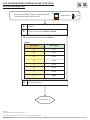
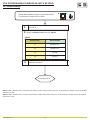
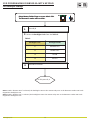
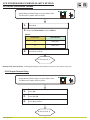
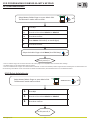
12.7 Buzzer Se ngs
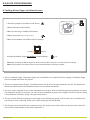
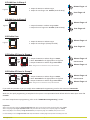
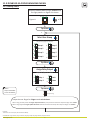
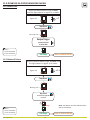
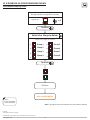
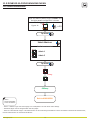
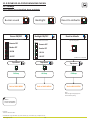
Swipe Master/Admin finger or enter Admin PIN.
The Biometric reader starts to blink.
1.
BL
BL
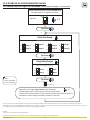
Press 3,1.
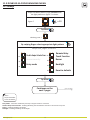
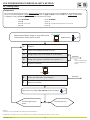
2. Select the Buzzer Code from the Table2.
Table2.
3.
Buzzer Code
Buzzer Mode
1
Remote OFF
2
Reader OFF
3
All ON
4
All OFF
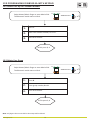
Press A to confirm.
To Exit press 0, A
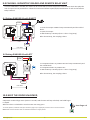
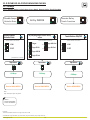
Note 1: When “Remote OFF” is selected, the buzzer is OFF in the remote relay unit. In the biometric reader and in the keypad
the buzzer is ON.
Note 2: When “Reader OFF” is selected, the buzzer is ON in the remote relay unit. In the biometric reader and in the keypad
the buzzer is OFF.
www.xprgroup.com
23