1
9
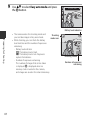
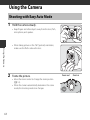
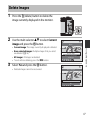
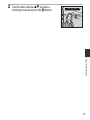
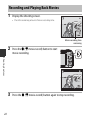
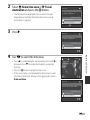
Use HI to select Easy auto mode and press
the k button.
Easy auto mode
Battery level indicator
Preparing for Shooting
10
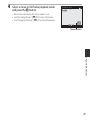
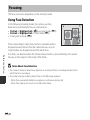
• The camera enters the shooting mode and
Shooting
you can take images in Easy auto mode.
mode icon
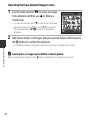
• While shooting, you can check the battery
level indicator and the number of exposures
remaining.
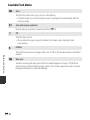
- Battery level indicator
b: The battery level is high.
B: The battery level is low. Prepare to
replace the batteries.
- Number of exposures remaining
The number of images that can be taken
is displayed. C is displayed when no
memory card is inserted in the camera,
and images are saved in the internal memory.
15m 0s
1900
Shooting screen
Number of exposures
remaining