1
Nicolet Evolution 500 Local Control Software Manual
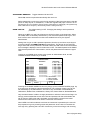
RATE GRAPH Page
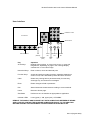
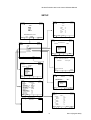
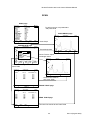
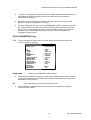
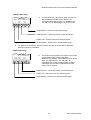
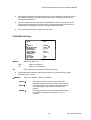
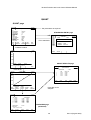
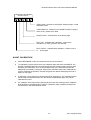
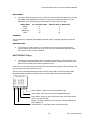
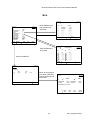
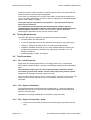
This page displays the RATE curve and allows it to
be manipulated.
00.00
00.15
00.30
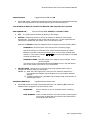
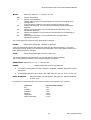
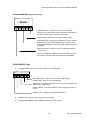
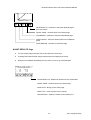
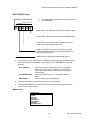
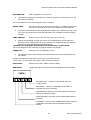
VIEW RESULTS - Switches to the RATE RESULTS page.
RATE PAGE - Returns to the RATE PARAMETERS page.
SAVE DATA - Brings up the SAVE screen from where
method and data can be saved to disk.
PRINT - Provides a hardcopy of the results i.e. RATE
GRAPH and RATE RESULTS. (If a Cell Programmer is
fitted see the note below).
MANIPULATE - Brings up the Manipulate options.
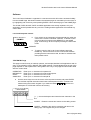
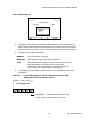
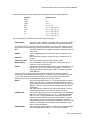
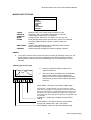
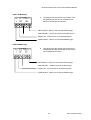
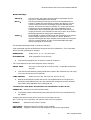
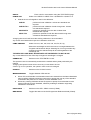
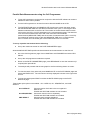
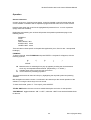
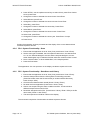
If more than one rate has been run in parallel using the Cell Programmer then three
further print options are available: ALL OVERLAY, ALL SEQUENTIAL, and ONE
RESULT.
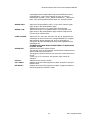
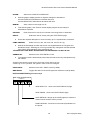
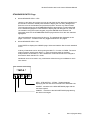
ALL OVERLAY
ALL SEQUENTIAL
ONE RESULT
Prints the results of all cells in the run on one sheet of
paper up to a maximum of 4 results. If more than four
results are present then the remainder are printed on a
second sheet.
Prints each result in the run on a separate sheet of
paper.
Prints the result currently displayed.
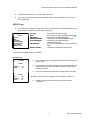
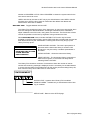
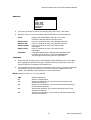
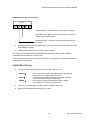
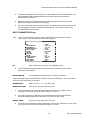
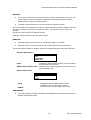
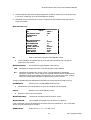
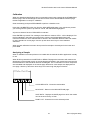
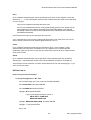
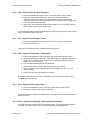
Pressing RUN starts a measurement using the current method.
Pressing ZERO/BASE zeros the instrument using the wavelength specified in the
current method. (See page 4).
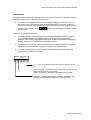
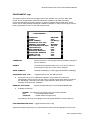
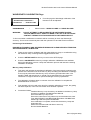
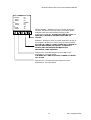
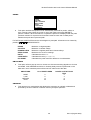
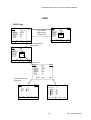
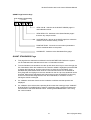
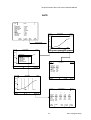
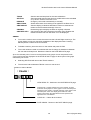
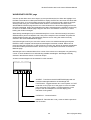
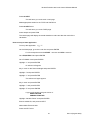
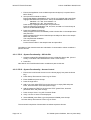
MANIPULATE
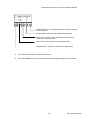
MANIPULATE
TRACK
SECTION
RESCALE
SMOOTHING
ABS DISPLAY
ORIGINAL
ANOTHER CELL
47
Issue 1(August 2003)