1
DeviceAnywhereTMUser Guide
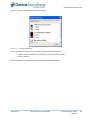
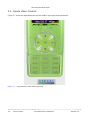
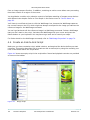
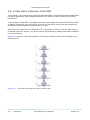
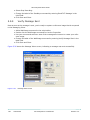
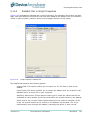
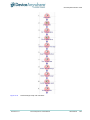
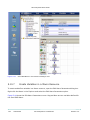
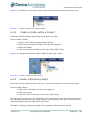
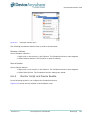
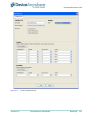
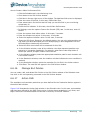
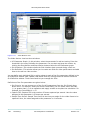
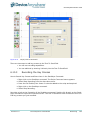
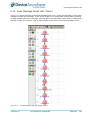
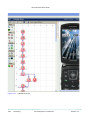
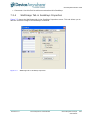
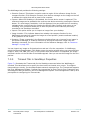
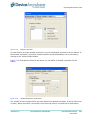
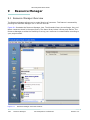
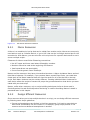
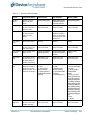
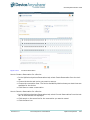
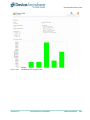
Figure 5-43
5.10.7
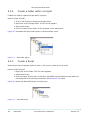
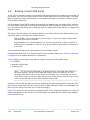
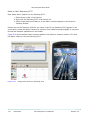
Send SMS Macro in the Resource Manager View
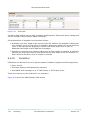
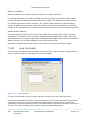
Create Variables in a Macro Resource
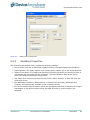
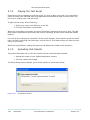
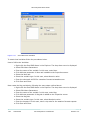
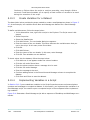
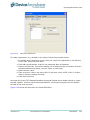
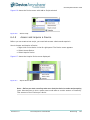
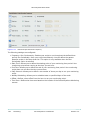
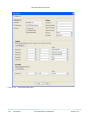
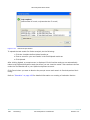
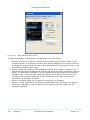
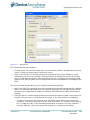
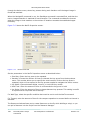
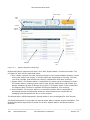
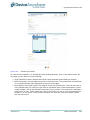
To create and define variables in a Macro resource, open the Edit Macro Parameters dialog box.
Right click the Macro in the Explorer and select the Edit Macro Parameters option.
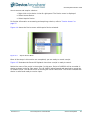
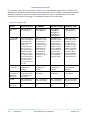
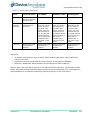
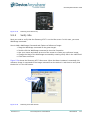
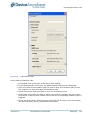
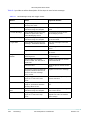
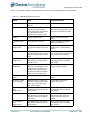
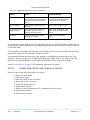
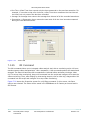
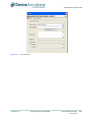
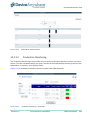
Figure 5-44 shows the Edit Macro Parameters screen. Msg and Num are two variables defined for
the Send SMS Macro.
132
Automation
DeviceAnywhere Confidential
Revision 1.0