1
expr and if
Tutorial 38
C Math Functions
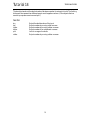
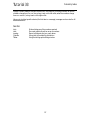
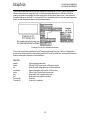
The C math library has many functions for such calculations as logarithms, trigonometric ratios,
x to the power of y, and so on. Max does not have specific objects for these functions, but they can
be included in the arguments of an expr object. This is a real strength of expr, because it lets you
make calculations you would not otherwise be able to make in a Max program.
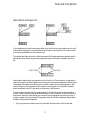
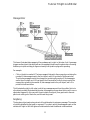
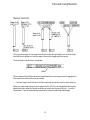
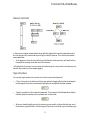
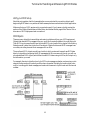
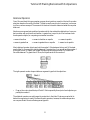
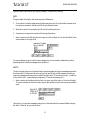
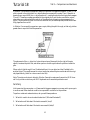
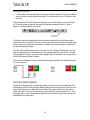
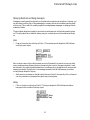
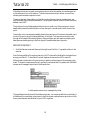
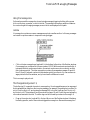
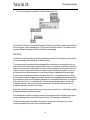
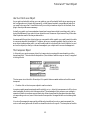
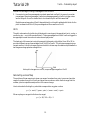
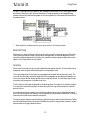
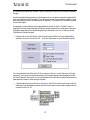
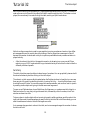
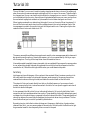
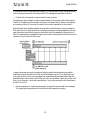
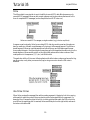
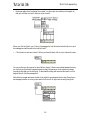
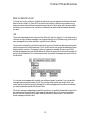
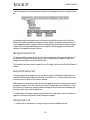
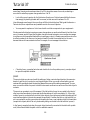
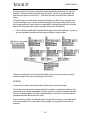
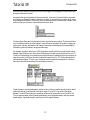
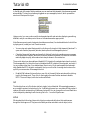
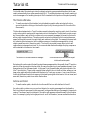
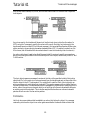
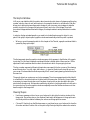
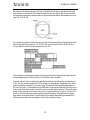
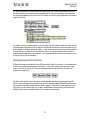
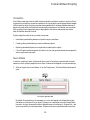
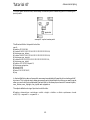
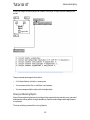
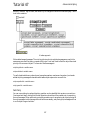
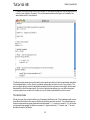
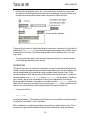
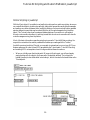
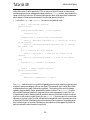
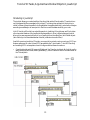
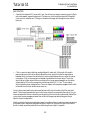
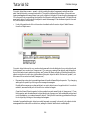
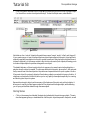
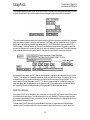
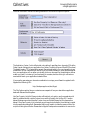
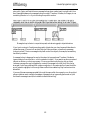
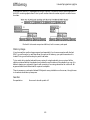
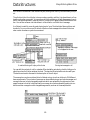
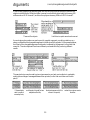
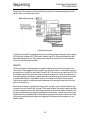
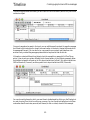
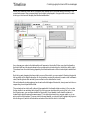
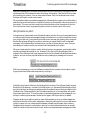
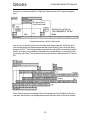
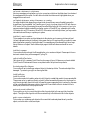
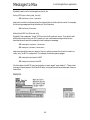
In the main patch of this example, we use two different math functions, sin() and pow() to calculate
pitch bend curves to be stored in the table. One formula makes a single cycle of a sine wave with a
range from 0 to 127. The other formula draws exponential curves from 64 to 127.
•
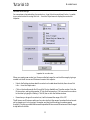
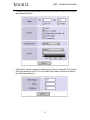
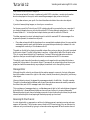
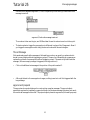
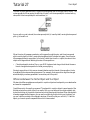
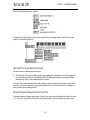
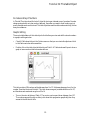
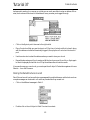
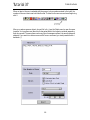
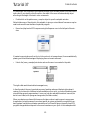
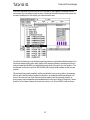
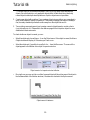
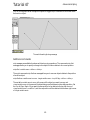
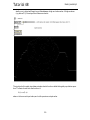
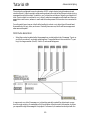
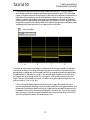
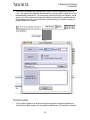
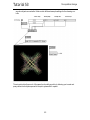
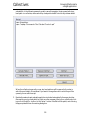
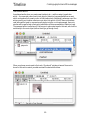
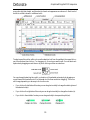
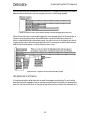
Check the All Windows Active option and double-click on the table object to open its
graphic window. Click on the button at the top of the patch to draw a cycle of a sine wave in the
Table window.
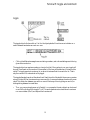
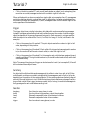
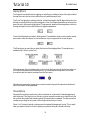
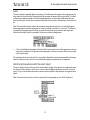
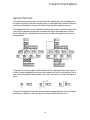
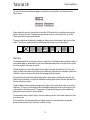
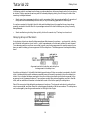
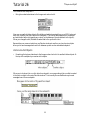
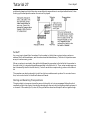
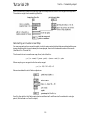
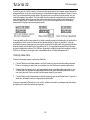
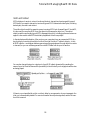
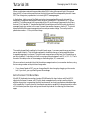
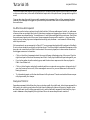
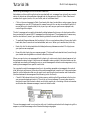
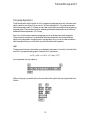
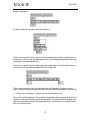
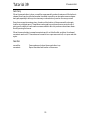
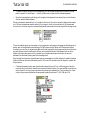
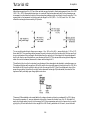
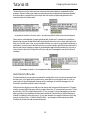
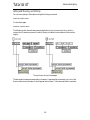
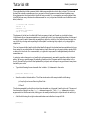
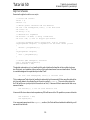
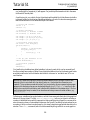
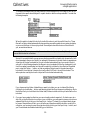
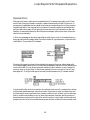
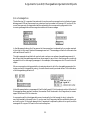
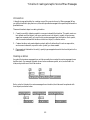
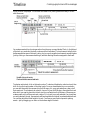
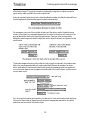
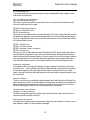
The expression in expr converts the input to a float by using the $f1 argument (instead of $i1), in
order to do a floating point calculation. It divides the input by 128, (so as the input progresses
from 0 to 127 it will produce a progression from 0 to almost 1), multiplies the input by 2π (approximately 6.2832), and calculates the sine of that amount. The resulting sine wave values are multiplied by 63.5 and offset by 63.5 to expand them to the proper range, and the final result is
converted back to an int before being sent out.
•
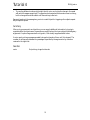
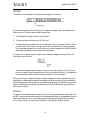
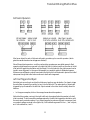
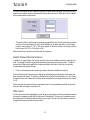
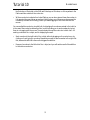
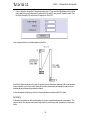
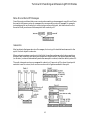
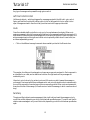
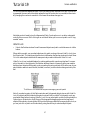
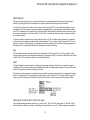
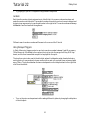
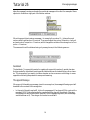
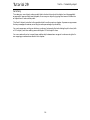
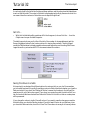
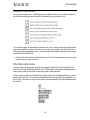
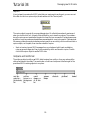
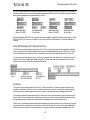
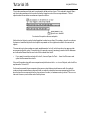
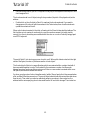
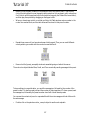
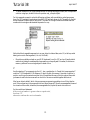
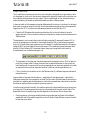
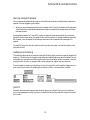
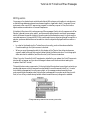
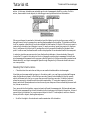
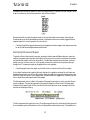
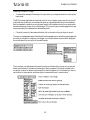
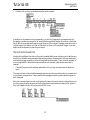
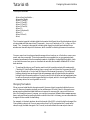
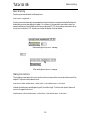
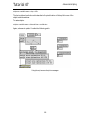
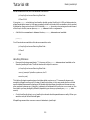
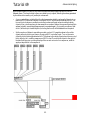
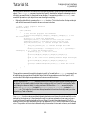
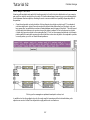
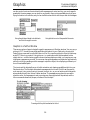
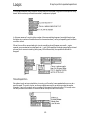
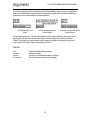
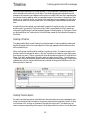
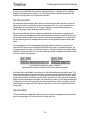
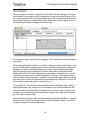
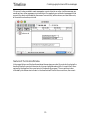
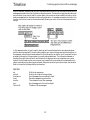
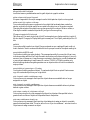
The expression in the other expr is a simple exponential mapping function. Click on Ggate to
point it to the right outlet. Drag on the number box to select an exponent for the curve to be
calculated by expr. An exponent of 1 produces a straight line, an exponent greater than 1 yields
an exponential curve, and an exponent less than 1 yields an inverse exponential curve.
•
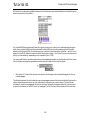
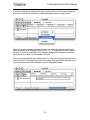
Click on the button to draw the curve in the Table window. Try different exponent values and
redraw the curve.
Large numbers of exponential calculations—especially with a large exponent—require fairly
intensive processing for the computer to calculate. For this reason it’s often better to perform such
calculations in advance and store the values in a table to be accessed later, rather than to calculate
the values on the fly while the computer is performing music.
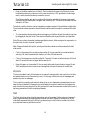
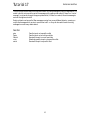
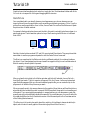
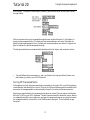
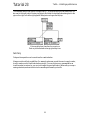
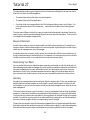
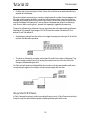
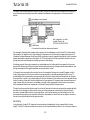
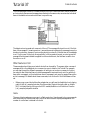
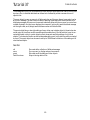
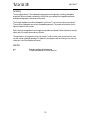
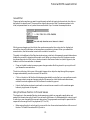
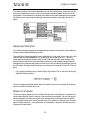
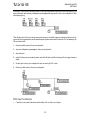
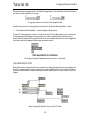
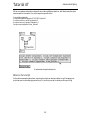
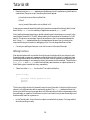
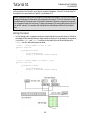
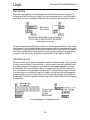
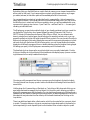
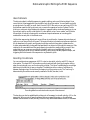
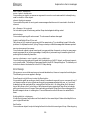
Once the curve is stored in the table, it is read through by a line object each time you play a note on
your keyboard. The values are sent to bendout to be transmitted to the synth as pitch bend. The
speed with which line reads through the table depends on the velocity of the note you play.
•
Play long notes on your keyboard with widely varying velocities, and listen to the different
speeds with which line reads through the curve in the table. Draw different curves in the table
to hear their sonic effect.
173