1
Chapter 11 Wikis
SharpSchool User Manual
I.
Roles
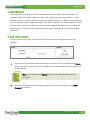
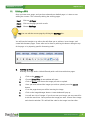
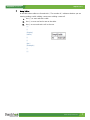
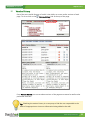
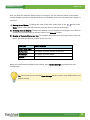
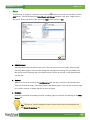
To add a user or group to a particular role, click the
button next to the role and then click the
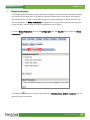
Add button. This will bring up the Select Users and Groups window. From here, simply click on
the user or group you want to add, press the Add button and press OK.
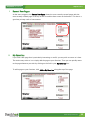
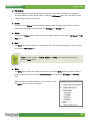
a. Administrators
Administrators have full control over a wiki. They can access any of the tabs, they can edit,
add, and delete pages. They can also change the configuration settings for the sidebar, the
wiki and security. Anything that a site administrator can do on the wiki, a wiki administrator
can also do.
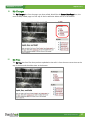
b. Authors
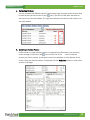
Authors do not have access to the Configuration tab, but they can access all the other tabs.
They can create new pages, edit existing ones, and delete pages. They can also restore a page
to an earlier version, or delete specific versions of pages.
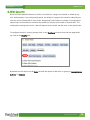
c. Browsers
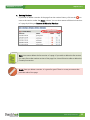
Browsers are limited to browsing the wiki, marking pages as favorites and looking at the Wiki
Syntax tab.
-
Tip: The level of control assigned to each of these three roles can be adjusted via
the Direct Permissions tab.
www.sharpschool.com
19