1
Getting Started
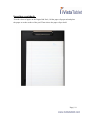
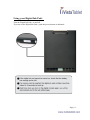
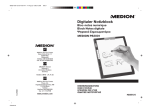
The Digital Ink Pad+ is a handy device that captures your handwriting. While you
take notes on paper, the Digital Ink Pad+ also digitally records everything you write
or draw, so that you can present or edit your work on the computer. Besides, the
Digital Ink Pad+ can also serve as a regular tablet.
Driver installation
Before using the Digital Ink Pad+ as a tablet, you must install the tablet driver.
1. Place the Driver CD into the CD-ROM drive.
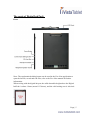
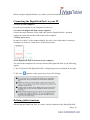
Place the accessory Driver CD into the CD-ROM drive of your computer and the auto
run screen will appear.
* The actual display may differ.
2. Start driver installations.
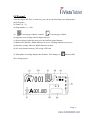
Click on the
icon and the installation wizard will start.
Follow the on-screen instructions to complete the installation.
Page | 3