1
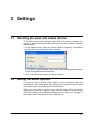
5.2.1 Saving the selection as a new audio file
A selection within an audio file can be saved as a new file.
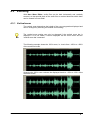
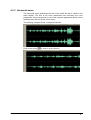
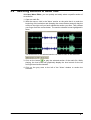
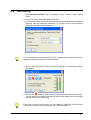
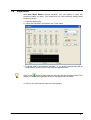
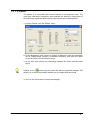
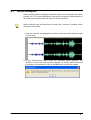
1. Open an audio file and highlight the section you want.
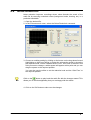
2. In the 'Edit' menu, select the 'Copy to File' command.
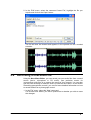
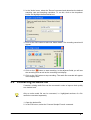
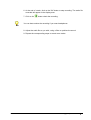
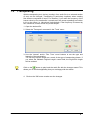
3. In the window that now opens, enter the name of your choice in the 'File
name' field and click on the 'Save' button.
5.3 Inserting an audio file
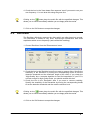
A saved audio file can also be inserted in an existing file.
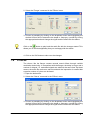
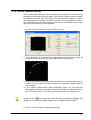
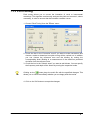
1. Open an audio file and mark the position where the other audio file is to be
inserted.
Nero Wave Editor
Audio files • 21