1
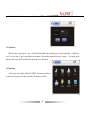
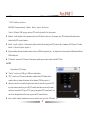
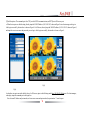
(3)Mask Area Setting
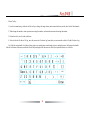
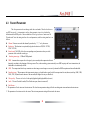
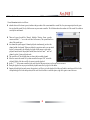
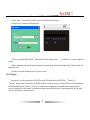
In some surveillance occasion, need to mask the sensitivity or private area in the
surveillance area of the locate,such as ATM's password area. each channel support 4 mask areas.
The way of set the mask area is as follows:
l
Click and confirm the cursor
mask;
l
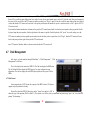
Set by mouse:Left click a pane as the start position of the mask area, then click another
pane as the end position, and the area will shown.
l
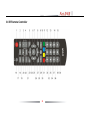
Set by remote controller:press direction key to move the cursor,press "OK" to confirm the
start position, then move the cursor to select the area you want to mask, press "OK" again to
confirm the end position. Press "clear" to cancel the area.
l
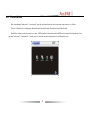
Back to the channel setting interface,hook the mask option on the left to finish the setting.
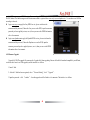
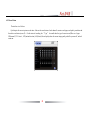
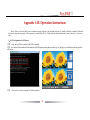
into mask area setting,yellow is no mask,green is
l The selected mask area will take effect both in the real-time and the record.
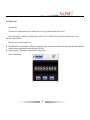
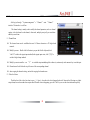
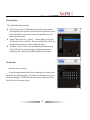
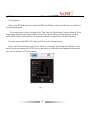
(4)Multiple preset poll
l Poll time range:3-99 second.
l Preset No.:each channel can set 16 preset No.
l Preset No. range:1-255,255 means closed.
l The way of set preset points please refer to 4.6.2 PTZ setting for preset points
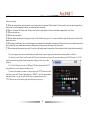
(5)Pre-record time
l
The pre-record time range:0-30s. Because the real bit rate is dynamic, there are some
inaccuracy between the real pre-record time and the setting pre-record time.
(6)Delay record time
l
Delay record time:0-180s. This is the recording last time when the alarm is over the.We can adjust the time according to the need.
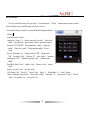
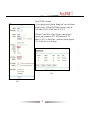
4.8.3 User Management
When the DVR is leave the factory,there is just one user named "admin",the default password is 888888,please use this password when firstly
52