1
Using Virtual Controls (PTZ)
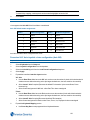
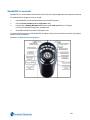
You can use Virtual controls to crop and magnify the view of fixed cameras (virtual Zoom). Virtual controls also allows
users to move and set Picture in Picture views and to set virtual presets.
Note:
Virtual Control overlay must be enabled to allow camera control from within specific panes.
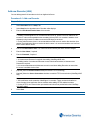
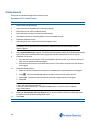
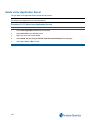
Procedure 7-4 Using Virtual Controls
Step Action
1
Select Surveillance from the Home Tab.
2
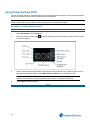
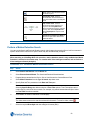
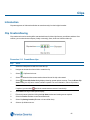
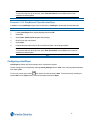
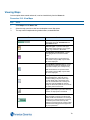
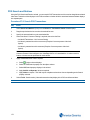
Select the Camera Control symbol
PTZ controls display.
3
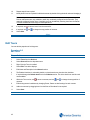
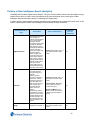
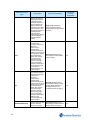
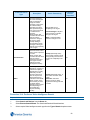
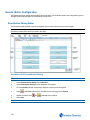
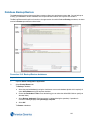
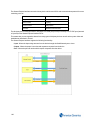
Use the controls by selecting the areas of the controls as required. When in use, a picture in picture view is
displayed in the main video pane. Use the Move Picture in Picture icon to reposition the view.
within the video pane of the fixed camera you want to control. Virtual
Note:
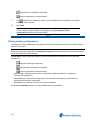
Picture in Picture behavior can be configured in System Values > Surveillance Preferences
4
Select Close to close the controls.
- End -
34