1
Operation
MAS/SAS deployment affects how users interact with victor in various ways. Each of the following subsections
describes the enhanced user experience in affected areas as well as system capabilities and how they differ from a
non MAS/SAS environment.
Data Synchronization
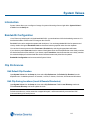
victor specific data configured at the SAS in local partitions will synchronize up to the MAS. The victor Journal and
Audit will synchronize from the SAS to the MAS every four hours by default (this value can be changed in System
Values).
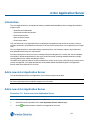
victor Application Server Interaction
General
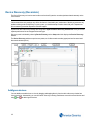
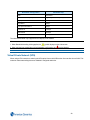
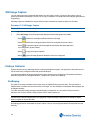
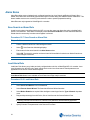
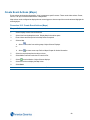
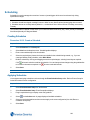
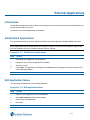
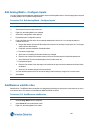
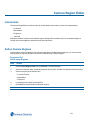
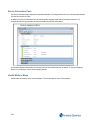
On a MAS, the dynamic view of victor Application Servers lists all the SASs and the MAS the user has access to:
Interactive
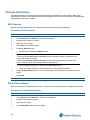
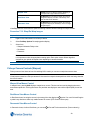
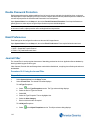
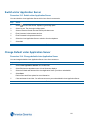
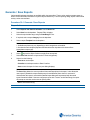
From the dynamic view on the MAS you have the option to go interactive/non-interactive with a given SAS. This is
done via the right-click context menu.
When a victor Application Server is made interactive, it means that activity and events will be sent from the SAS up to
victor that is connected to the MAS (as if the client was directly connected to the SAS as its primary server).
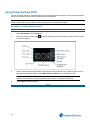
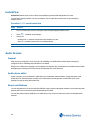
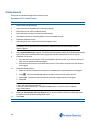
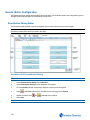
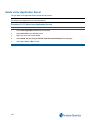
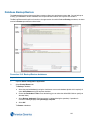
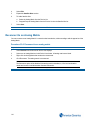
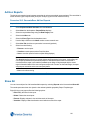
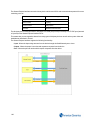
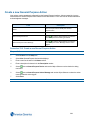
You can configure whether each operator is be default interactive with any given victor Application server in the
Application Server section:
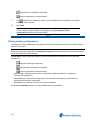
The items that are checked will be automatically interactive at startup when this operator logs in.
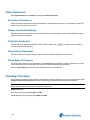
Sites
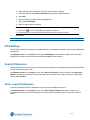
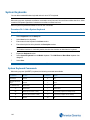
When a server is started, it will create a Site in the Site List with the same name as the victor Application Server. This
can be changed, but can’t be deleted. This means that every installation will have at least one Site present at all times.
215