1
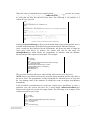
To design new SQL and FR3 files for the Custom Report option go to the standard
query manager. Check the SQL button and the system will default to the SQL screen.
From here a new query can be created and saved, and new report files designed as
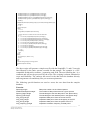
needed. The custom query language includes the following variables:
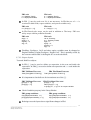
:ParamBatchIndex : index into batch currently selected in the display of results
:ParamSampleIndex : index to the sample currently selected in the display
:ParamDate : the system DATE
:ParamTime : the system Time
:ParamSerialNumber : Serial number of the instrument
:ParamOperator : name of the operator
These variables might be utilized in a query to extract the desired information from the
database. See Section 6.5.2. SQL for more information on the Structured Query
Language.
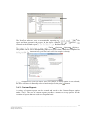
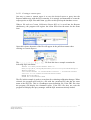
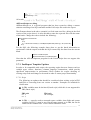
When designing a report using the custom SQL file it is necessary to place the fields in
the detail band from the qryDetail, not the tblDetail. If this is not done the report will
consist of the first sample in the tblDetail being printed multiple times, resulting in
each line on the report being identical.
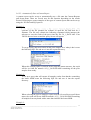
The tblDetailDetail will be inactive when using the SQL system. If the data from the
SomacountData table is needed, the SQL will have to include a LEFT OUTER JOIN to
this table.
_____________________________________________________________________________________________________________
NexGen User Manual
Bentley Instruments Inc.
72