1
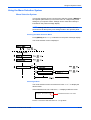
Using the Operator Panel
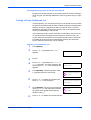
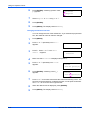
Canceling a Printing Job
1
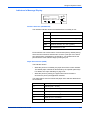
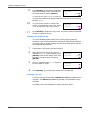
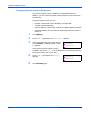
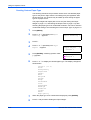
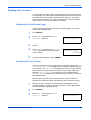
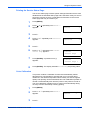
While the printer displays Processing, press [CANCEL].
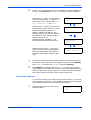
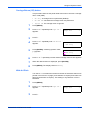
Print Cancel? appears on the message display followed by the
interface in use. The interface is indicated by one of the following
messages:
Parallel
USB
Network
Serial (option serial interface)
Option (option network interface)
2
2-10
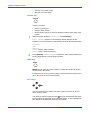
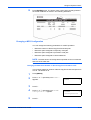
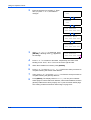
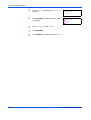
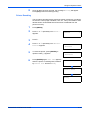
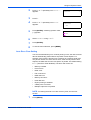
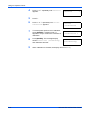
Press [ENTER]. Cancelling data appears on the message display and
printing stops after the current page is printed.
ADVANCED OPERATION GUIDE