1
CLC Multi-Axis Coordinated Motion Control
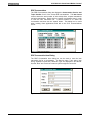
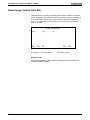
Floating Point Variable Table Edit
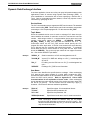
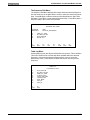
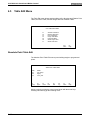
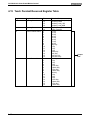
This menu allows for viewing and editing floating point variables. Variables
can be changed by any task at any time. It is possible, therefore, for editing to
be in conflict with a motion task. In this instance, unexpected results may
occur. It is at the discretion of the operator to determine the usefulness of
such an operation.
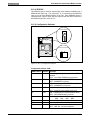
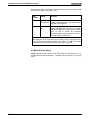
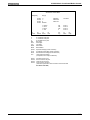
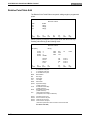
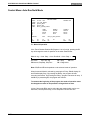
FLOATING TABLE MENU
00001
00002
00003
00004
00005
00006
F1
PgUp
slave_turns
master_turns
z_position
q_position
q_axis_home_offset
current_q_position
F2
PgDn
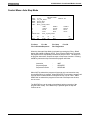
F1 Page Up
F3
Fmt
0.2500
1.0000
19.9990
1.0001
1.0000
2.0000
F7
Main
F2 Page Down
F8
Diag
F3 Display Format
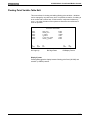
Display Format
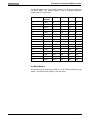
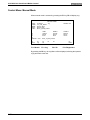
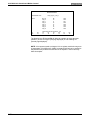
Pressing F3 toggles the display between floating point fixed (100.000) and
scientific (1.000E2) notation.
End User Manual
Teach Pendant 4-19