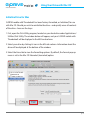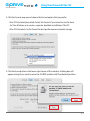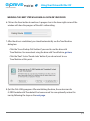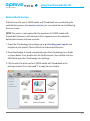
1
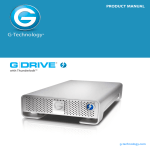
G DRIVE
Using Your Drive with Mac OS®
with Thunderbolt™
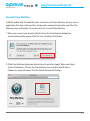
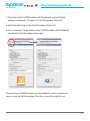
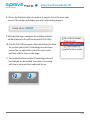
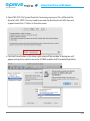
2. Select the Thunderbolt or USB icon—not the G-Technology
drive icon—by clicking it in the left-side column.
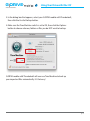
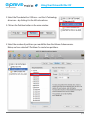
3. Click on the Partition button in the main window.
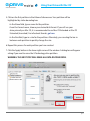
4. Select the number of partitions you would like from the Volume Scheme menu.
Below, we have selected ‘2 Partitions’ to create two partitions.
p.20