1
6
User Mode
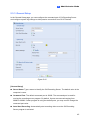
6.2 Multi-Channel Live View
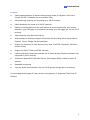
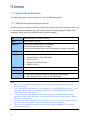
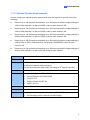
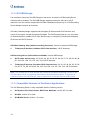
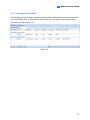
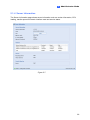
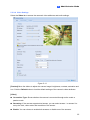
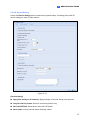
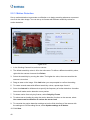
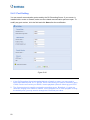
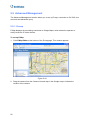
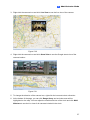
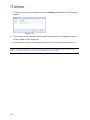
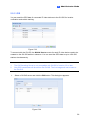
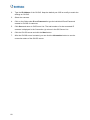
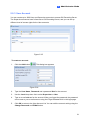
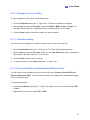
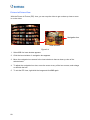
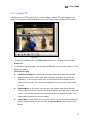
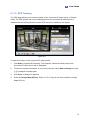
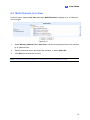
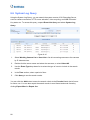
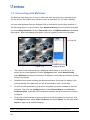
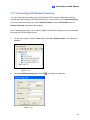
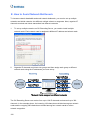
In the left menu, expand Live View and select Multi Windows to display up to 16 channels
of live images.
Figure 6-12
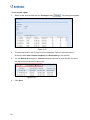
1.
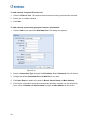
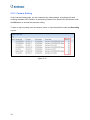
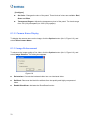
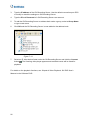
Select Working Camera List or Host List to list all connecting cameras or list cameras
by IP video devices.
2.
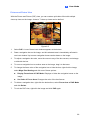
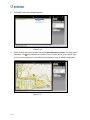
Double-click server name and select the cameras, or select Select All.
3.
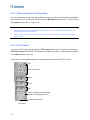
Click Query to access the live view.
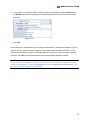
Note: Only Internet Explorer browser is supported for multi-channel live view.
75