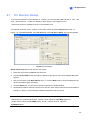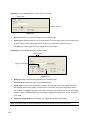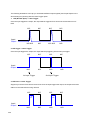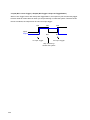
1
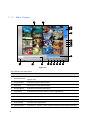
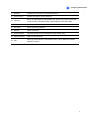
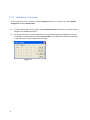
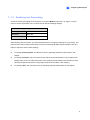
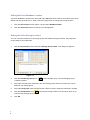
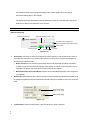
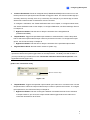
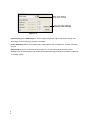
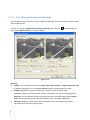
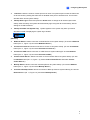
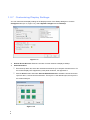
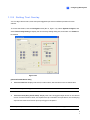
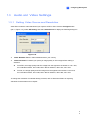
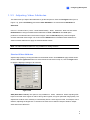
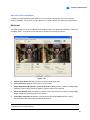
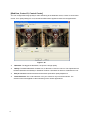
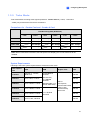
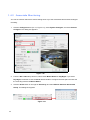
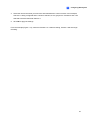
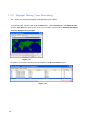
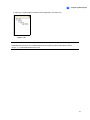
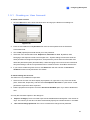
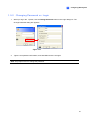
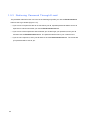
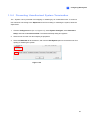
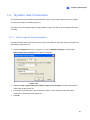
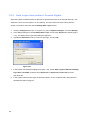
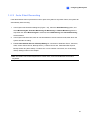
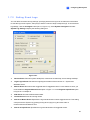
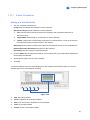
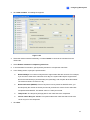
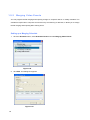
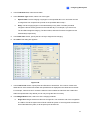
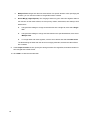
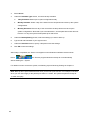
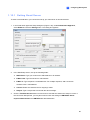
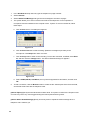
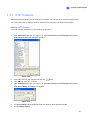
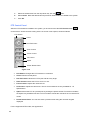
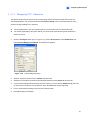
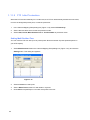
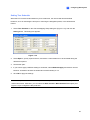
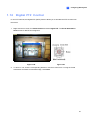
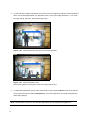
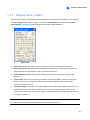
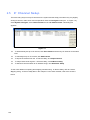
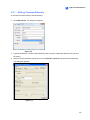
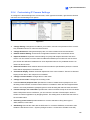
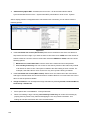
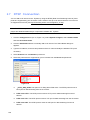
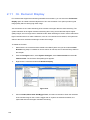
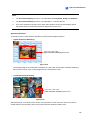
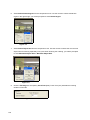
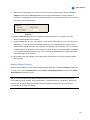
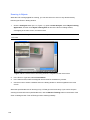
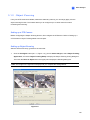
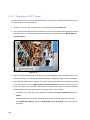
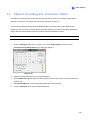
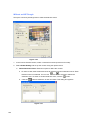
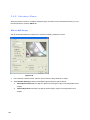
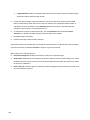
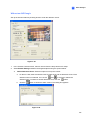
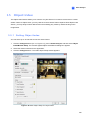
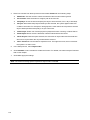
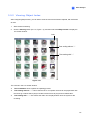
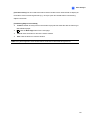
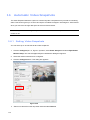
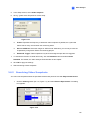
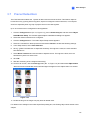
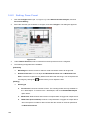
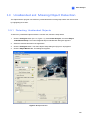
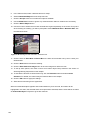
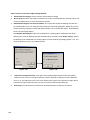
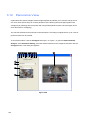
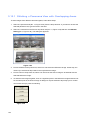
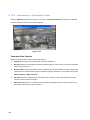
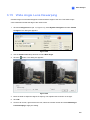
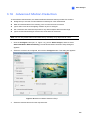
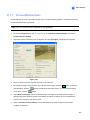
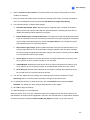
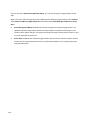
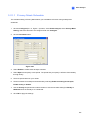
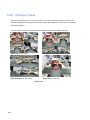
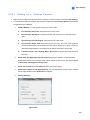
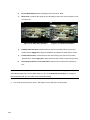
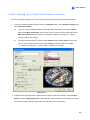
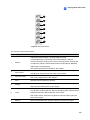
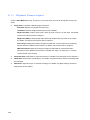
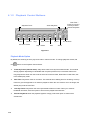
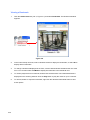
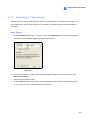
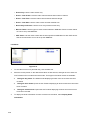
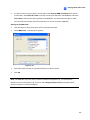
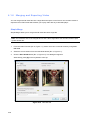
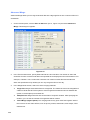
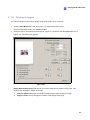
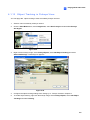
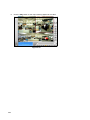
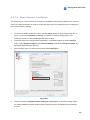
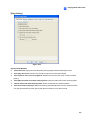
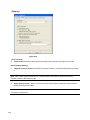
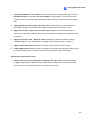
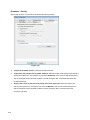
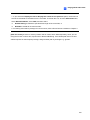
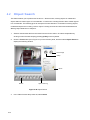
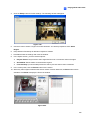
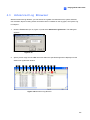
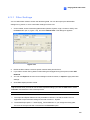
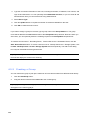
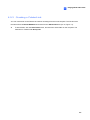
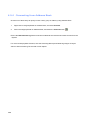
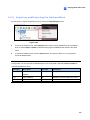
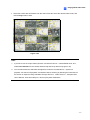
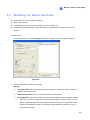
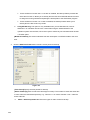
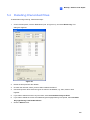
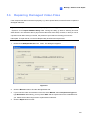
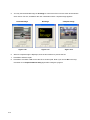
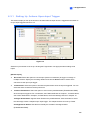
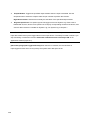
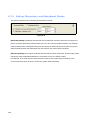
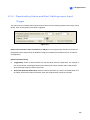
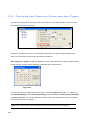
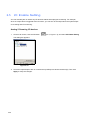
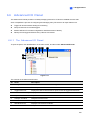
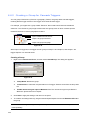
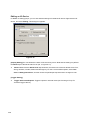
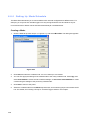
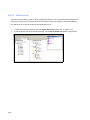
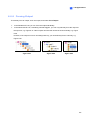
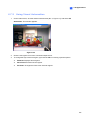
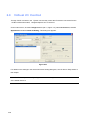
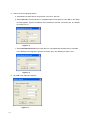
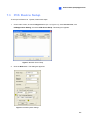
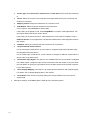
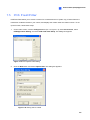
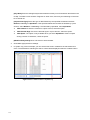
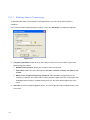
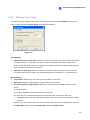
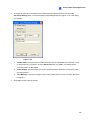
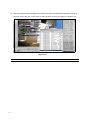
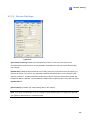
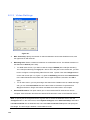
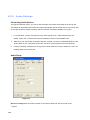
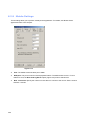
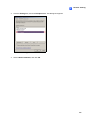
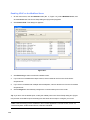
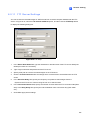
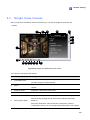
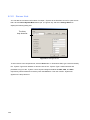
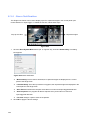
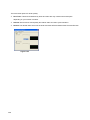
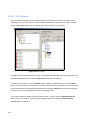
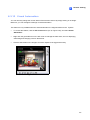
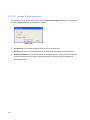
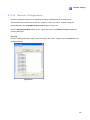
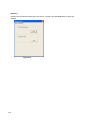
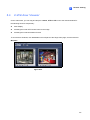
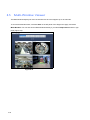
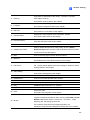
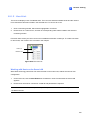
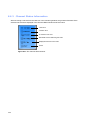
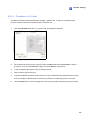
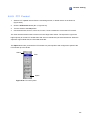
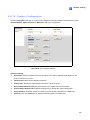
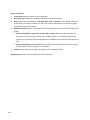
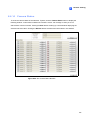
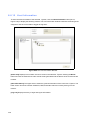
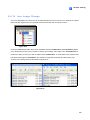
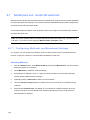
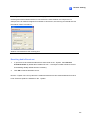
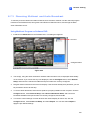
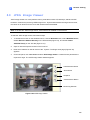
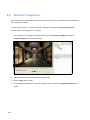
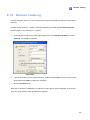
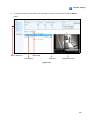
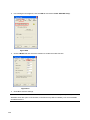
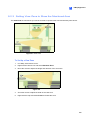
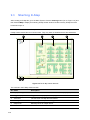
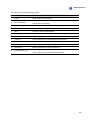
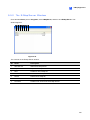
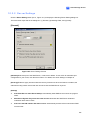
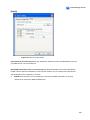
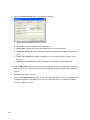
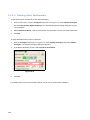
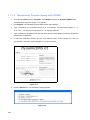
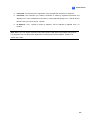
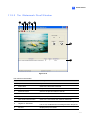
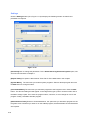
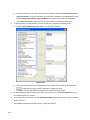
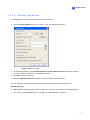
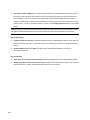
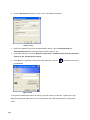
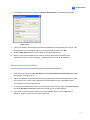
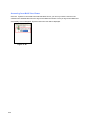
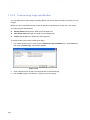
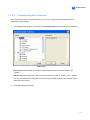
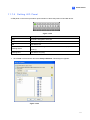
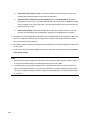
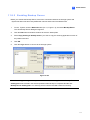
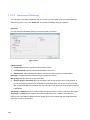
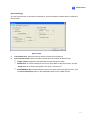
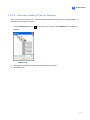
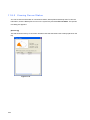
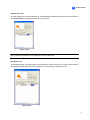
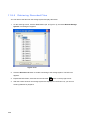
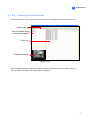
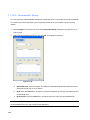
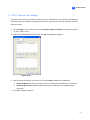
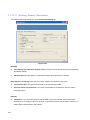
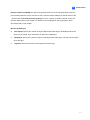
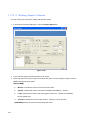
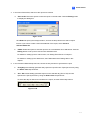
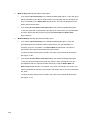
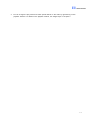
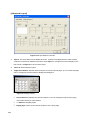
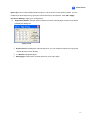
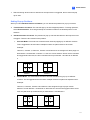
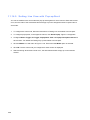
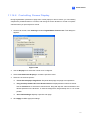
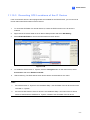
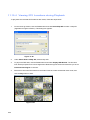
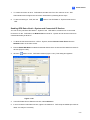
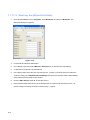
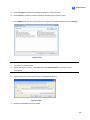
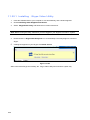
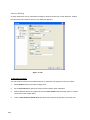
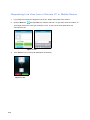
3 Video Analysis 3.22.1 Setting Up a -Fisheye Camera 1. Right-click the image of the fisheye camera, select the camera number, and select Geo Fisheye. 2. To customize the fisheye settings, right-click the image and select Fisheye Option. The following configurations are available: Camera Modes: You can choose among four view modes. Geo Fisheye: Quad view: Composed of four PTZ views. Geo Fisheye: 360 degree: Composed of two PTZ views and one 360º panoramic view. Geo Fisheye: Dual 180 degree: Composed of two 180º views. Geo Fisheye: Single view: Composed of one PTZ view. This view mode supports the advanced Picture-in-Picture (PIP) function, which allows you to have a close-up dewarped image within the surveillance area without missing the entire view. Camera Position: Select Ceiling, Wall or Ground according to where the camera is mounted. Adjust Auto Pan Speed At Top-Left Channel: Select low, medium, or high speed to enable Auto Pan for one PTZ view at the rotation speed of your choice. This option applies to Quad view, 360 degree and Single view. Zoom: Select Zoom In or Zoom Out and then click on the image. Show Source Video At Top-Right Channel: You can display the circular source image in the top-right quadrant when Quad view is selected. Fisheye Settings: Figure 3-69 223