1
BT740 Development Kit
Quick Start Guide
AT MODE
Obtain Version & Bluetooth Address
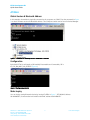
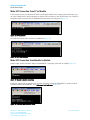
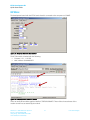
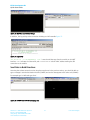
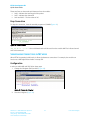
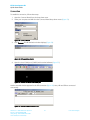
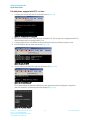
In this example, the module is physically connected to the computer on COM47. See the commands in Figure
5 to check firmware version and Bluetooth address. The COM port number can be found in Device Manager.
Figure 5: Commands for checking firmware version and BT address
Configuration
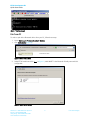
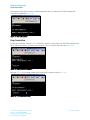
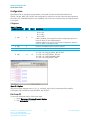
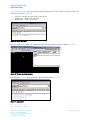
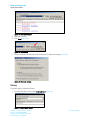
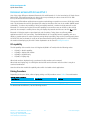
By default, BT740 is configured as SPP enabled, Discoverable and Connectable, SSP +
IO_CAP_NO_INPUT_NO_OUTPUT (Figure 6).
Figure 6: Configuration defaults
Make Inquiry
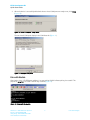
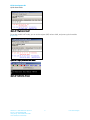
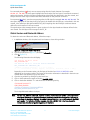
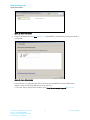
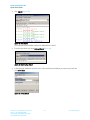
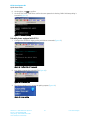
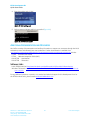
You can inquiry nearby Bluetooth devices by issuing AT+BTIN. In Figure 7, BT740 (MAC address:
0016A40605F1) found another Laird module with MAC address 0016A40605F1.
Americas: +1-800-492-2320 Option 3
Europe: +44-1628-858-940
Hong Kong: +852-2268-6567 x026
www.lairdtech.com/wireless
3
Laird Technologies