1
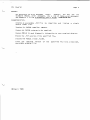
fix
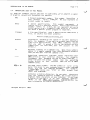
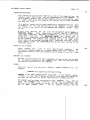
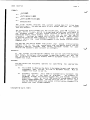
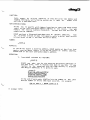
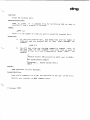
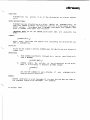
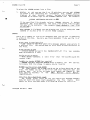
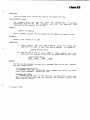
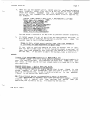
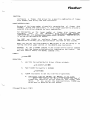
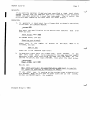
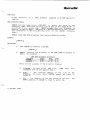
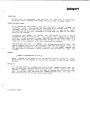
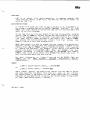
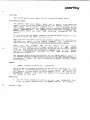
FUNCTION:
debugger.
AlLows you to examine and execute your assembLy
Language program and data structures in a controLled manner.
Symbotic
HINTS / RESTRICTIONS
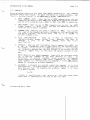
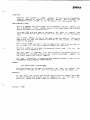
Its operation is very simiLar to
It has two modes, Display Mode and Command
FIX is a screen—oriented debugger.
the
VUE
screen
editor.
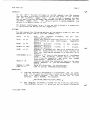
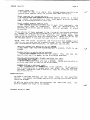
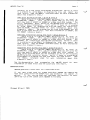
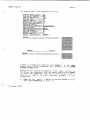
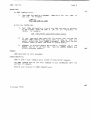
In Display Mode you can examine your program and data areas, and
you may single—step or proceed through portions of the program.
in
Command
Mode
you may examine and modify the AM—100 registers, examine
data structures, and set up the debugging environment. You may toggle
between the two FIX modes by pressing the ESCAPE key.
Mode.
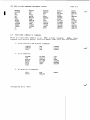
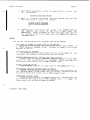
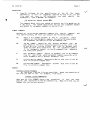
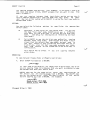
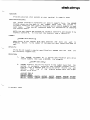
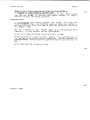
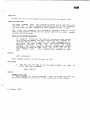
Both input and output values may be either in symbolic or numeric form.
If FIX finds a .SYM fiLe for the program you are debugging, it wiLt
attempt to display aLL values in symboLic form. Either octaL or hex
form may be used for numeric vaLues; use the SET command in Command
Mode to change the current radix.
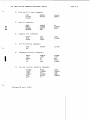
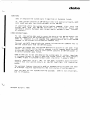
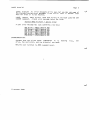
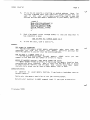
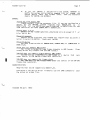
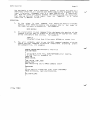
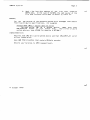
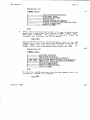
To access a local symbol, specify the non—local symbol that precedes
the LocaL symboL, enter a space, then enter the locaL symboL. For
exampLe, in using the Search command:
>LABEL 1O$
where LABEL is the non—locaL symboL that precedes the local symbol 10$.
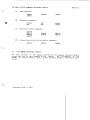
For more information, see the AIphaFIX User's Manual, (DWM—OO100—69).
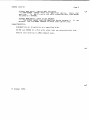
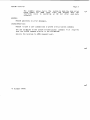
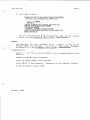
NOTE:
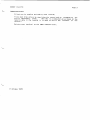
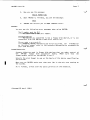
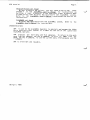
RETURN.
To exit FIX, enter Command Mode.
Now type a
Q
foLlowed
by
a
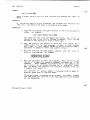
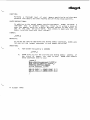
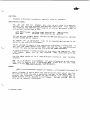
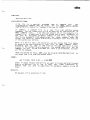
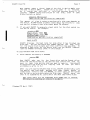
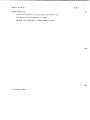
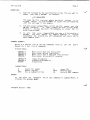
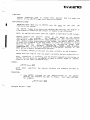
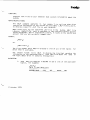
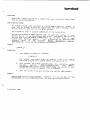
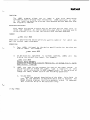
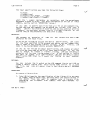
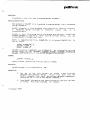
FORMAT:
.FIX Filespec
where Fitespec selects the fiLe that you want to debug.
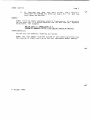
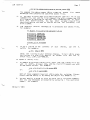
DEFAULTS:
If you do not specify a file extension, FIX assumes that the file is
.PRG fiLe.
Other defauLts are set by the INI.FIX initiaLization fiLe.
(Changed 30 ApriL 1981)
a