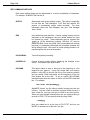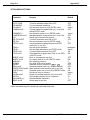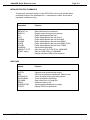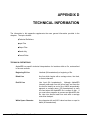
1
Chapter One
Page 1-3
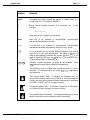
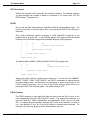
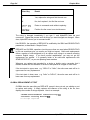
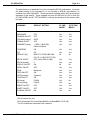
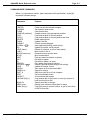
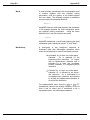
SYMBOL
MEANING
NAME
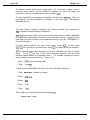
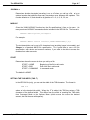
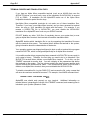
Command and option names are printed in capital letters in a
smaller type font. For example: SEARCH.
{}
Braces indicate optional elements of a command line.
example:
In the
DIR{/switch}
the braces tell you "/switch" is not required.
TEXT
Bold text in an example of user/computer communication
represents the characters you type.
TEXT
Text like this in an example of user/computer communication
represents characters the computer displays on your screen.
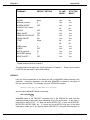
KEY
In our examples, the key symbol appears whenever you need to
press a key on your terminal keyboard. The name of the key you
need to press appears inside the key symbol, like this: RETURN . If you
need to press the TAB key, you would see TAB , or the ESC key,
ESC (sometimes ESC is labeled ESCAPE ).
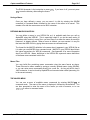
CTRL
^
/
KEY
Indicates a control sequence you press on the keyboard. Press
CTRL and hold it down while pressing the indicated key.
This symbol in front of a capital letter means the letter is a "control
character." For example, when you press CTRL / C , it appears on
your screen as ^C.
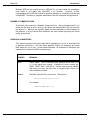
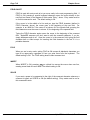
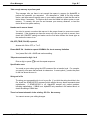
This symbol means "halt!" It indicates an important note you
should read carefully before going further in the documentation.
Usually, text next to this symbol contains instructions for something
you MUST or MUST NOT do, so read it carefully.
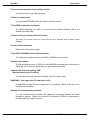
This symbol means "hint." It indicates a helpful bit of information,
or a "short cut" that could save you time or trouble.
This symbol means "remember." It indicates something you should
keep in mind while you are following a set of instructions.
AlphaXED User’s Manual, Rev. 01