1
2-3 Uninstallation Procedure
2-3 Uninstallation Procedure
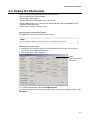
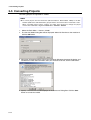
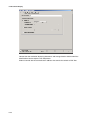
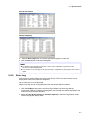
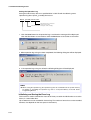
1. To uninstall the NS-Runtime, click the Windows Start Button and select Settings –
Control Panel.
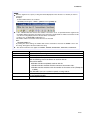
2. Double-click Add/Remove Programs.
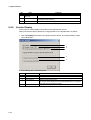
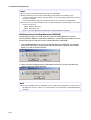
3. Select NS-Runtime_V@.@ (@.@ indicates the version number) from the list and click the
Edit/Delete Button. Follow the instructions displayed in window messages to uninstall the
NS-Runtime.
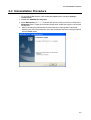
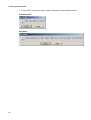
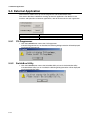
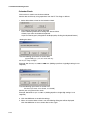
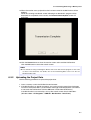
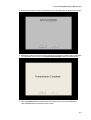
4. When uninstalling the NS-Runtime has been finished, a message will be displayed
indicating that the uninstall operation has been completed. Check the message and then
click the Finish Button.
2-5