1
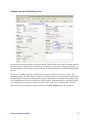
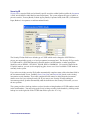
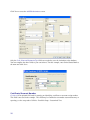
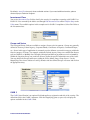
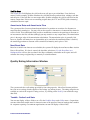
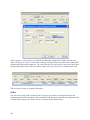
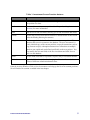
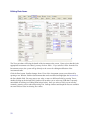
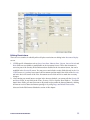
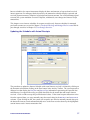
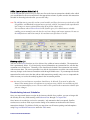
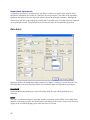
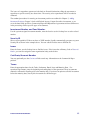
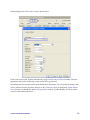
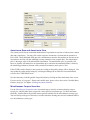
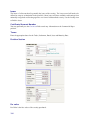
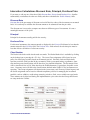
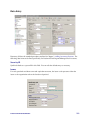
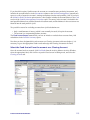
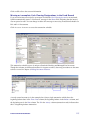
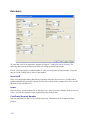
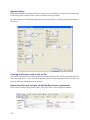
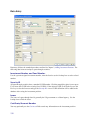
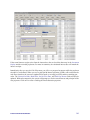
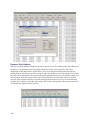
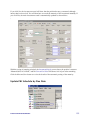
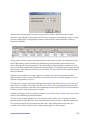
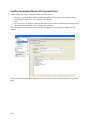
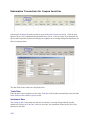
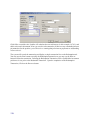
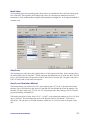
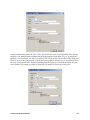
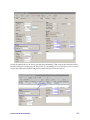
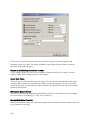
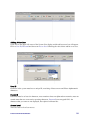
Receipt Date
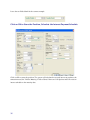
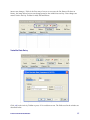
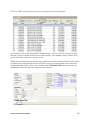
The date when funds from the sale were actually received. This field defaults to the Trade Date but
you should modify it to show the actual date of cash receipt.
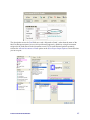
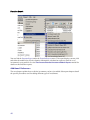
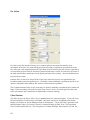
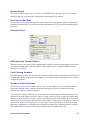
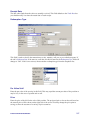
Redemption Type
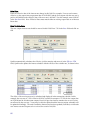
This field is used to classify the transaction as a sale, maturity, call, put, or pre-refund on reports. If
the sale’s Settlement Date is the same as a call date for this investment, the Redemption Type field will
change to ‘Call’. If this is not correct, choose another redemption type from the dropdown list.
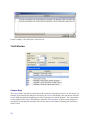
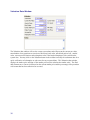
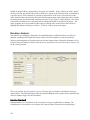
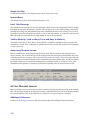
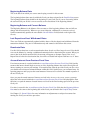
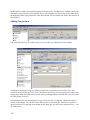
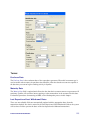
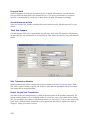
Par Value Sold
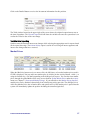
Enter the par value of the security in this field. This may equal the current par value of the position or
may be less, in the case of a partial sale or call.
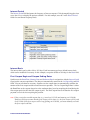
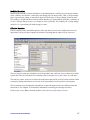
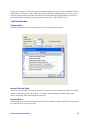
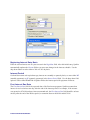
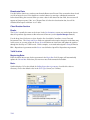
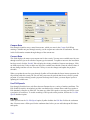
Price
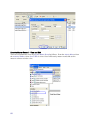
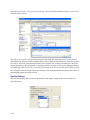
Enter the price of the bid for the sale of this position. The projected gain or loss on the sale based on
the entered price will be shown on the right side of the screen. You may change the price prior to
saving, to show the outcome of a variety of price scenarios.
Fixed Income Extended Module
167