1
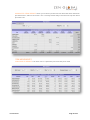
ZEN GLOBAL – HOME SCREEN
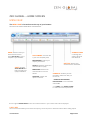
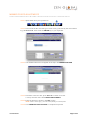
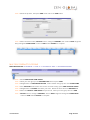
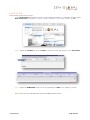
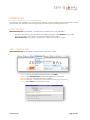
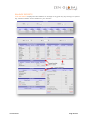
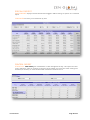
MENU BAR The MENU BAR is located across the top of your browser
GETTING TO KNOW YOUR MENU CATEGORIES:
HOME Select to return you
to the Welcome Screen.
Select STATISTICS to view a
snapshot of your database
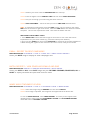
SUGGESTIONS
is your most frequently used;
MAINTENANCE contains your
company information.
SALES Contains
SALES REPORTS for
both non-loyalty and
loyalty transactions
A ‘learning area’ –
displays the most
used functions
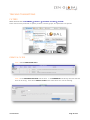
CUSTOMERS This menu tab
LOYALTY maintains, reports and
communicates to loyalty.
MARKETING maintains and
communicates to non-card
holders.
VOUCHERS maintain and
report on vouchers.
HISTORY Records your
current sessions movements
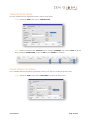
COMPANY Contains your Zen
parameters. Main menu tabs you
will use are;
1.COMPANY MAINTENANCE,
BATCH REPORT to view scheduled
emails/SMS
2. In USERS select PORTAL USERS
to create username and passwords
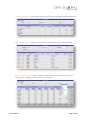
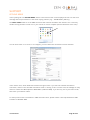
#To the right of SUGGESTIONS the two most visited functions in your current session will be displayed
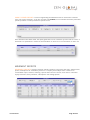
? HELP KEY
The icons found immediately to the left of the Help key, will be the print or download functions when viewing reports
USER MANUAL Page 3 of 31