1
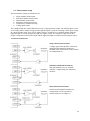
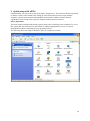
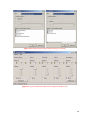
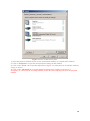
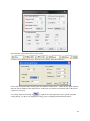
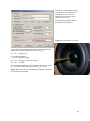
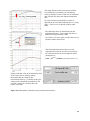
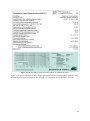
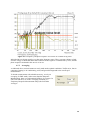
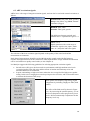
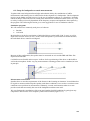
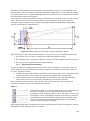
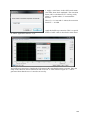
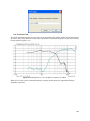
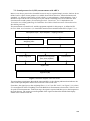
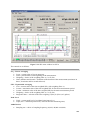
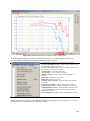
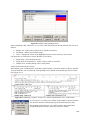
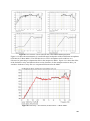
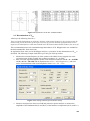
Figure 4.5 Vista sound control panel.
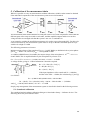
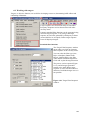
1) Select the playback channel (do not use the measurement channel as a default audio channel).
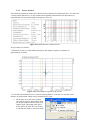
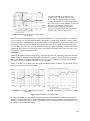
2) Click on ‘Properties’ to open the sound properties dialog for that channel.
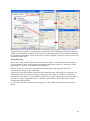
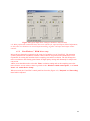
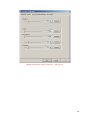
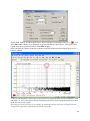
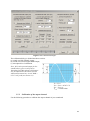
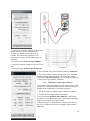
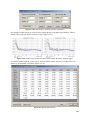
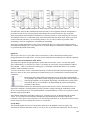
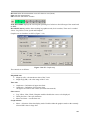
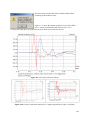
3) Click on the ‘Levels’ tab to open the output mixer (Figure 4.6). Mute the Line In and Mic channels,
if they are shown.
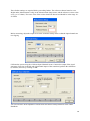
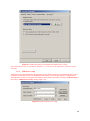
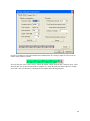
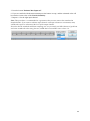
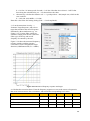
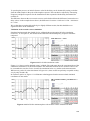
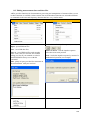
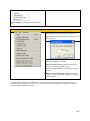
4) Click on the ‘Advanced' tab to set the channel resolution and a sample rate (Figure 4.7).
5) Repeat 1 to 4 above for the recording channel; choose the same sampling rate as for the playback
channel.
28