1
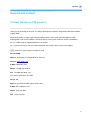
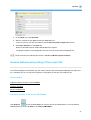
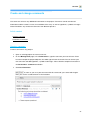
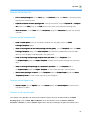
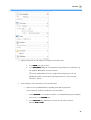
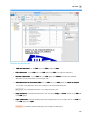
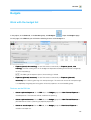
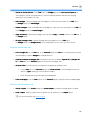
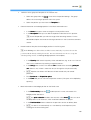
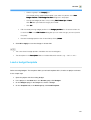
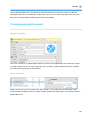
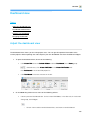
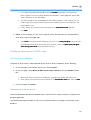
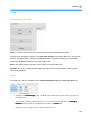
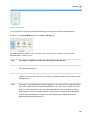
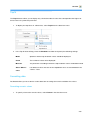
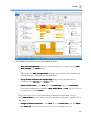
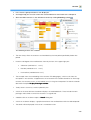
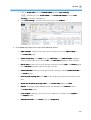
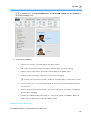
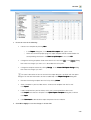
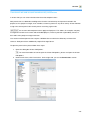
2. In the Project area, in the Name field enter the name of your project. The project name is a freely
definable description of the project.
The project name can be used for more than one project.
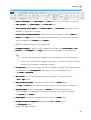
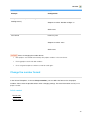
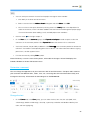
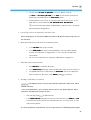
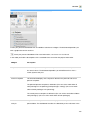
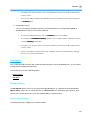
3. In the Name field enter the number of your project to identify it in the InLoox PM system. This
field is a mandatory field. You can customize the number in the InLoox PM options.
For more information see Change the number format.
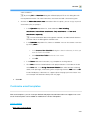
Adjust the project number
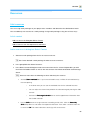
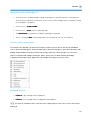
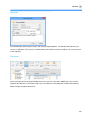
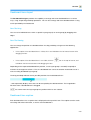
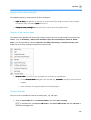
In the InLoox PM options, you can customize and configure the InLoox PM features, inter alia the project
number.
Article content
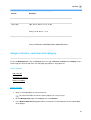
Setting a project number
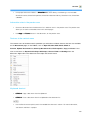
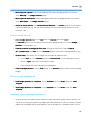
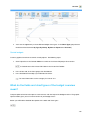
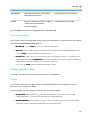
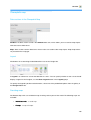
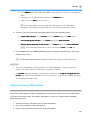
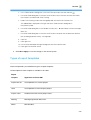
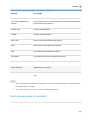
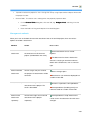
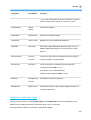
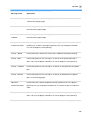
Mode description for prefix and suffix
Examples of common formats
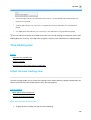
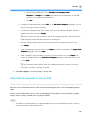
Setting a project number
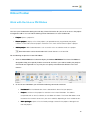
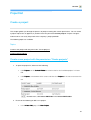
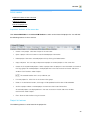
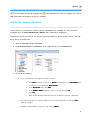
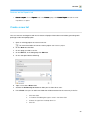
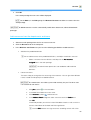
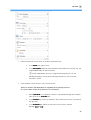
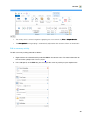
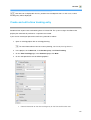
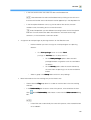
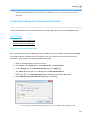
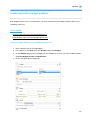
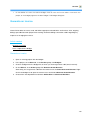
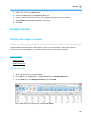
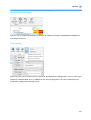
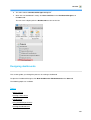
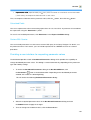
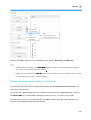
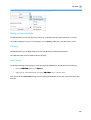
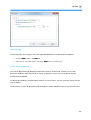
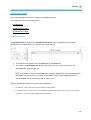
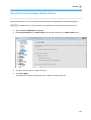
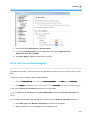
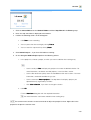
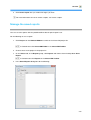
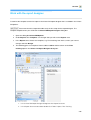
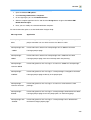
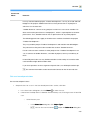
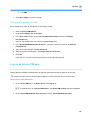
1. Open the dialog box InLoox PM Options.
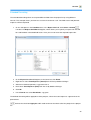
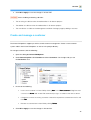
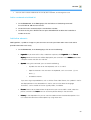
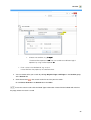
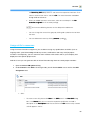
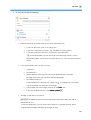
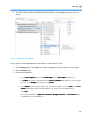
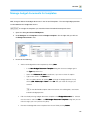
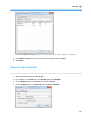
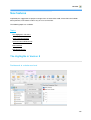
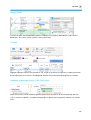
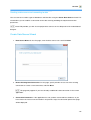
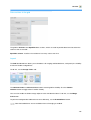
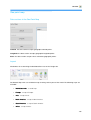
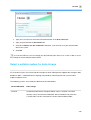
2. Under General options, click Project number. On the right side you see the Project
number area:
34