1
CS+ V3.00.00
A. WINDOW REFERENCE
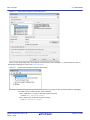
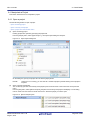
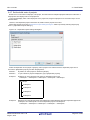
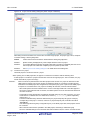
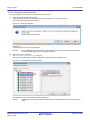
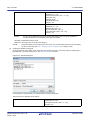
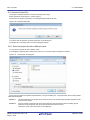
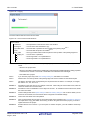
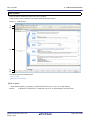
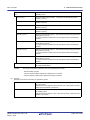
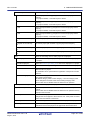
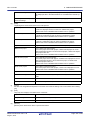
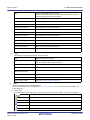
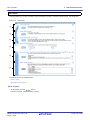
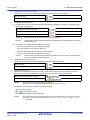
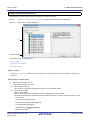
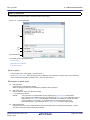
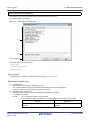
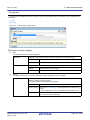
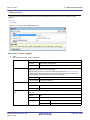
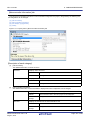
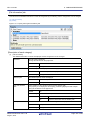
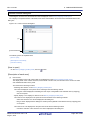
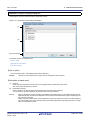
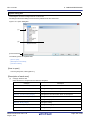
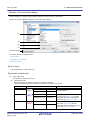
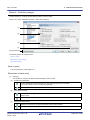
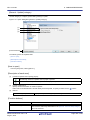
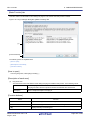
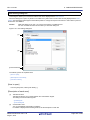
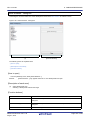
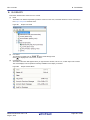
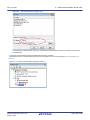
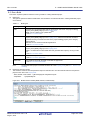
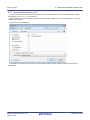
Add Folder and File dialog box
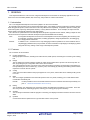
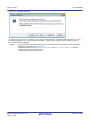
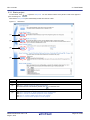
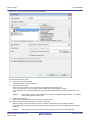
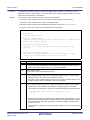
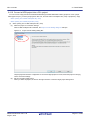
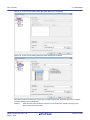
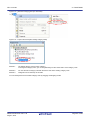
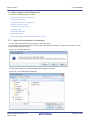
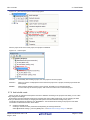
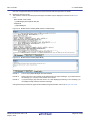
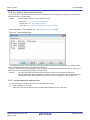
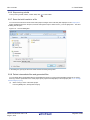
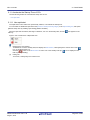
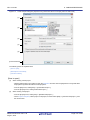
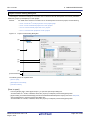
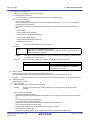
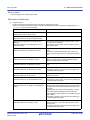
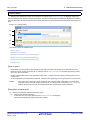
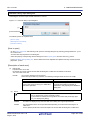
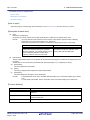
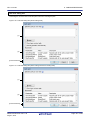
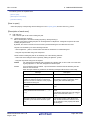
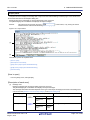
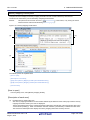
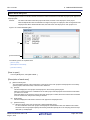
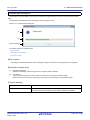
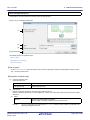
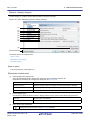
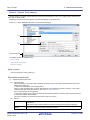
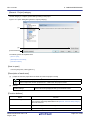
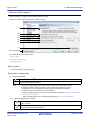
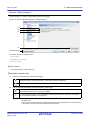
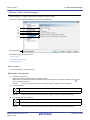
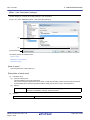
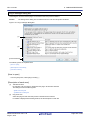
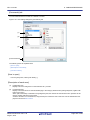
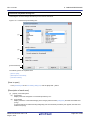
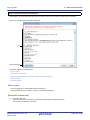
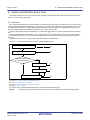
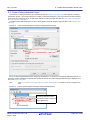
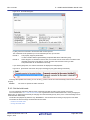
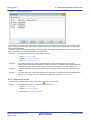
This dialog box is used to add existing files and folder hierarchies to the project.
The folder is added as a category.
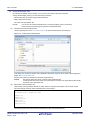
Figure A.9
Add Folder and File Dialog Box
(1)
(2)
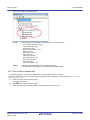
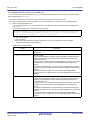
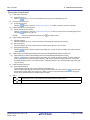
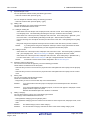
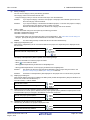
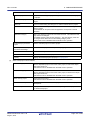
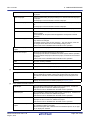
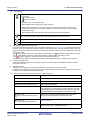
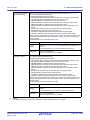
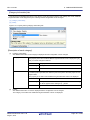
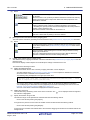
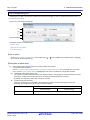
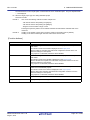
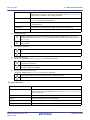
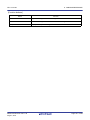
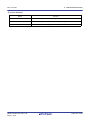
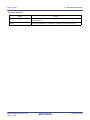
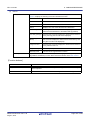
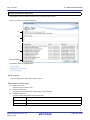
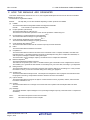
[Function buttons]
The following items are explained here.
- [How to open]
- [Description of each area]
- [Function buttons]
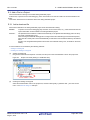
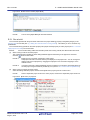
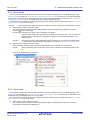
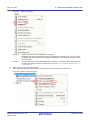
[How to open]
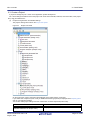
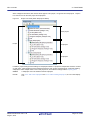
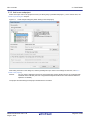
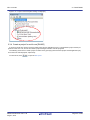
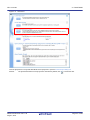
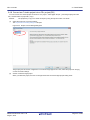
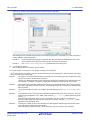
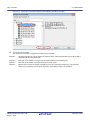
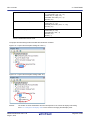
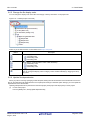
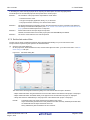
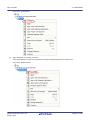
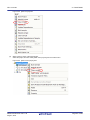
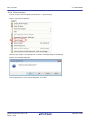
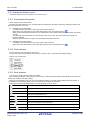
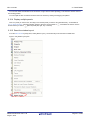
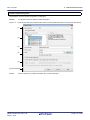
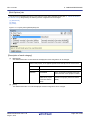
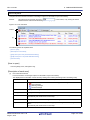
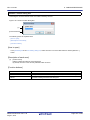
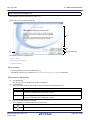
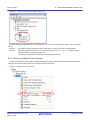
- Drag the folder from Explorer or the like, and drop it on the Project Tree panel.
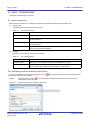
[Description of each area]
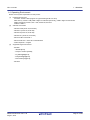
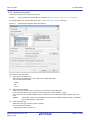
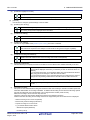
(1)
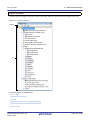
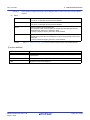
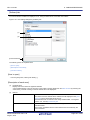
[File type] area
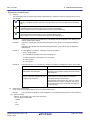
Select the type of the file to be added to the project.
You can select multiple file types by left clicking while holding down the [Ctrl] or [Shift] key.
If nothing is selected, it is assumed that all types are selected.
(2)
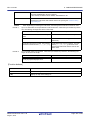
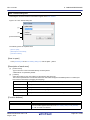
[Subfolder level to search] area
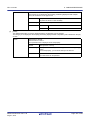
Directly enter the number of levels of the subfolder to be added to the project.
"1" is displayed by default.
Remark
Up to 10 (decimal number) can be specified.
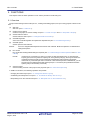
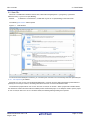
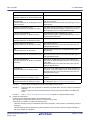
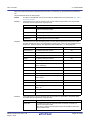
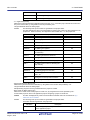
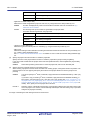
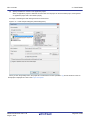
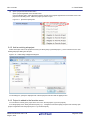
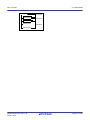
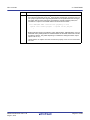
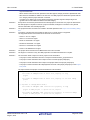
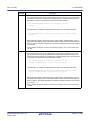
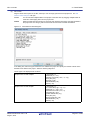
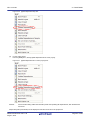
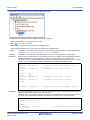
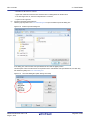
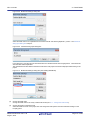
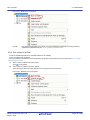
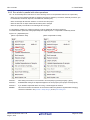
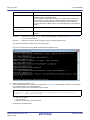
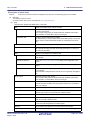
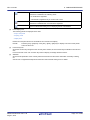
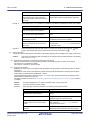
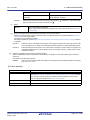
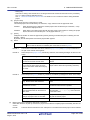
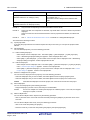
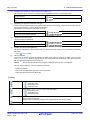
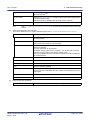
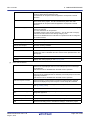
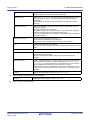
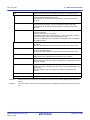
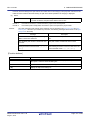
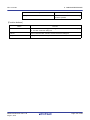
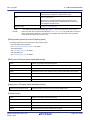
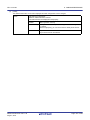
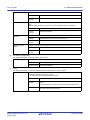
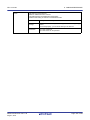
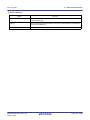
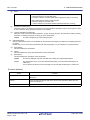
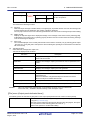
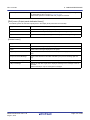
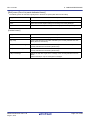
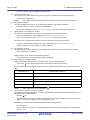
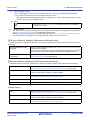
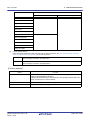
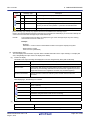
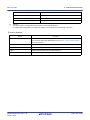
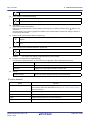
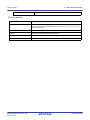
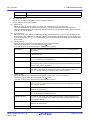
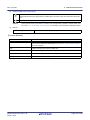
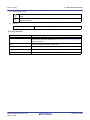
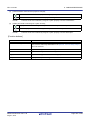
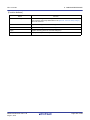
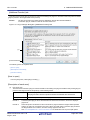
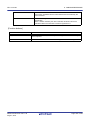
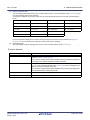
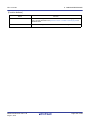
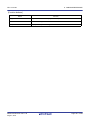
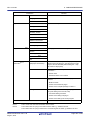
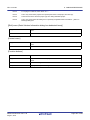
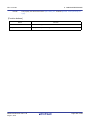
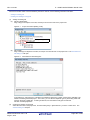
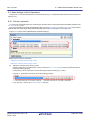
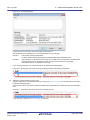
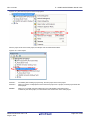
When the input violates any restriction, the following messages will be shown in the tooltip.
Message
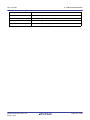
Fewer than 0 or more than 10 values cannot be
specified.
R20UT3101EJ0100 Rev.1.00
Aug 01, 2014
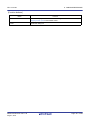
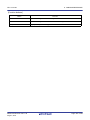
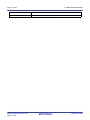
Description
More than 10 subfolder levels have been
specified.
Page 145 of 283