1
Advanced Operation
Web Interface
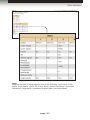
The Web GUI is divided into four main pages: Main, I/O Setup, Manage EDID, and
Configuration. Each main page is represented by a tab at the top-most portion of the
screen. The Main, I/O Setup, and Manage EDID pages have their own set of sub-tabs.
Click on the desired tab / sub-tab to open the desired page.
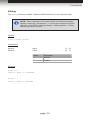
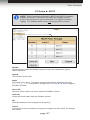
NOTE: In order to view all four tabs at the top of the screen, the user
must be logged in as “Administrator”. If logged-in as “Operator”,
only the Main tab will be visible.
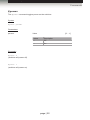
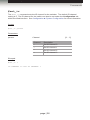
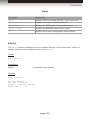
Main ► Routing
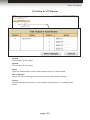
Log Out
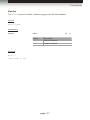
Click Log Out to terminate
the current Web session are
return to the login page.
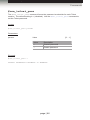
Output
The number of outputs that are available for
routing. Since this is a 4x1 switcher, only one
output is available.
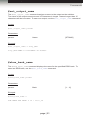
Input #
The input that is currently routed to the output.
page | 59