1
Sending Originals
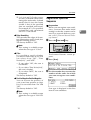
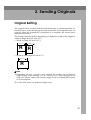
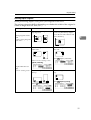
When set with this direction,
the original orientation setting
for delivery must be changed.
⇒ P.36 “Sending Scans”
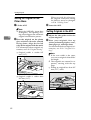
Setting the Original on the
Platen Glass
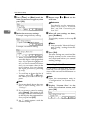
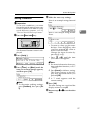
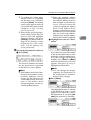
A Lift the ADF.
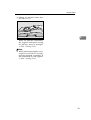
C Lower the ADF.
Note
❒ Raise the ADF fully (more than
30 degrees). The opening/closing action triggers the automatic
original size detection process.
3
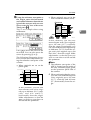
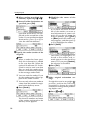
B Place
the original on the platen
glass with the side to be scanned
facing down. Align the far left
edge of the original with the mark.
For information about original orientation, see P.29 “Original Setting”.
A Original width is within 297
mm (11.7").
Setting position
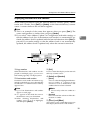
Setting Originals in the ADF
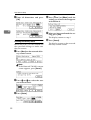
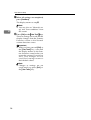
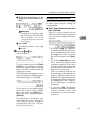
A Adjust the side guides to the size
of your originals.
B Place
your originals face up
(when performing duplex scans,
front page up), and align them.
For information about original orientation, see P.29 “Original Setting”.
Note
❒ If the scan width is the same,
you can set originals that different length.
❒ The originals are scanned in sequence, starting with the top
page.
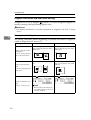
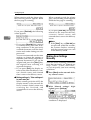
A Setting an original less than 297
mm (11.7") wide:
TNSY021J
B
Original width is wider than
297 mm (11.7").
Setting position
ZEPY010J
TNSY023J
32