1
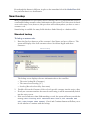
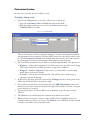
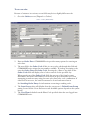
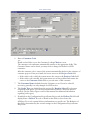
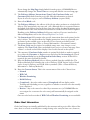
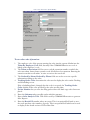
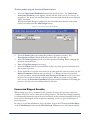
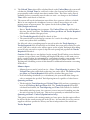
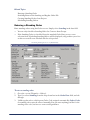
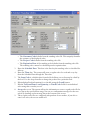
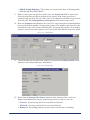
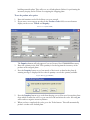
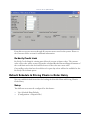
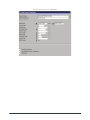
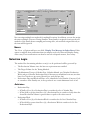
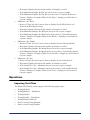
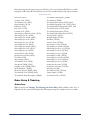
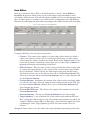
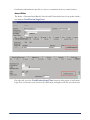
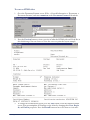
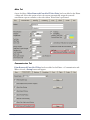
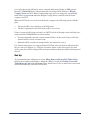
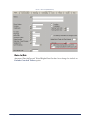
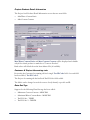
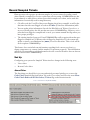
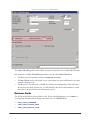
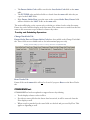
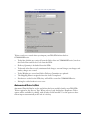
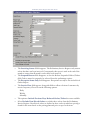
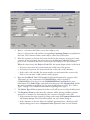
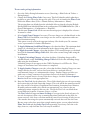
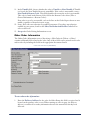
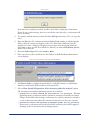
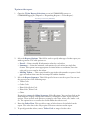
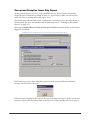
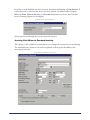
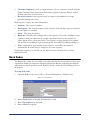
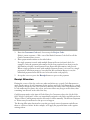
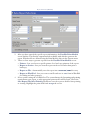
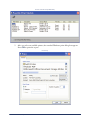
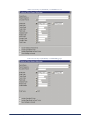
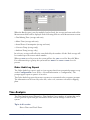
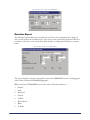
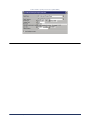
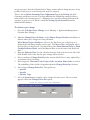
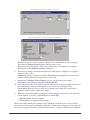
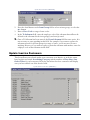
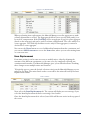
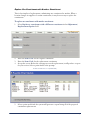
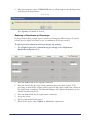
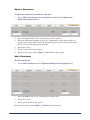
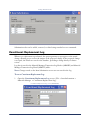
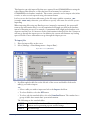
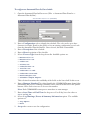
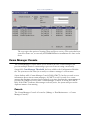
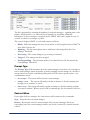
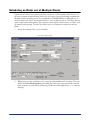
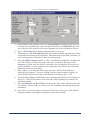
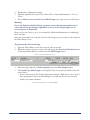
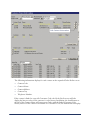
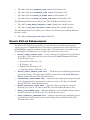
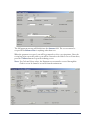
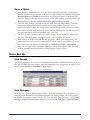
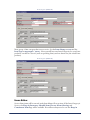
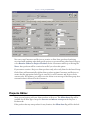
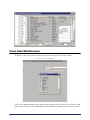
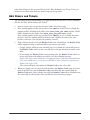
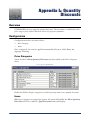
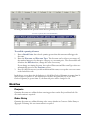
Update Zone Salesman (SELZNSL))
2.
3.
4.
5.
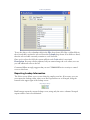
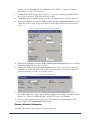
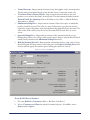
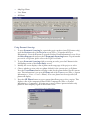
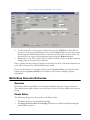
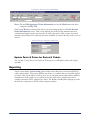
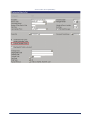
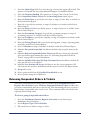
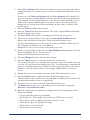
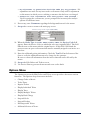
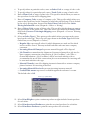
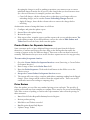
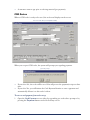
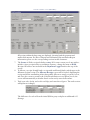
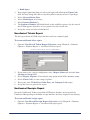
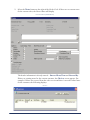
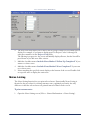
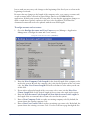
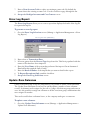
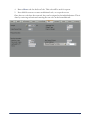
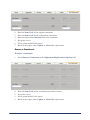
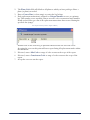
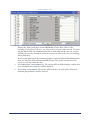
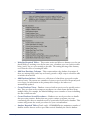
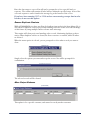
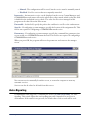
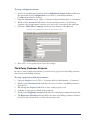
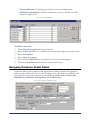
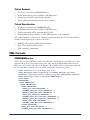
Press the detail button on the Item Group field to select an item group, or select the
All button.
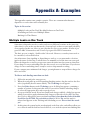
Enter a Zone Code or range of zone codes.
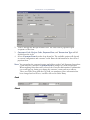
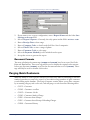
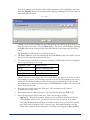
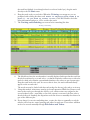
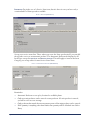
In the To Salesman field, enter the employee code of the salesman that will now be
defined as the salesman for the item group(s) and zone(s) stated.
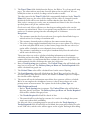
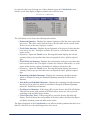
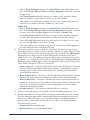
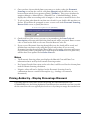
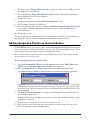
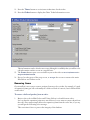
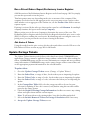
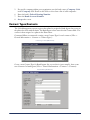
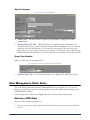
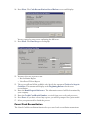
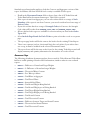
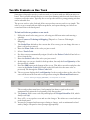
Once a To Salesman has been entered, the From Salesman field becomes active. It is
not necessary to enter anything in this field. For example, if you want to replace the
salesman entered for all item groups in a range of zones, you do not need to enter
anything. However, if you want to replace a particular salesman with another, enter the
employee code of that salesman in this field.
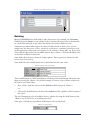
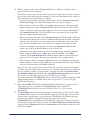
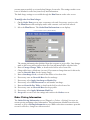
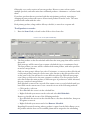
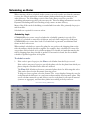
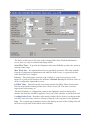
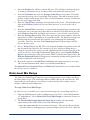
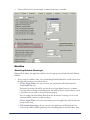
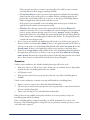
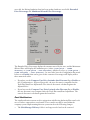
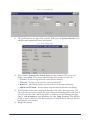
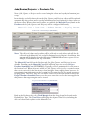
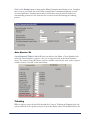
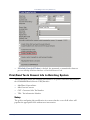
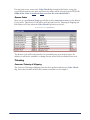
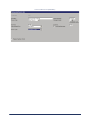
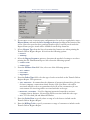
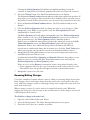
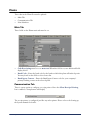
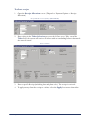
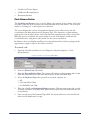
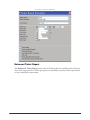
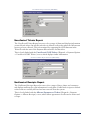
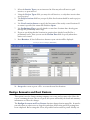
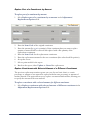
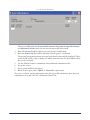
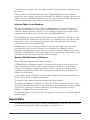
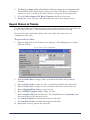
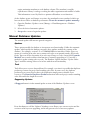
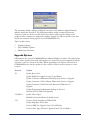
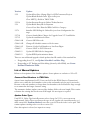
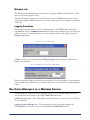
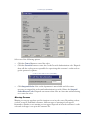
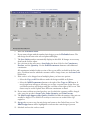
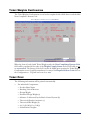
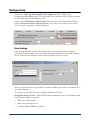
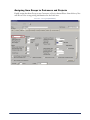
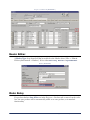
Update Inactive Customers
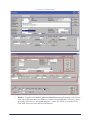
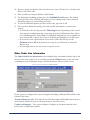
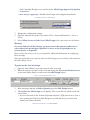
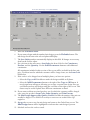
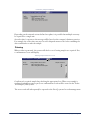
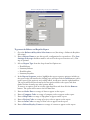
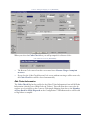
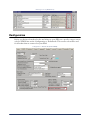
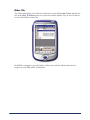
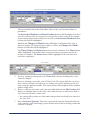
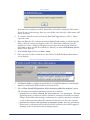
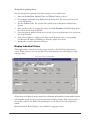
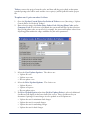
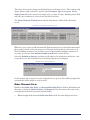
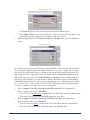
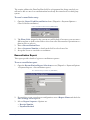
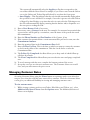
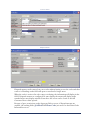
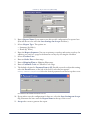
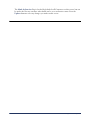
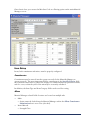
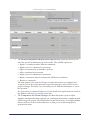
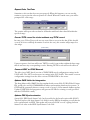
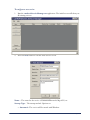
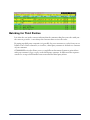
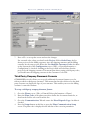
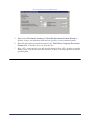
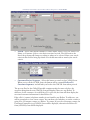
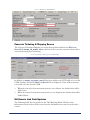
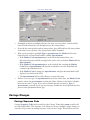
This form allows you to batch update your customers to an Inactive or an Active status
based on their associated Accounting Category and the number of Days Since Last
Order/Ticket for each customer. All orders and tickets for those customers will display
once you have tabbed out of the header fields.
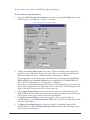
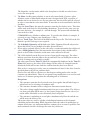
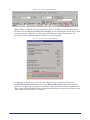
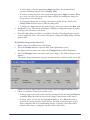
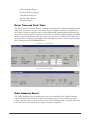
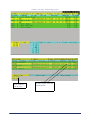
Update Inactive Customers (DBAIACU)
Application Management
319