1
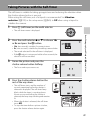
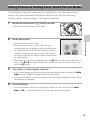
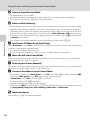
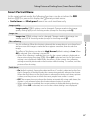
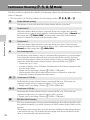
Setup Menu
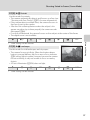
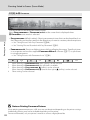
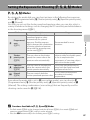
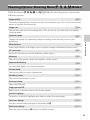
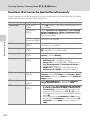
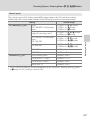
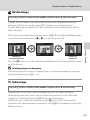
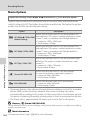
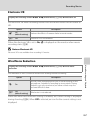
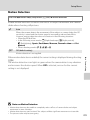
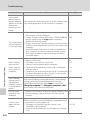
Reset file numbering
Reset the file numbering.
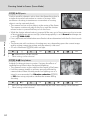
Blink warning
Choose whether or not to detect blinking eyes when shooting pictures using face
priority.
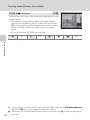
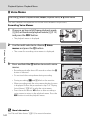
Reset all
Restore camera settings to default values.
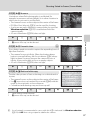
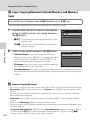
Firmware version
Display the camera firmware version.
A202
A203
A205
A208
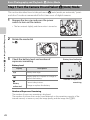
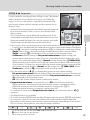
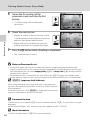
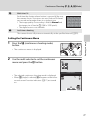
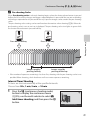
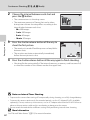
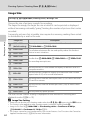
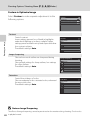
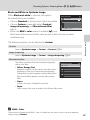
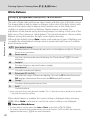
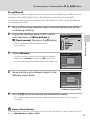
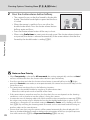
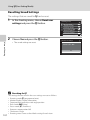
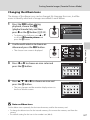
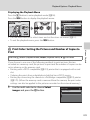
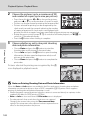
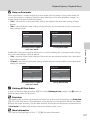
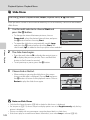
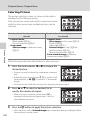
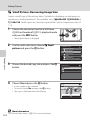
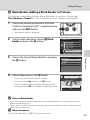
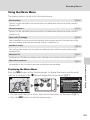
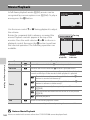
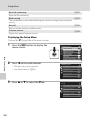
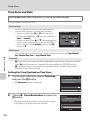
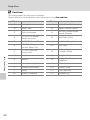
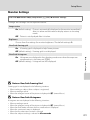
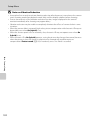
Displaying the Setup Menu
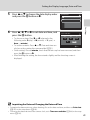
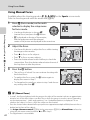
Choose the z (Setup) tab in the menu screen.
1
Basic Camera Setup
2
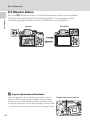
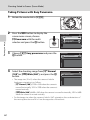
Press the d button to display the
menu screen.
Press J on the multi selector.
• The tabs can now be selected.
• See “Multi Selector” (A12).
3
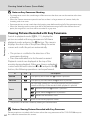
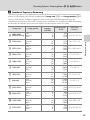
Press H or I to select the z tab.
Shooting menu
Image quality
Image size
Optimize image
White balance
ISO sensitivity
Metering
Exposure bracketing
Shooting menu
Image quality
Image size
Optimize image
White balance
ISO sensitivity
Metering
Exposure bracketing
Set up
Welcome screen
Time zone and date
Monitor settings
Print date
Vibration reduction
Motion detection
AF assist
186