1
Chapter 4: Servo Drive Parameters
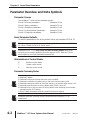
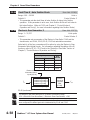
Parameter Overview and Note Symbols
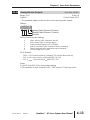
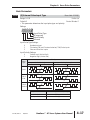
Parameter Groups
The SureServo™ drive has five parameter groups:
Group 0: Monitor parameters
(example: P0-xx)
Group 1: Basic parameters
(example: P1-xx)
Group 2: Extension parameters
(example: P2-xx)
Group 3: Communication parameters
(example: P3-xx)
Group 4: Diagnostic parameters
(example: P4-xx)
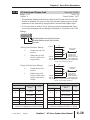
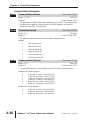
Reset Parameter Defaults
To reset the parameters to the factory default values, set parameter P2-08 to 10.
The following parameters do not return to factory default values after setting P2-08 to
10: P0-04 ~ P0-08, P0-18, P1-31, P4-20, P4-21.
Parameters P2-10 ~ P2-22 may or may not return to factory default values when
switching control modes, depending upon the setting of P1-01. Refer to P1-01 for
details regarding how these parameters are defaulted.
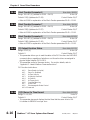
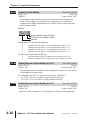
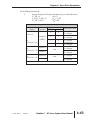
Abbreviations of Control Modes
P:
Position control mode
T:
Torque control mode
V:
Velocity control mode
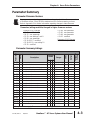
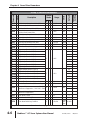
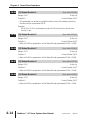
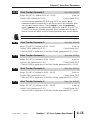
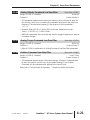
Parameter Summary Notes
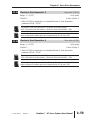
Notes:
1) Read-only register.
2) Parameter cannot be set when the servo drive is enabled.
3) Parameter is effective only after power to the servo drive has been cycled.
4) Parameter setting not written to drive flash memory; not retained when power is off.
5) Parameter does not return to factory default when P2-08 is set to 10.
6) Parameter may or may not return to factory default when switching control modes,
depending upon P1-01 setting.
7) Block Transfer Parameters must be entered from the drive keypad.
Parameter values are in decimal format unless otherwise indicated by “h” for
hexadecimal.
4–2
SureServo™ AC Servo Systems User Manual
2nd Ed, Rev B
08/2011