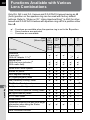
1
95
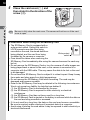
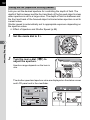
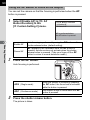
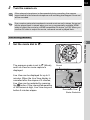
Using a Lens with an Aperture Ring
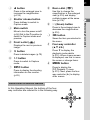
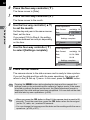
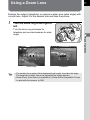
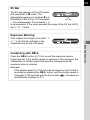
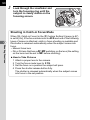
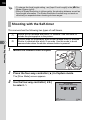
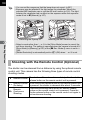
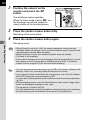
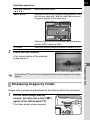
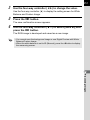
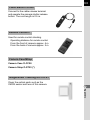
When using a lens with an aperture
ring, set the aperture to the s (AUTO)
position while holding down the autolock button on the lens.
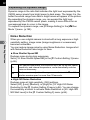
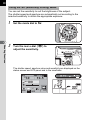
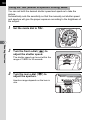
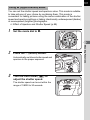
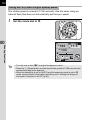
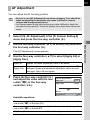
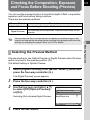
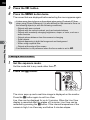
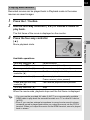
Using the B (Green) Mode
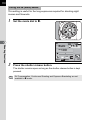
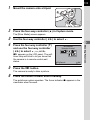
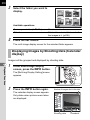
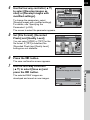
1
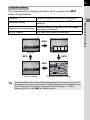
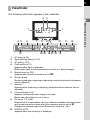
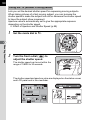
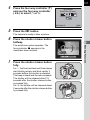
Set the mode dial to B.
4
Shooting Functions
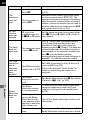
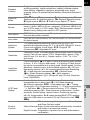
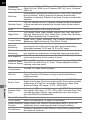
Lets you capture images with fully automatic settings.
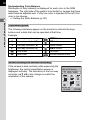
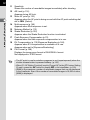
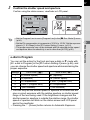
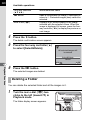
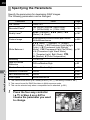
In B mode, pictures are taken with the following settings.
• Program Line
j (AUTO)
• File Format
JPEG
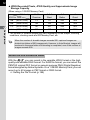
• JPEG Recorded Pixels
W
• JPEG Quality
C
• Sensitivity
AUTO
• Metering Method
L (Multi-segment Metering)
• AF Point
S (Auto)
• White Balance
F (Auto)
• Custom Image
Bright
• Shake Reduction
k (On)
• Color Space
sRGB