1
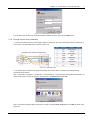
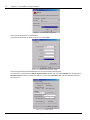
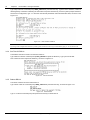
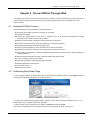
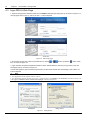
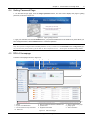
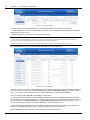
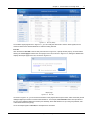
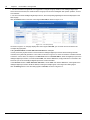
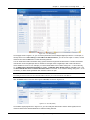
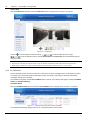
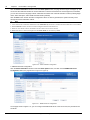
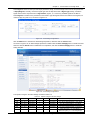
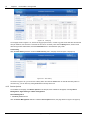
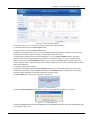
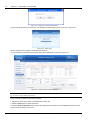
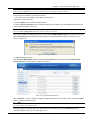
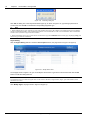
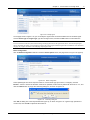
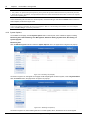
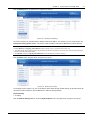
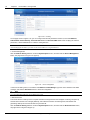
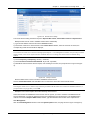
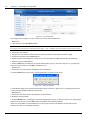
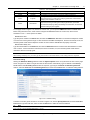
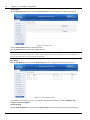
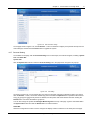
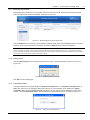
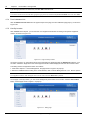
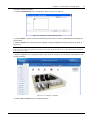
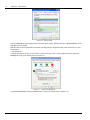
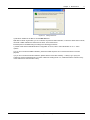
Chapter 4 Access RDU-A Through Web 59 The setting method is as follows: 1. Click the Set Background button, the dialog box shown in Figure 4-74 pops up; Figure 4-74 Dialog box of setting background picture 2. Click the Browse… button to choose the background picture, after it is chosen, the Preview area will display the preview effect; 3. Click the Upload button, after the picture is uploaded, the page will display the background picture, as shown in Figure 4-75; Note Only .gif, .ipg and .bmp format pictures are allowed to be uploaded, the picture size cannot exceed 250K, and the recommended picture size is 700 × 500. 4. Drag the equipment icon to change its location at will. As shown in Figure 4-75, the location of the equipment icon has been changed; Figure 4-75 The setting is completed 5. Click the Save Location button to complete the setting. IRM-U061D RDU-A Intelligent Monitoring Unit User Manual